Explore the process of adding case log service categories in this guide. These categories denote the services offered, such as supplying a client with bus tickets or a gift card.
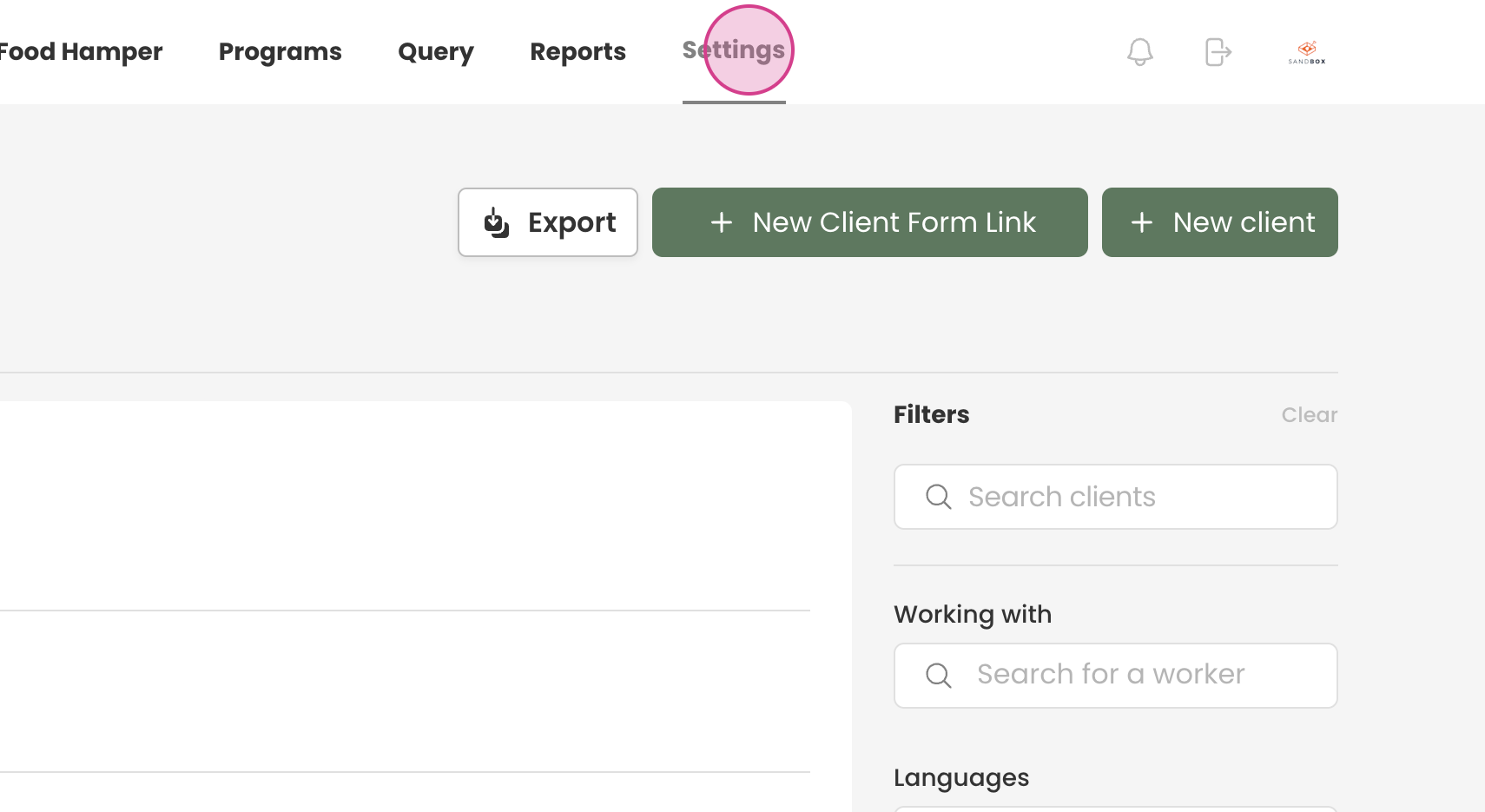
Step 1: Navigate to the settings.
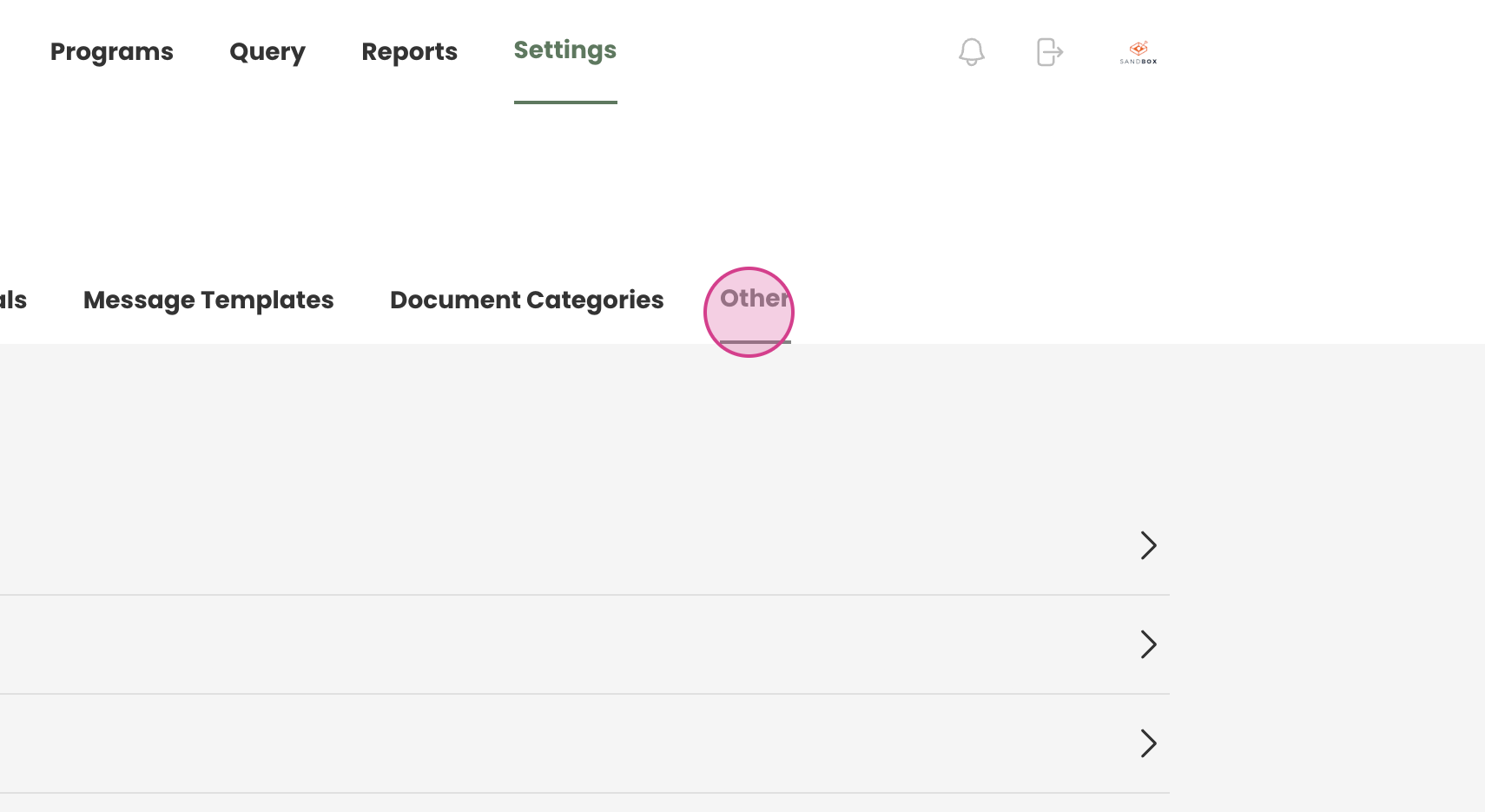
Step 2: Proceed to the Other section from the settings.
Step 3: Locate the service categories at the bottom of the Other section and expand
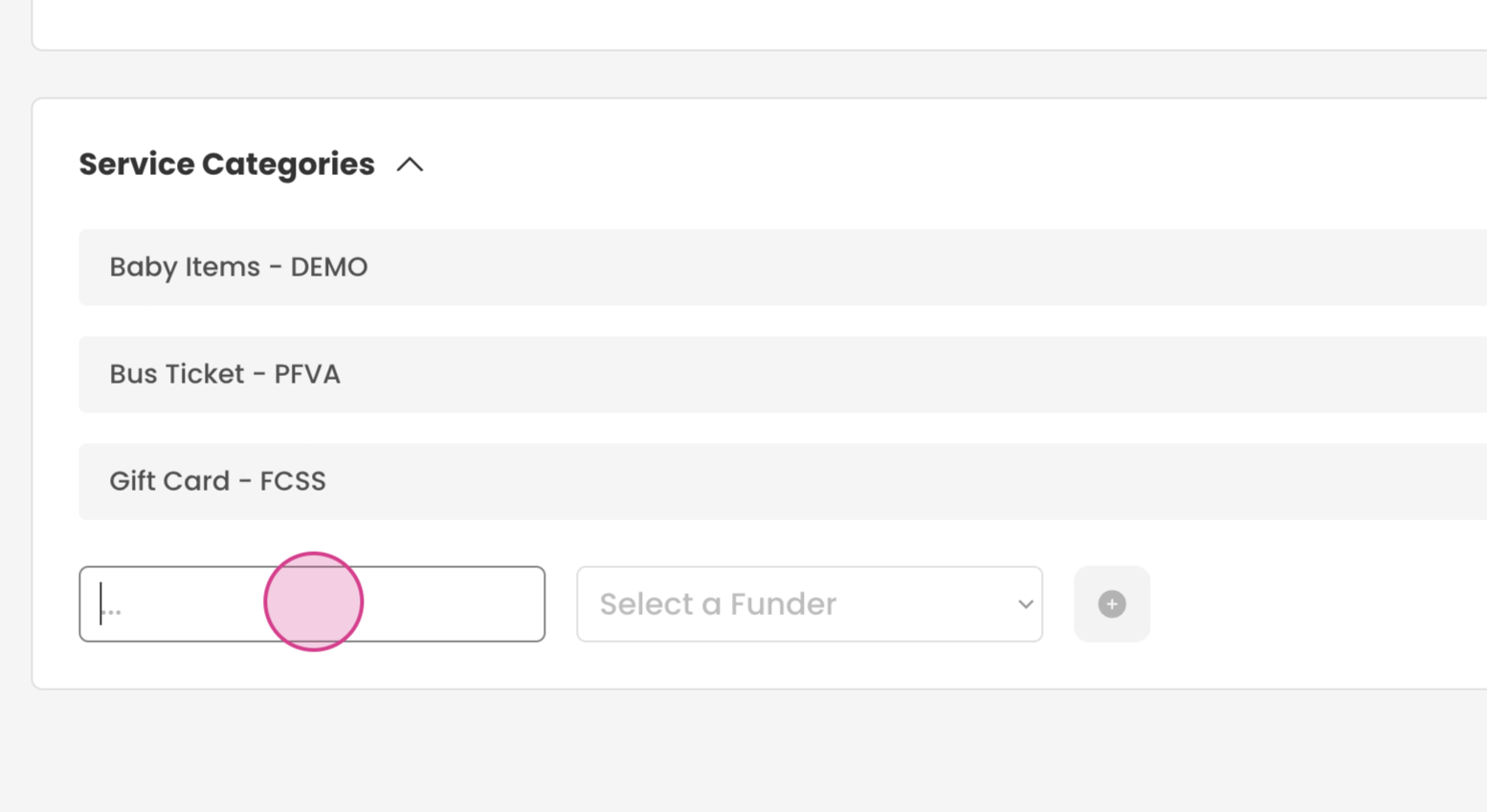
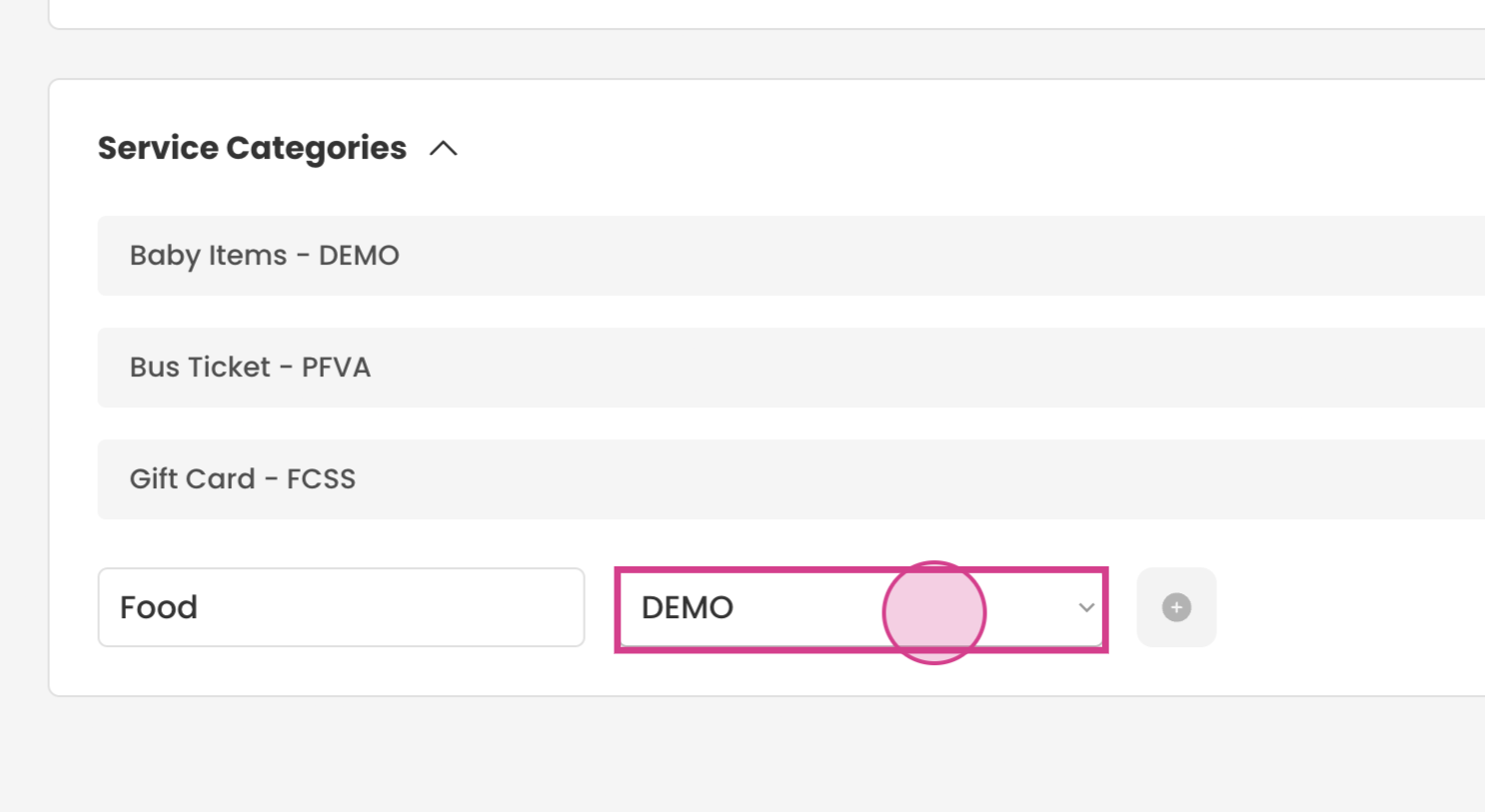
Step 4/5: Typing the service, and select the funder from the dropdown.
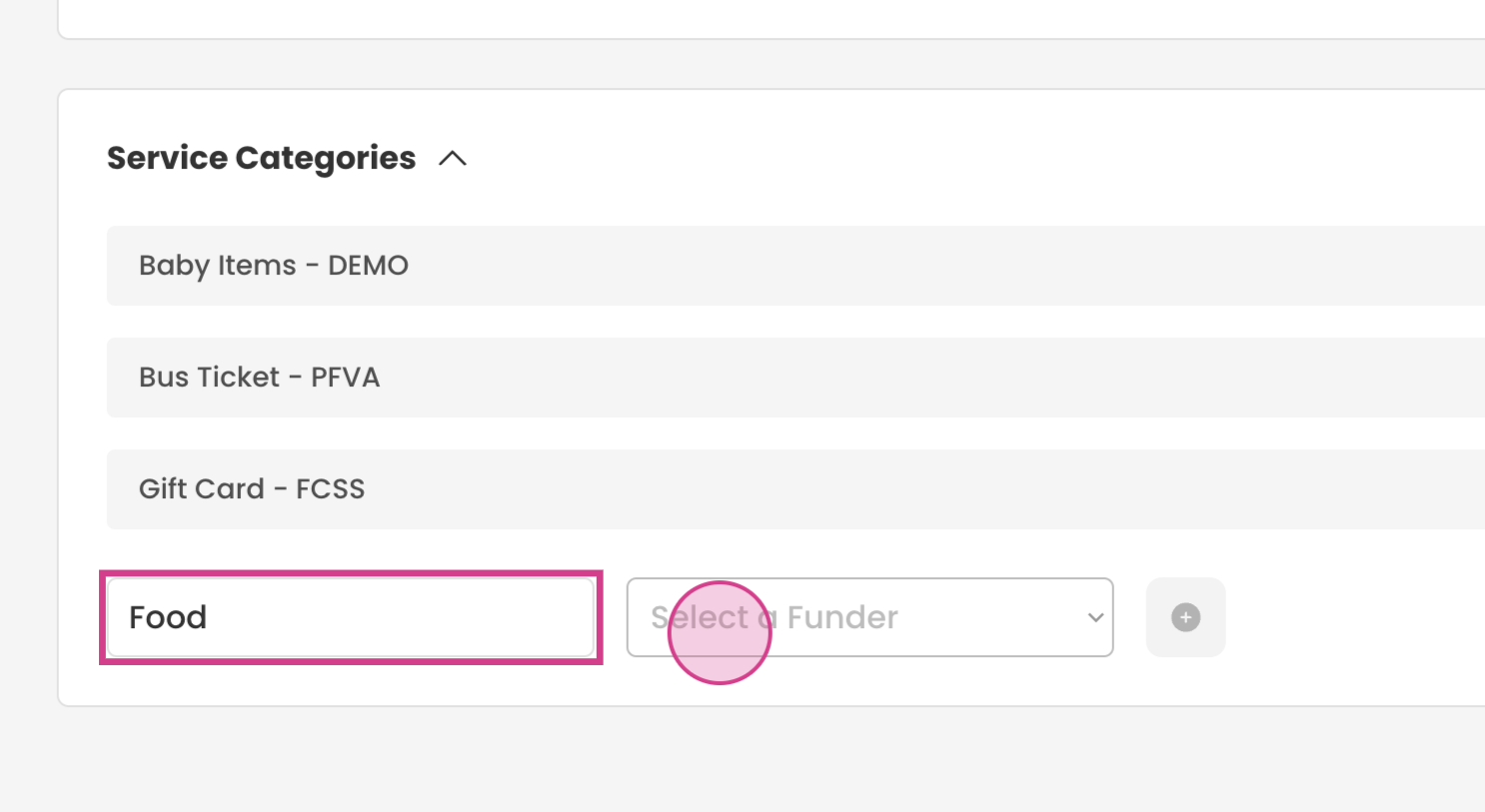
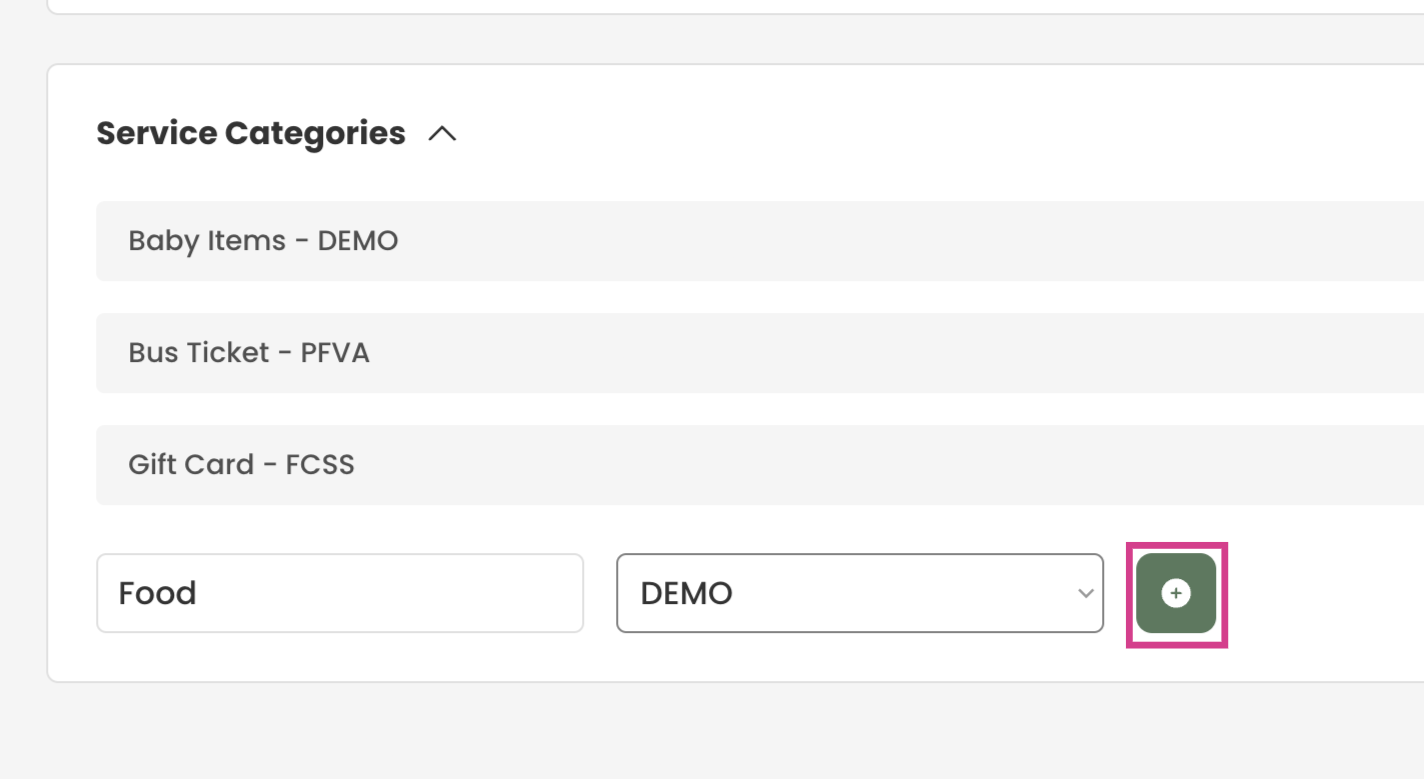
Step 6: Click on the Add option to include the new service category.
The newly added service category should now be visible in the case log section when writing case notes.