This guide explains how to add case log tags.
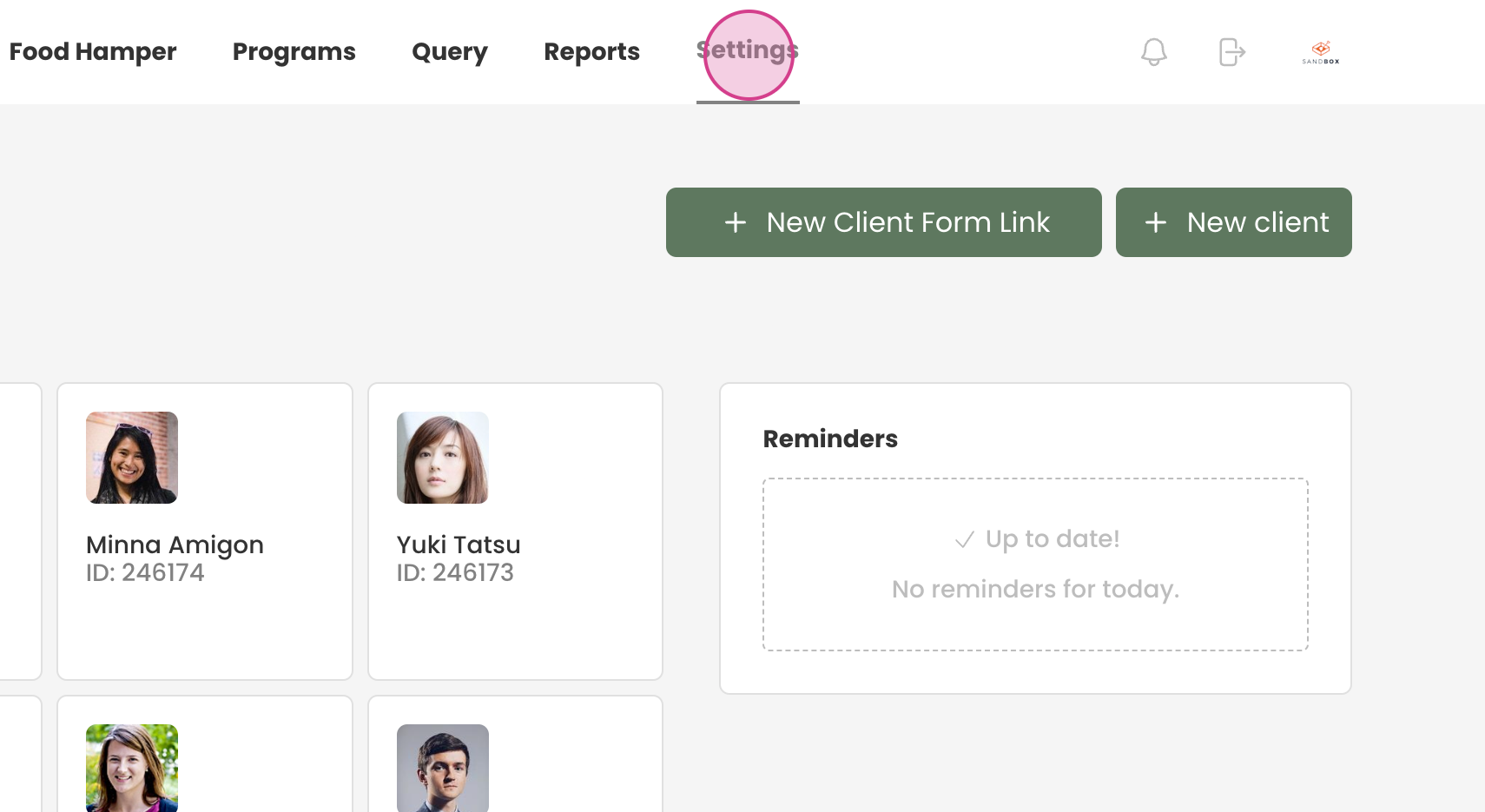
Step 1: Navigate to the settings.
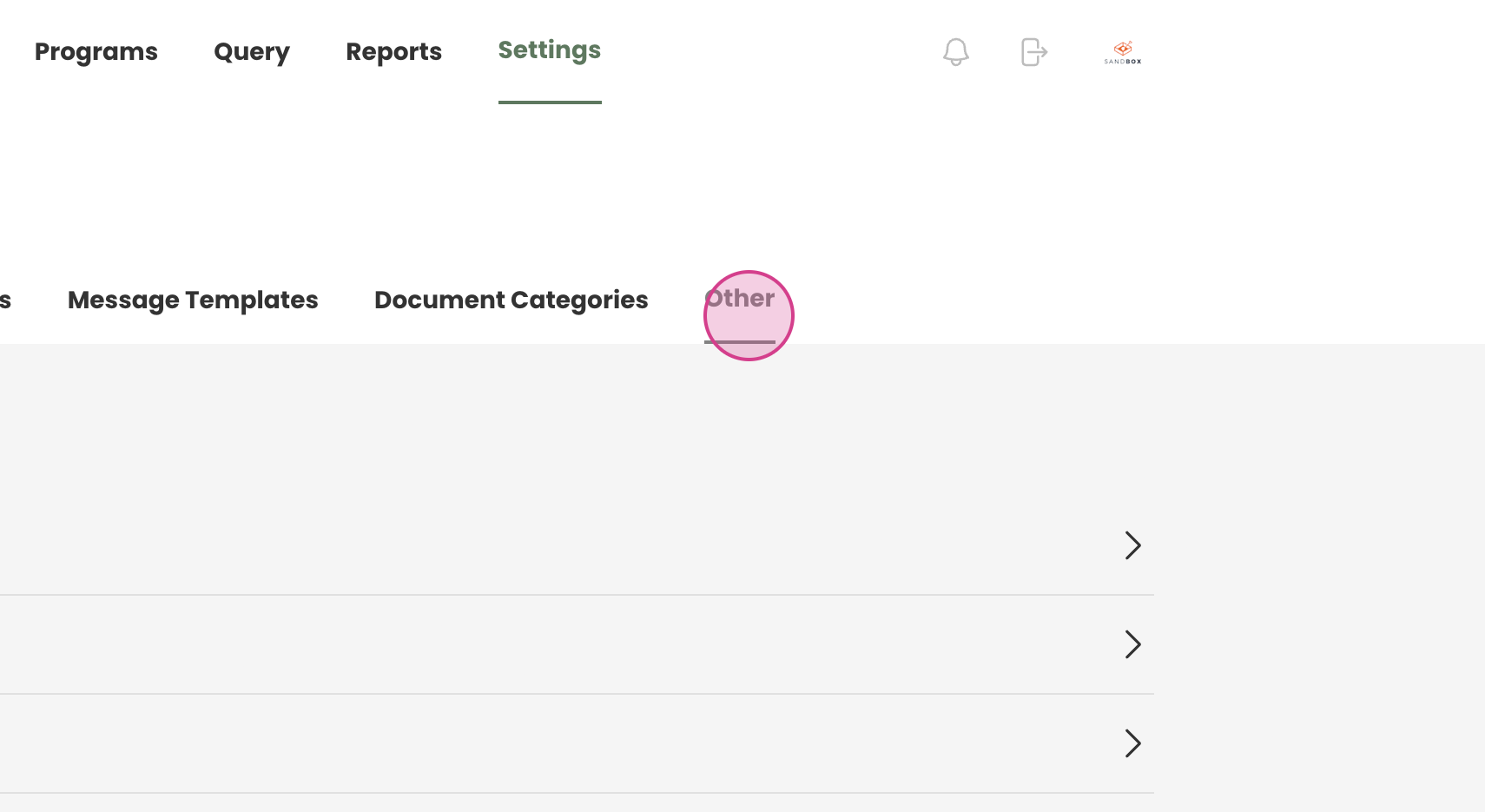
Step 2: Proceed to the 'other' section.
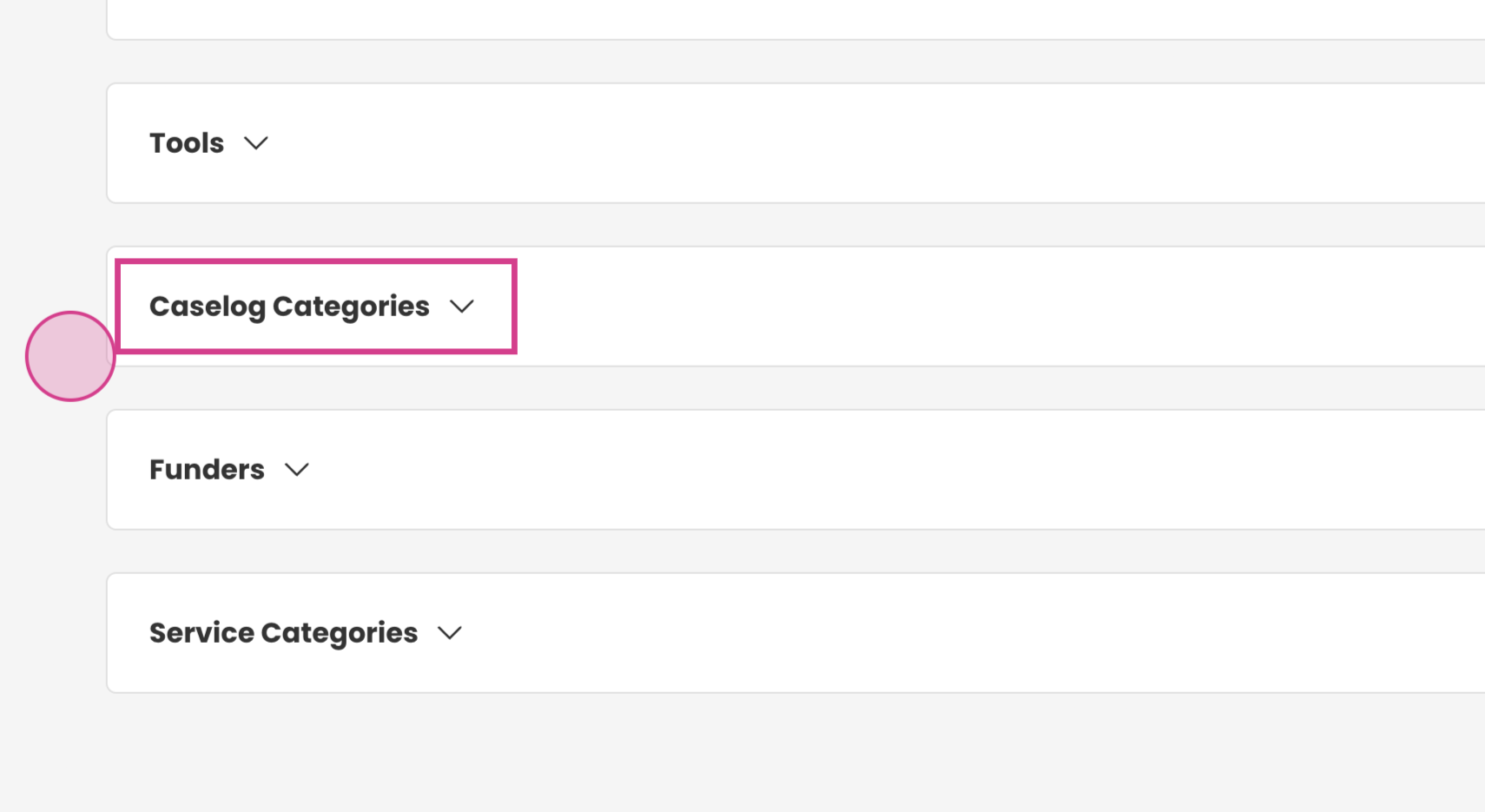
Step 3: Find 'case log categories'.
Step 4: Expand the list.
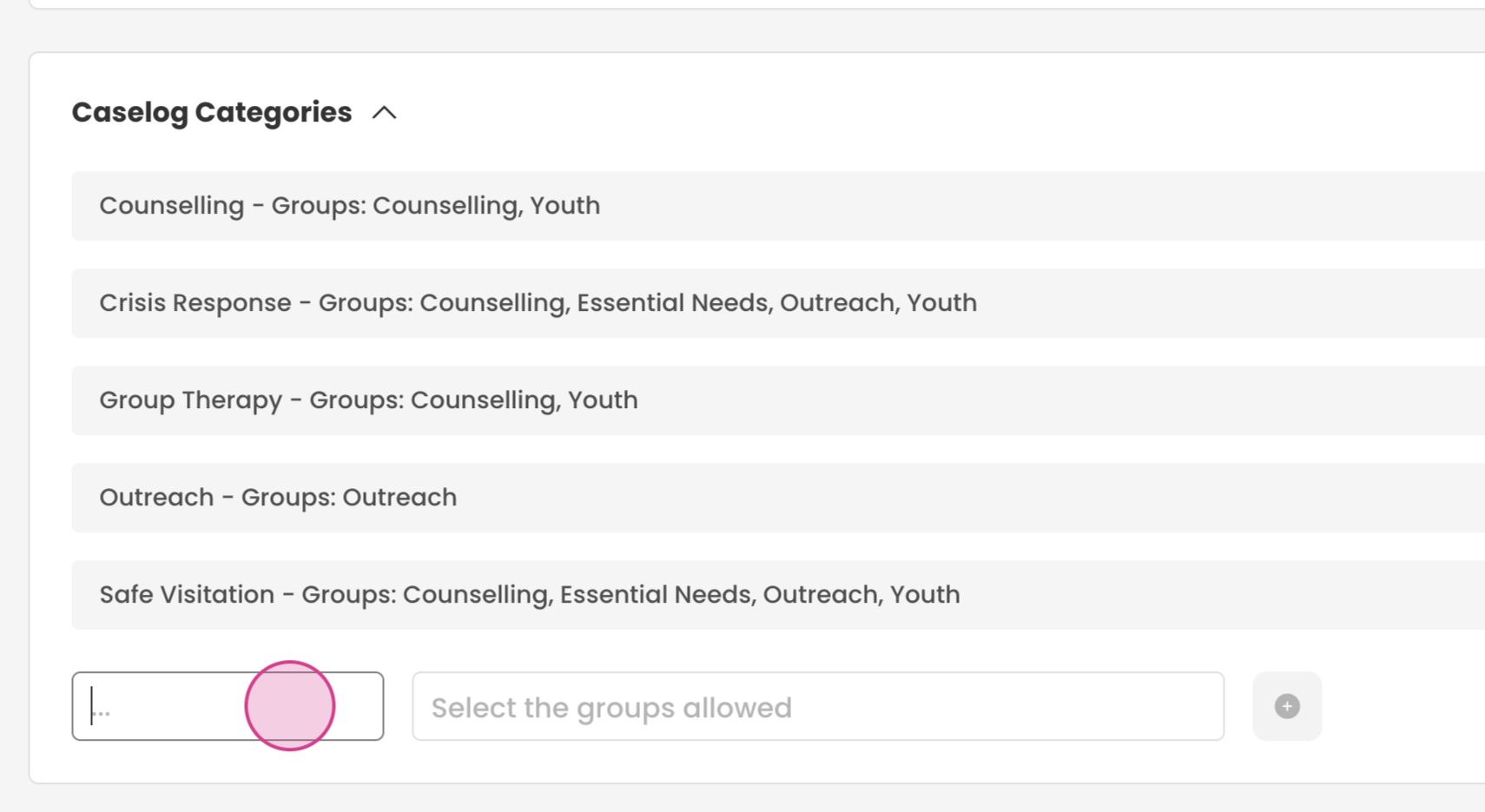
Step 5: Type the name of the service.
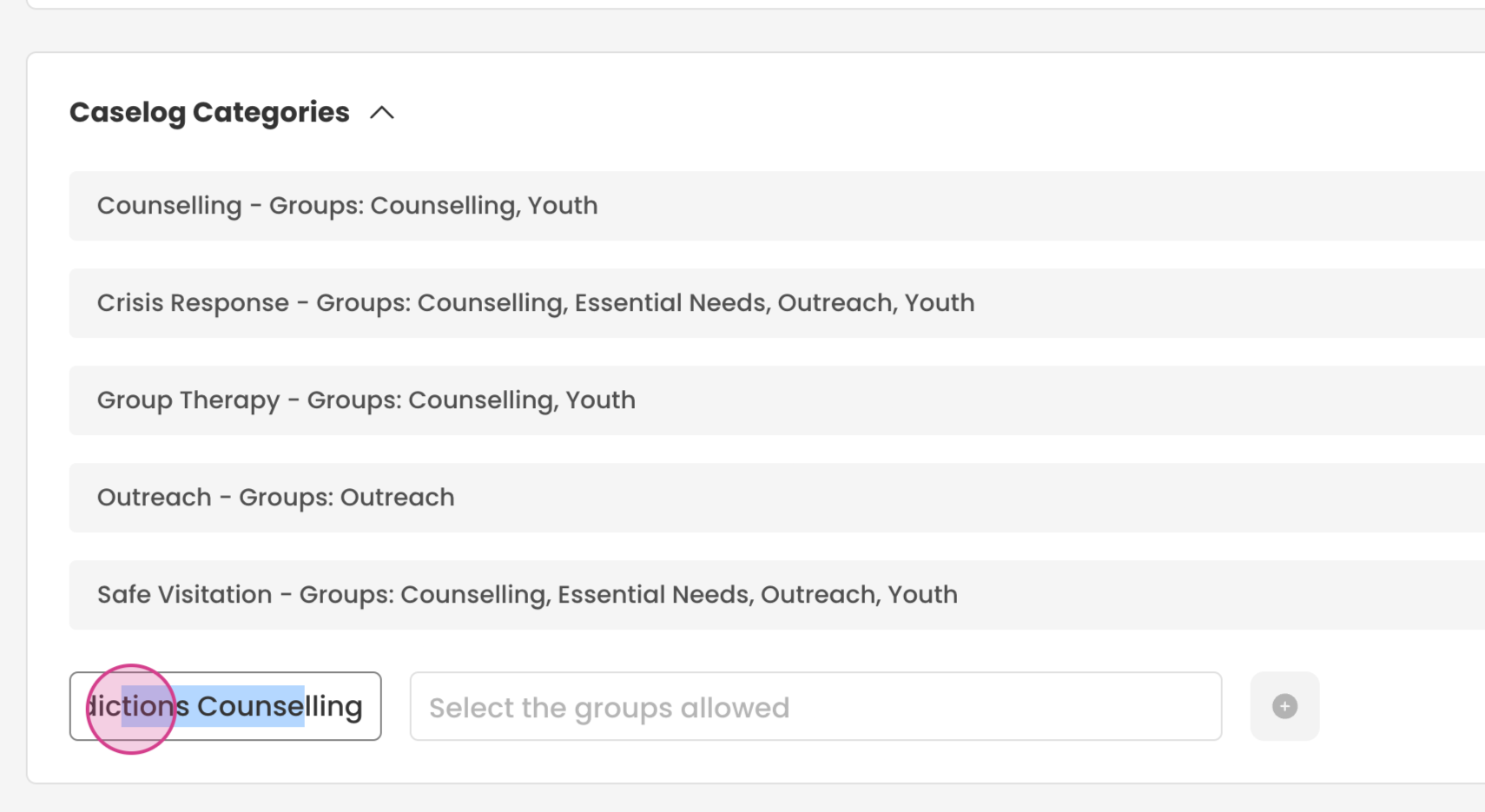
Step 7: Input the groups that are allowed to use the service.
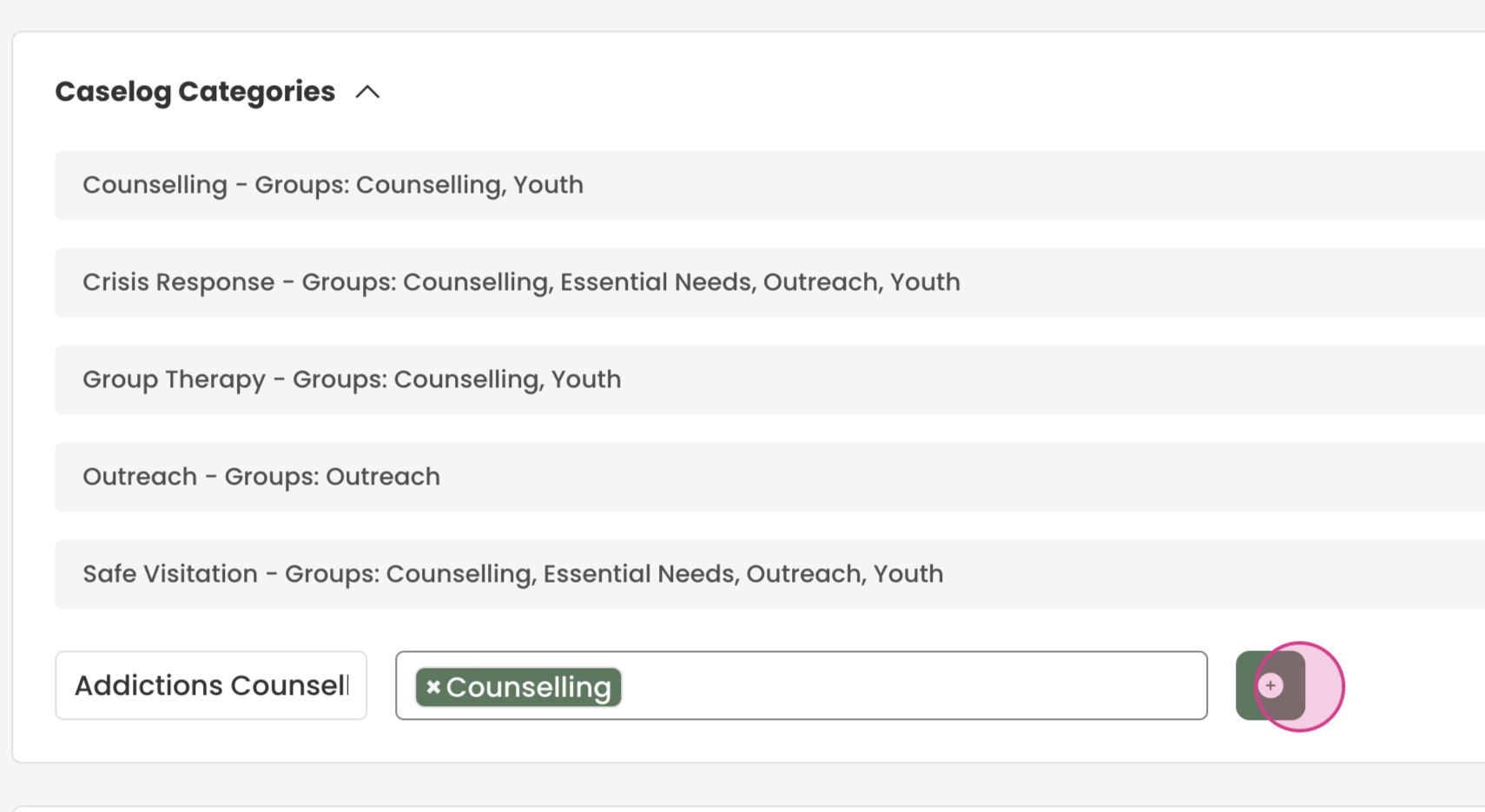
Step 8: Add the tag.
These tags will now be available in the case log section when creating notes.