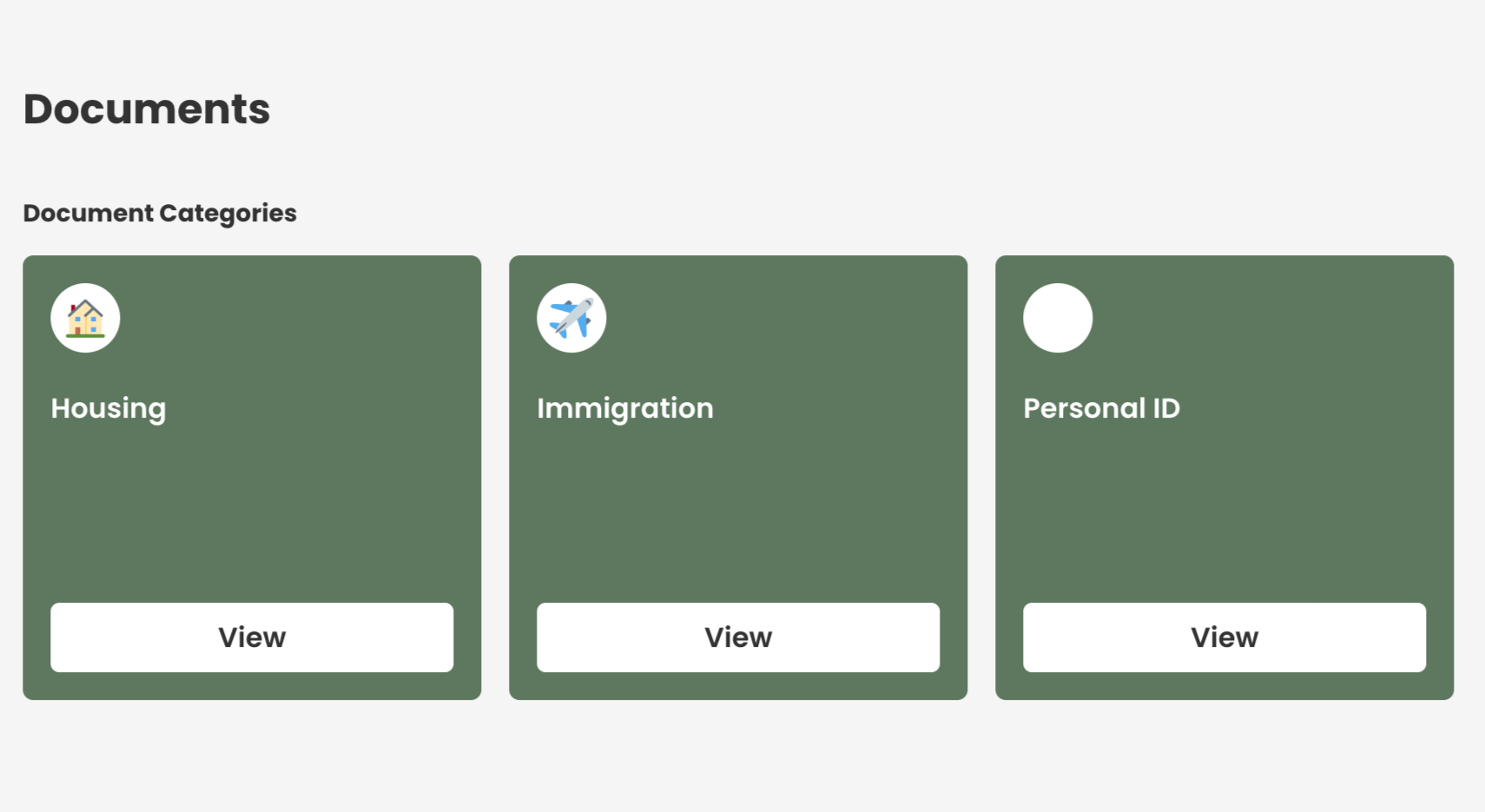
This guide details the steps to set up and edit client document categories.
Document categories serve as a repository for client documents. Learn how to create a new category with this tutorial.
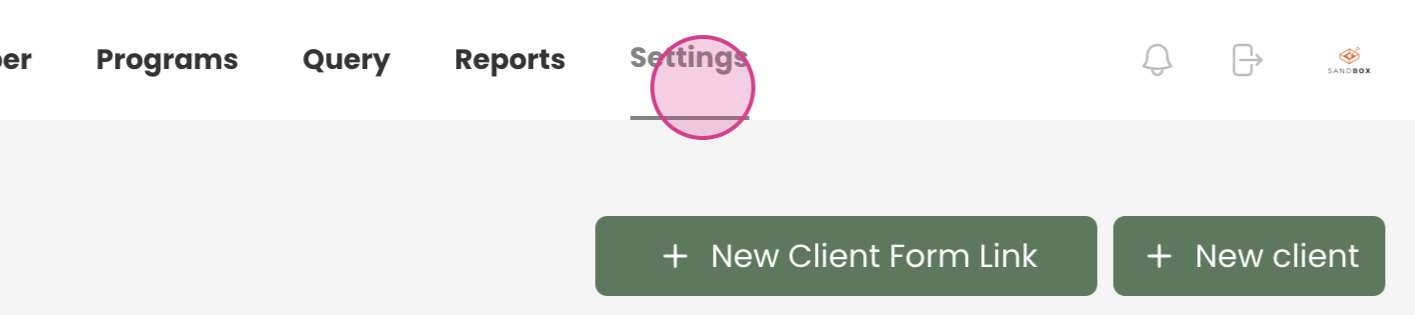
Step 1: Navigate to Settings.
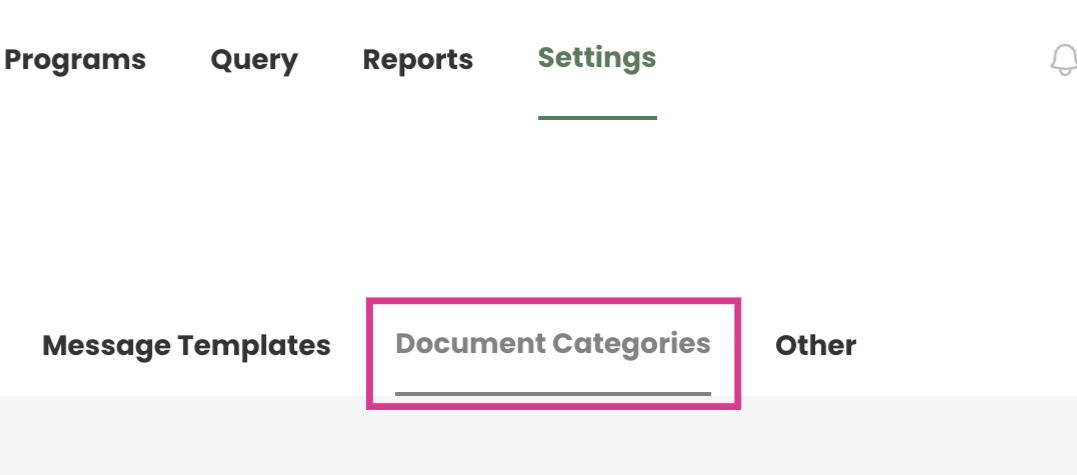
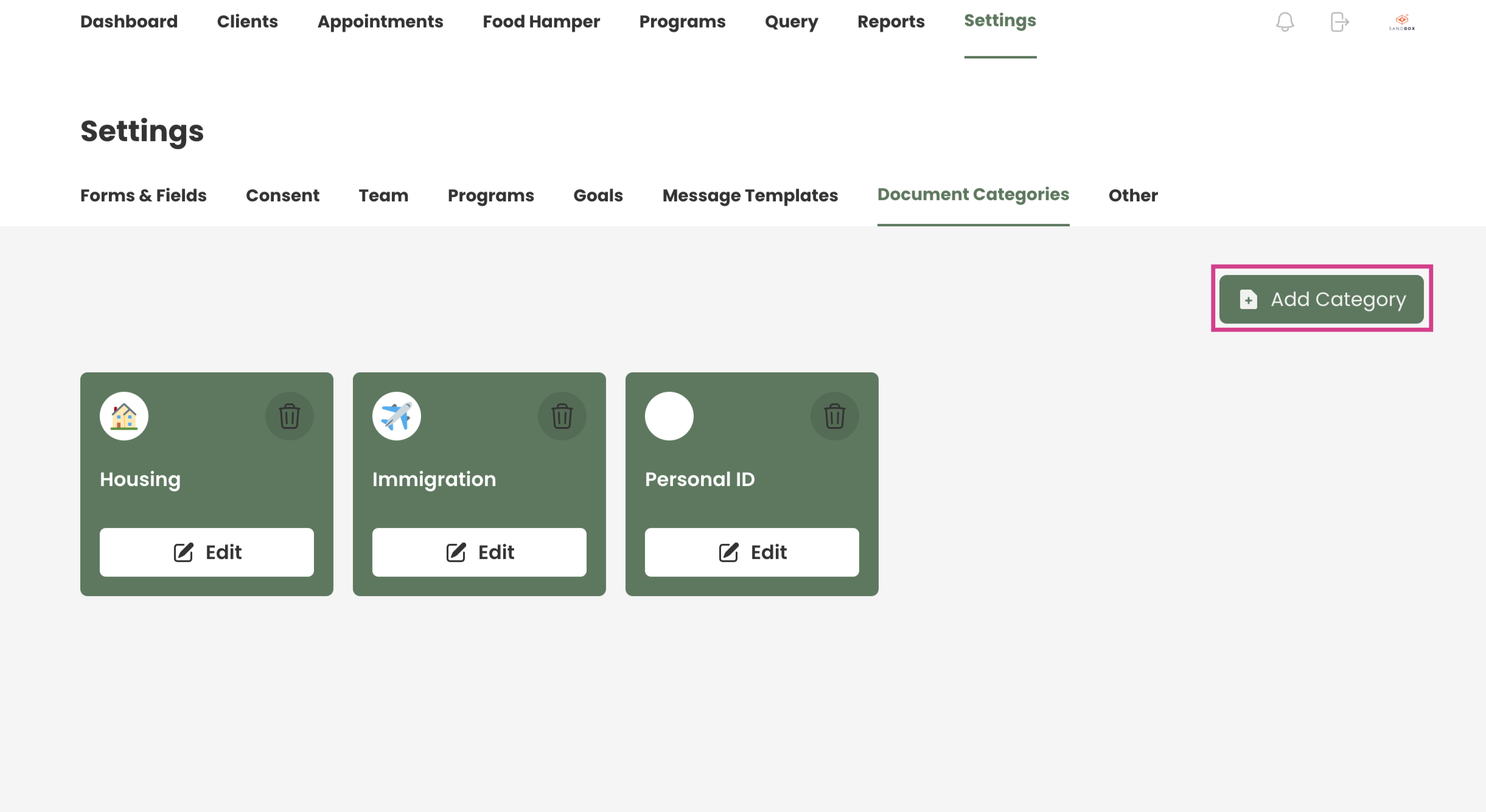
Step 2: Select Document Categories. Take note of the existing document categories.
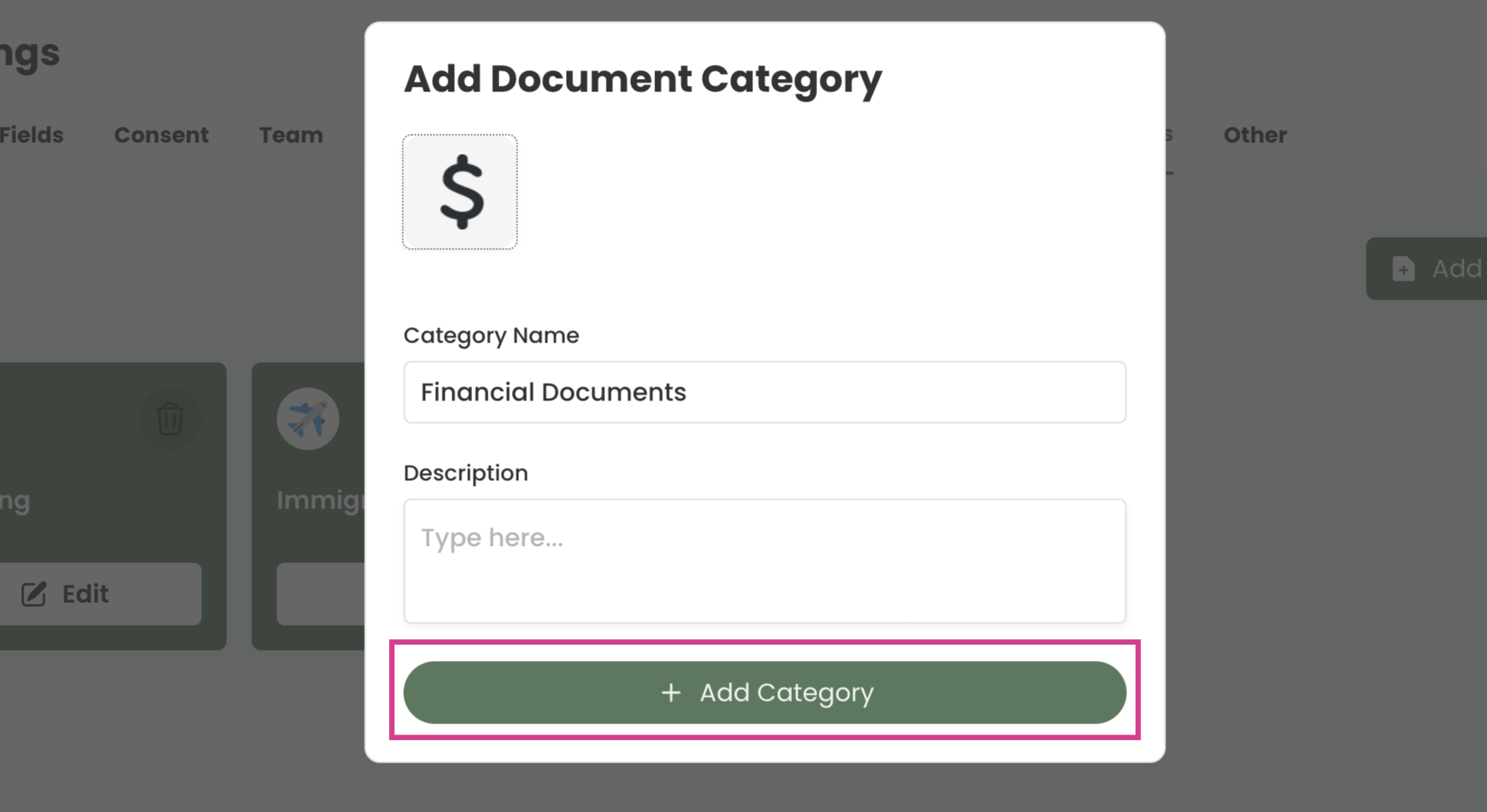
Step 3: Click on Add Category.
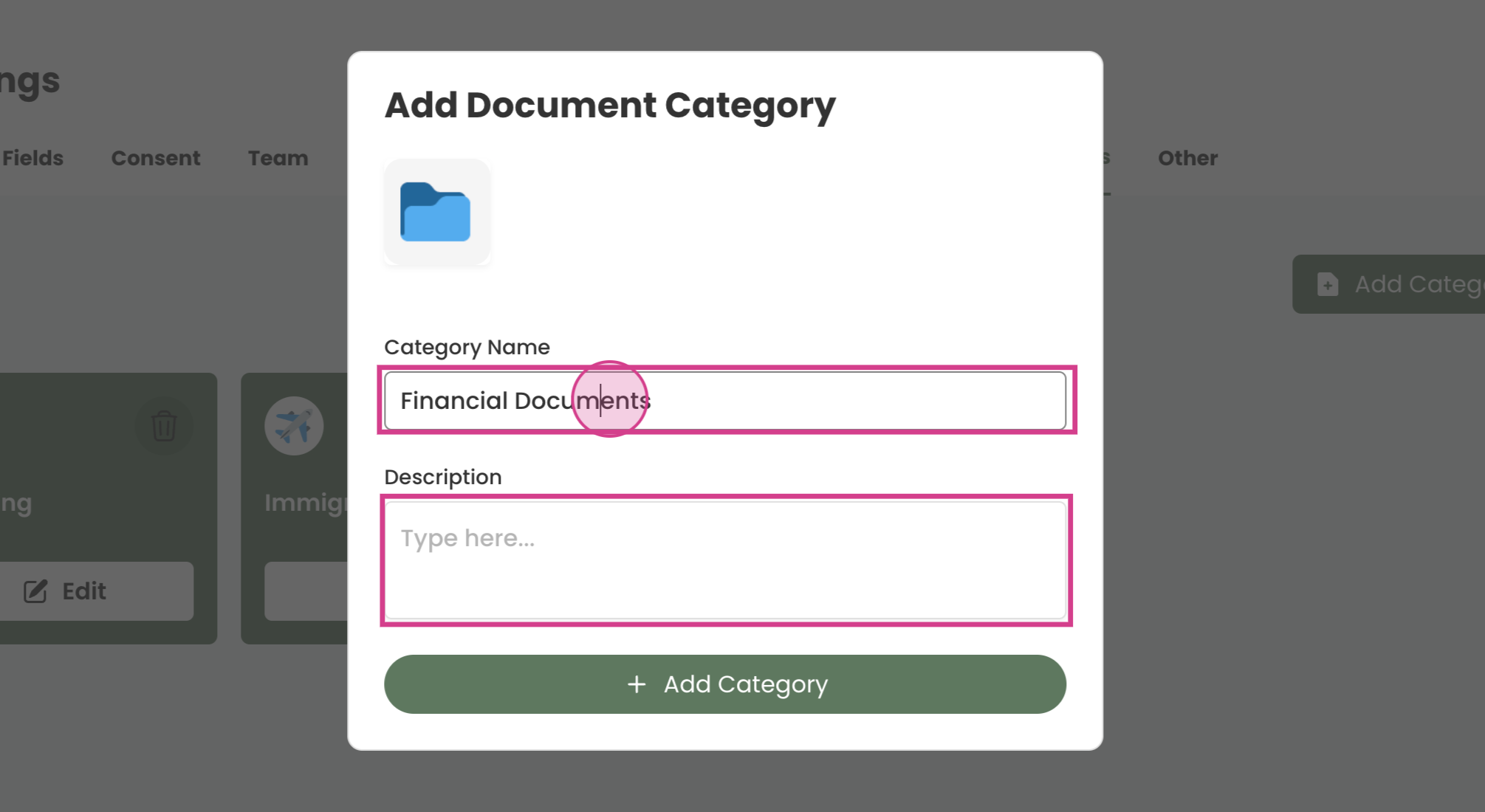
Step 4: Input the new category name and description.
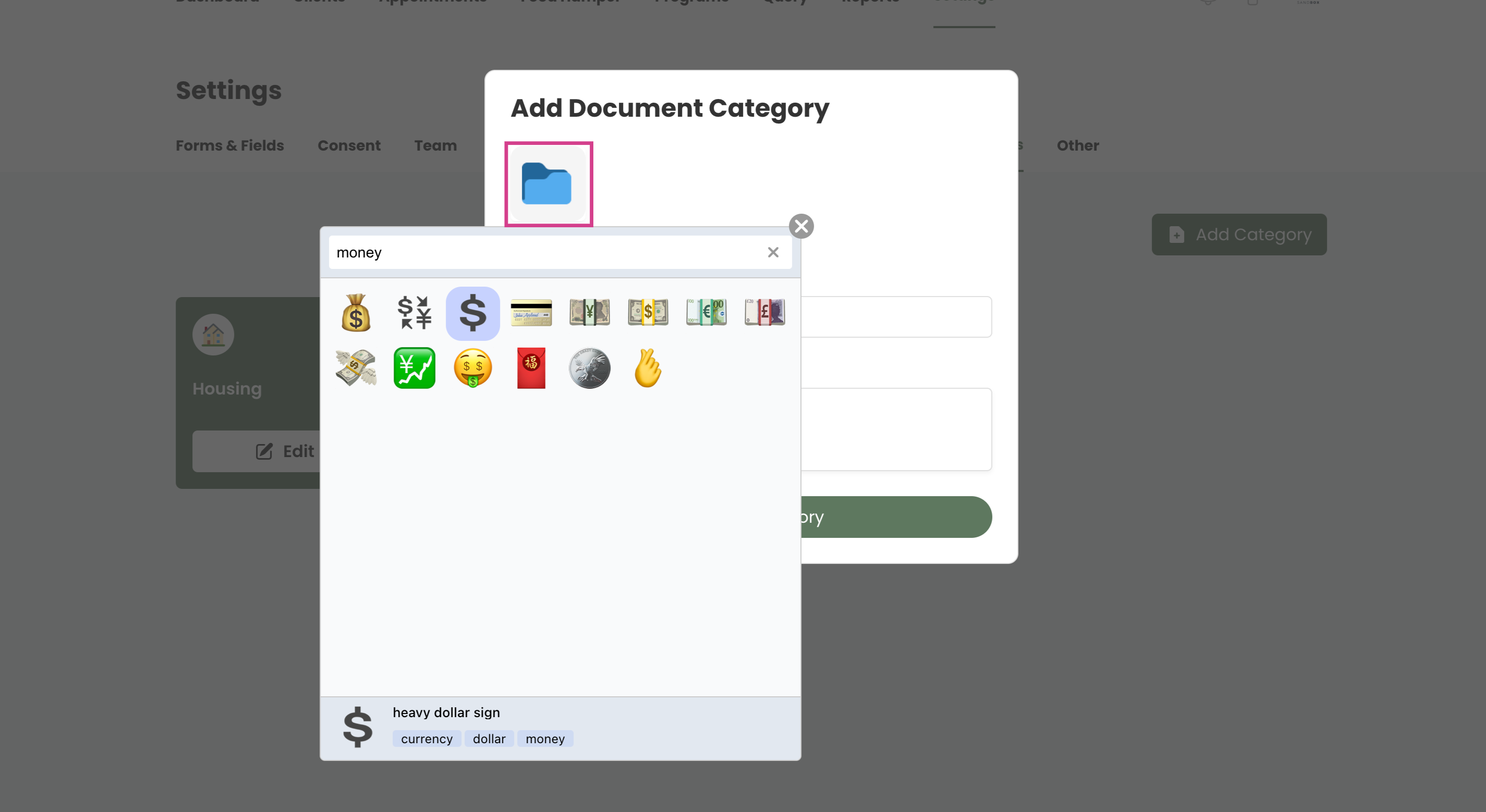
Step 5: Select an appropriate icon for the new category.
Step 6: Finalize by clicking on Add Category. The new category will now appear in the documents and client profiles.