This guide outlines the process of setting up and adding consent to forms, an essential procedure when gathering sensitive client data.
¶ Setting Up Consent Terms
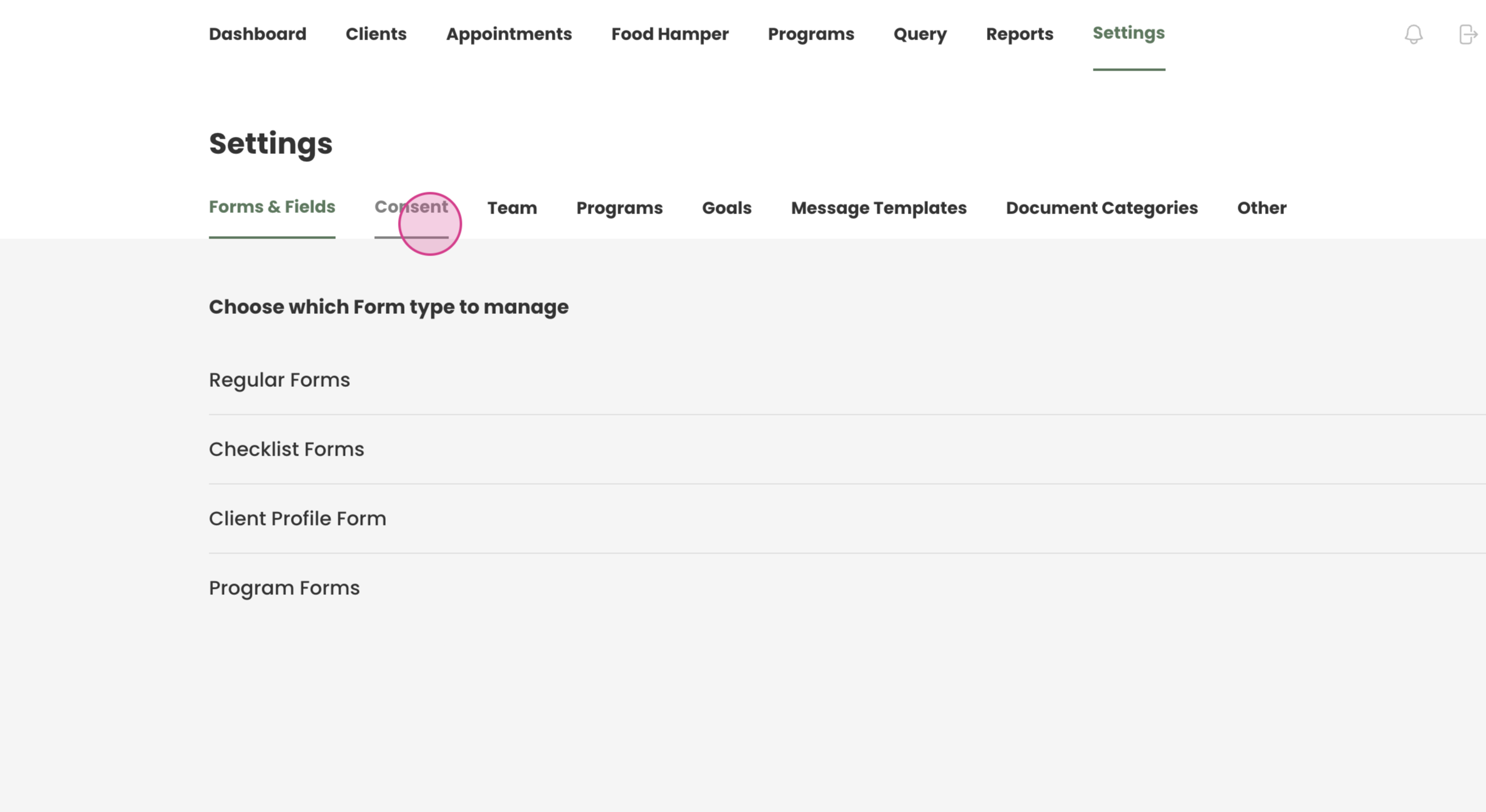
Step 1: To add consent to a form, first set up the consent. Navigate to settings and click on consent.
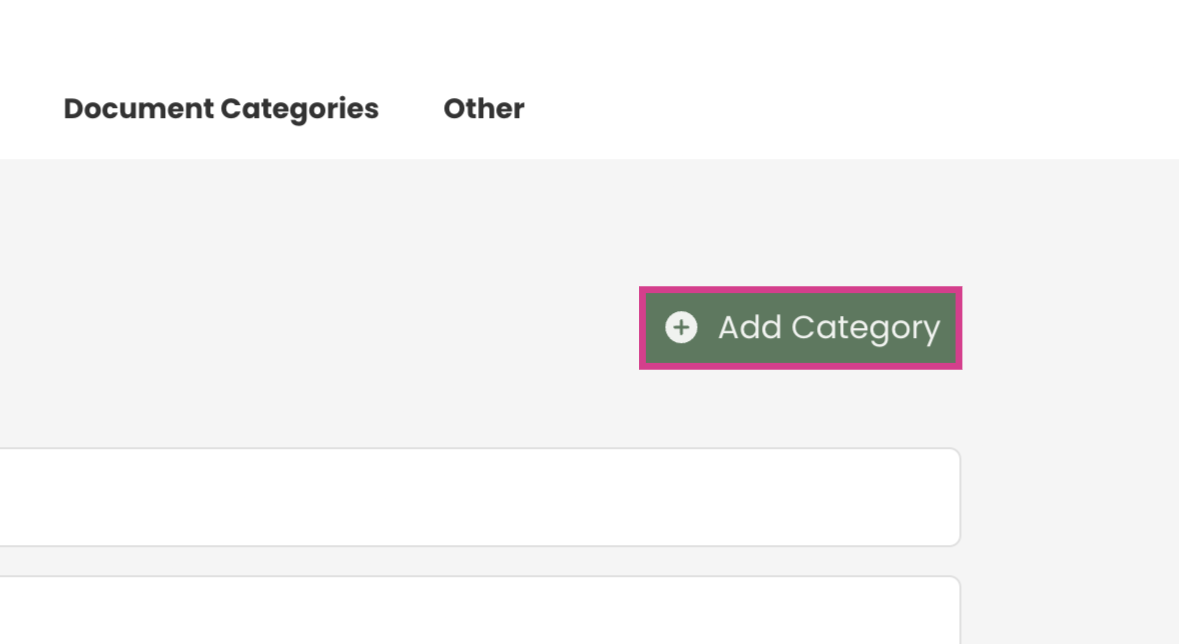
Step 2: Click add category to introduce a new category of consent.
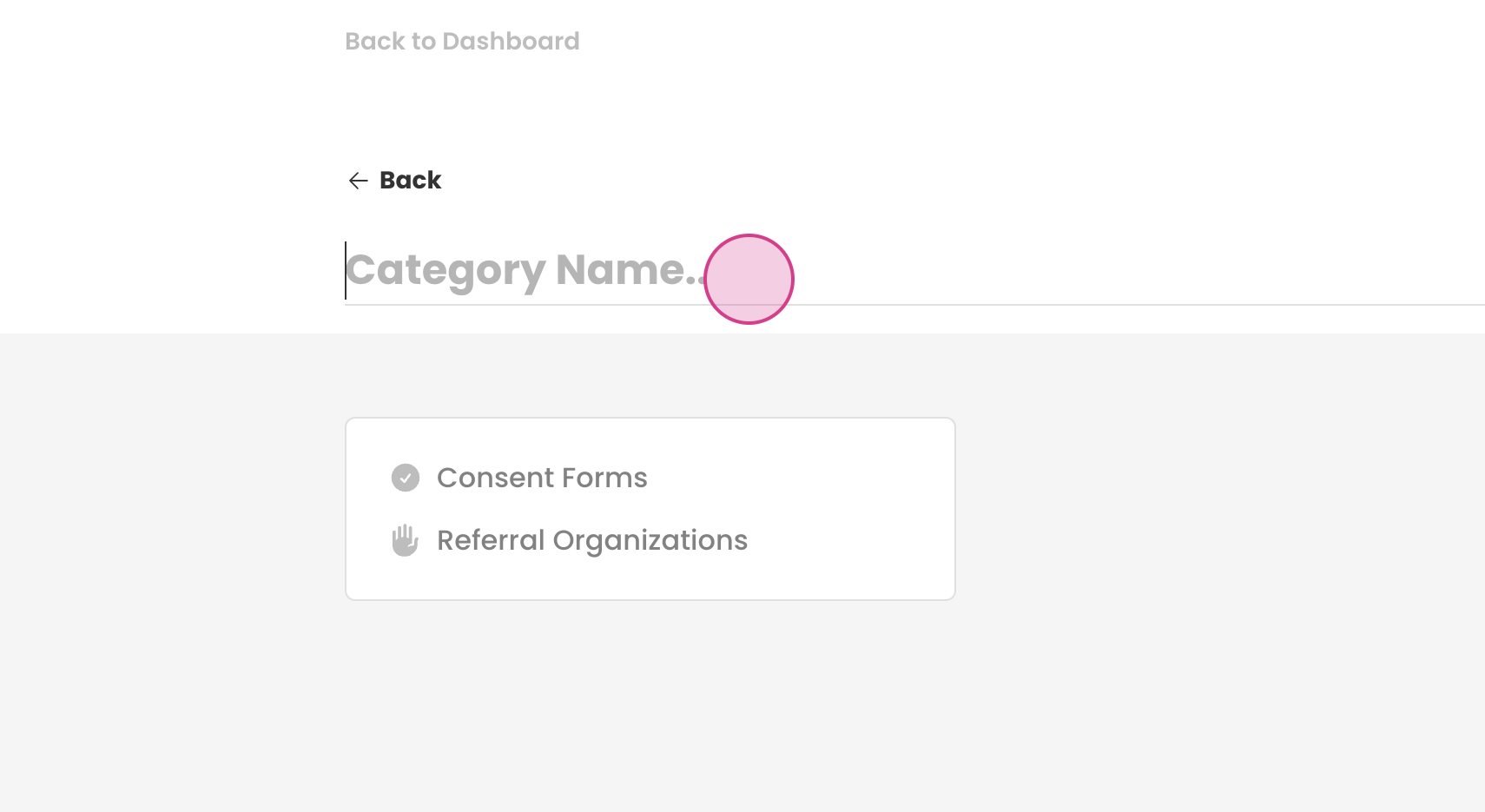
Step 3: Name your consent form. In this example we will call it "general".
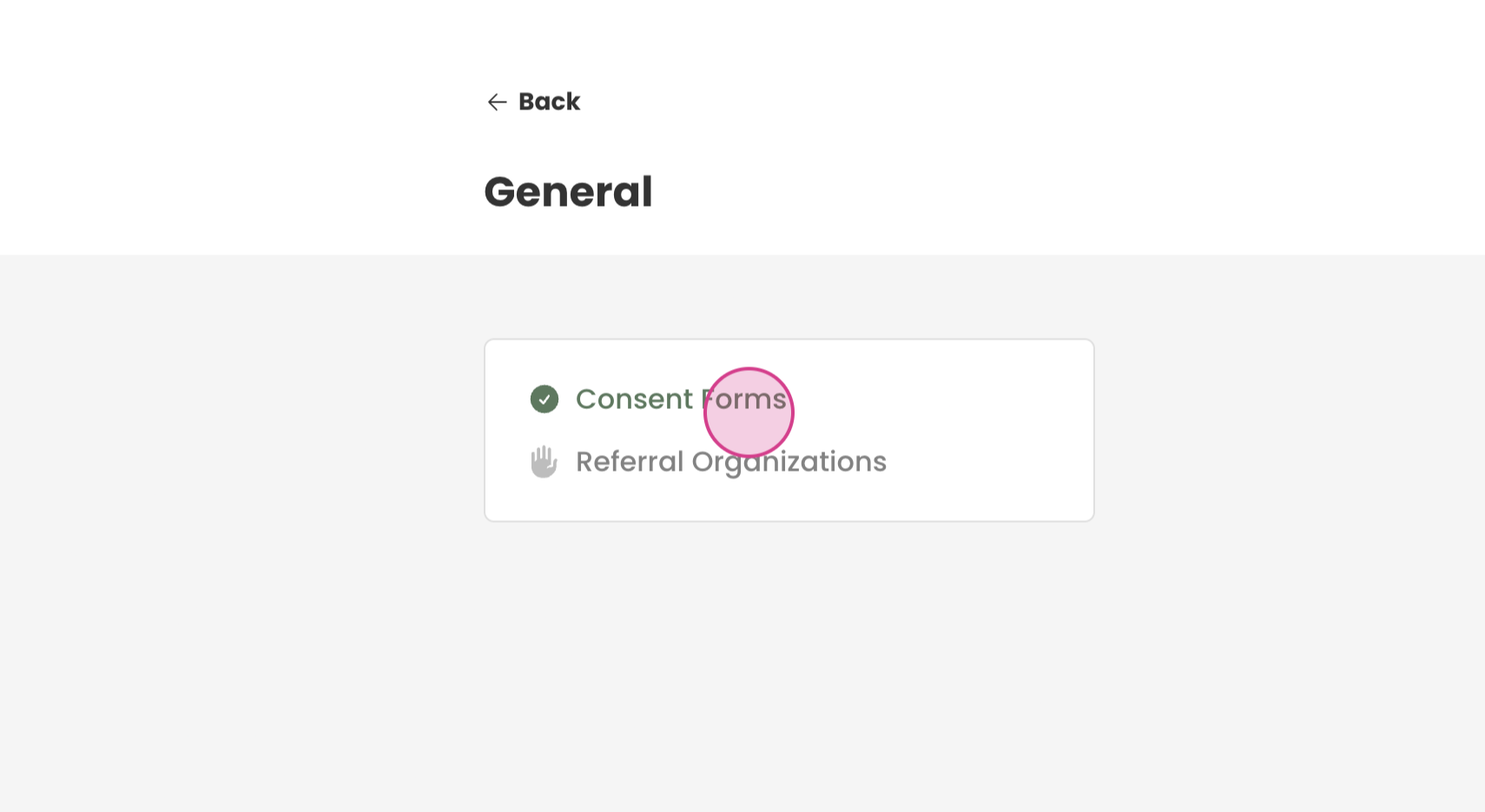
Now click on consent form.
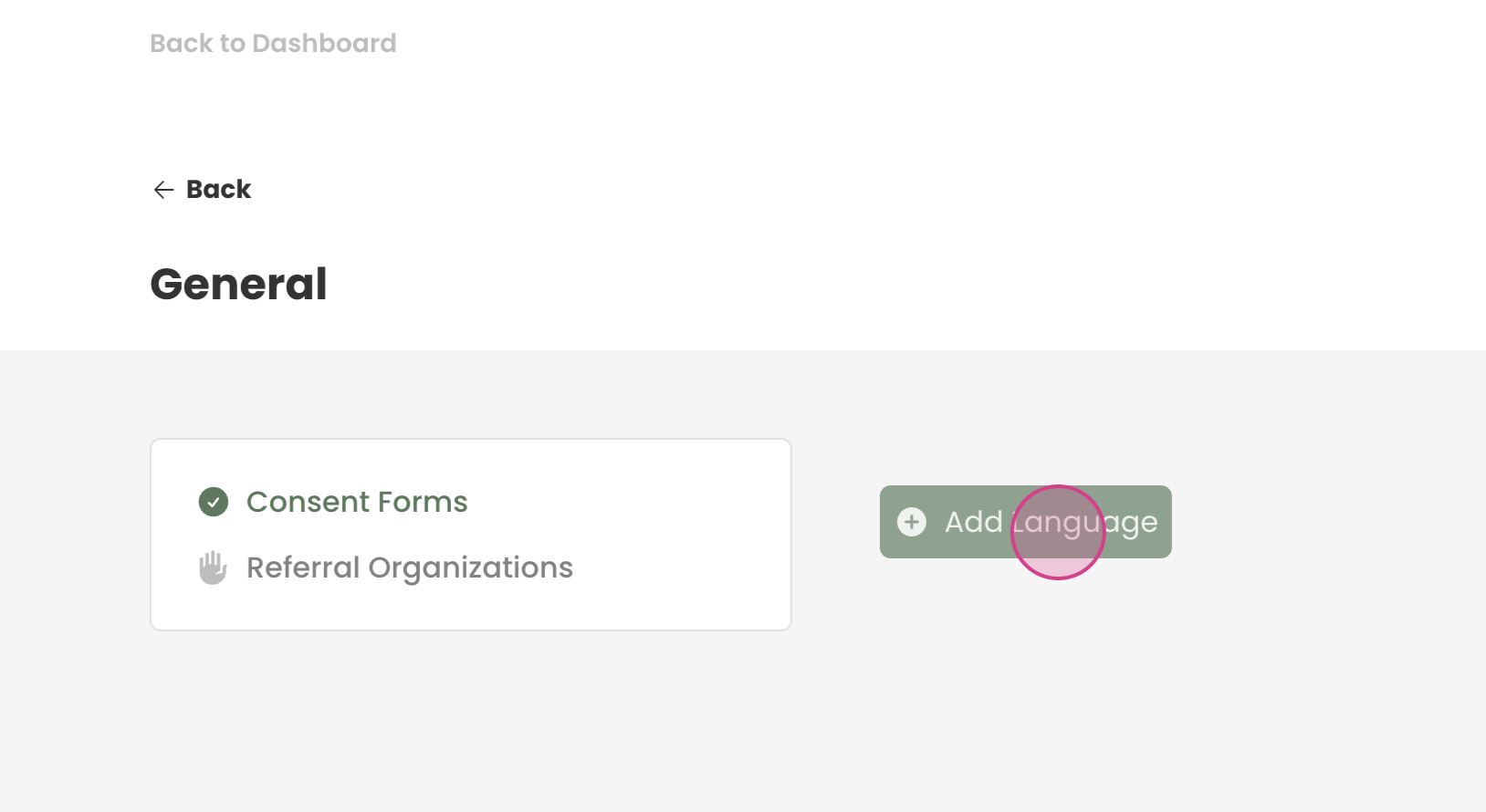
Step 4: Press Add language to the form and select the language.
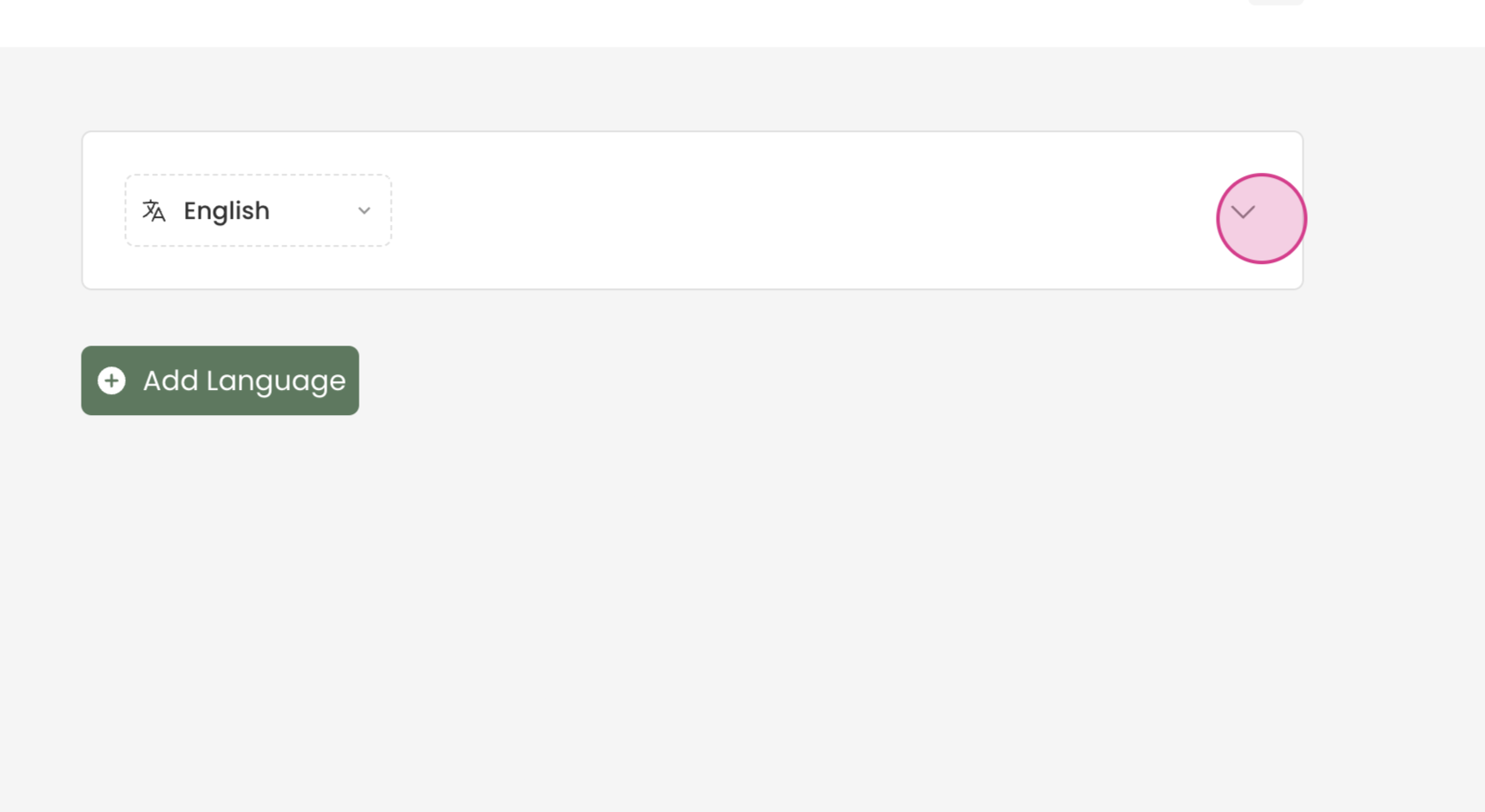
Step 5: Expand the section and paste your consent information for that language.
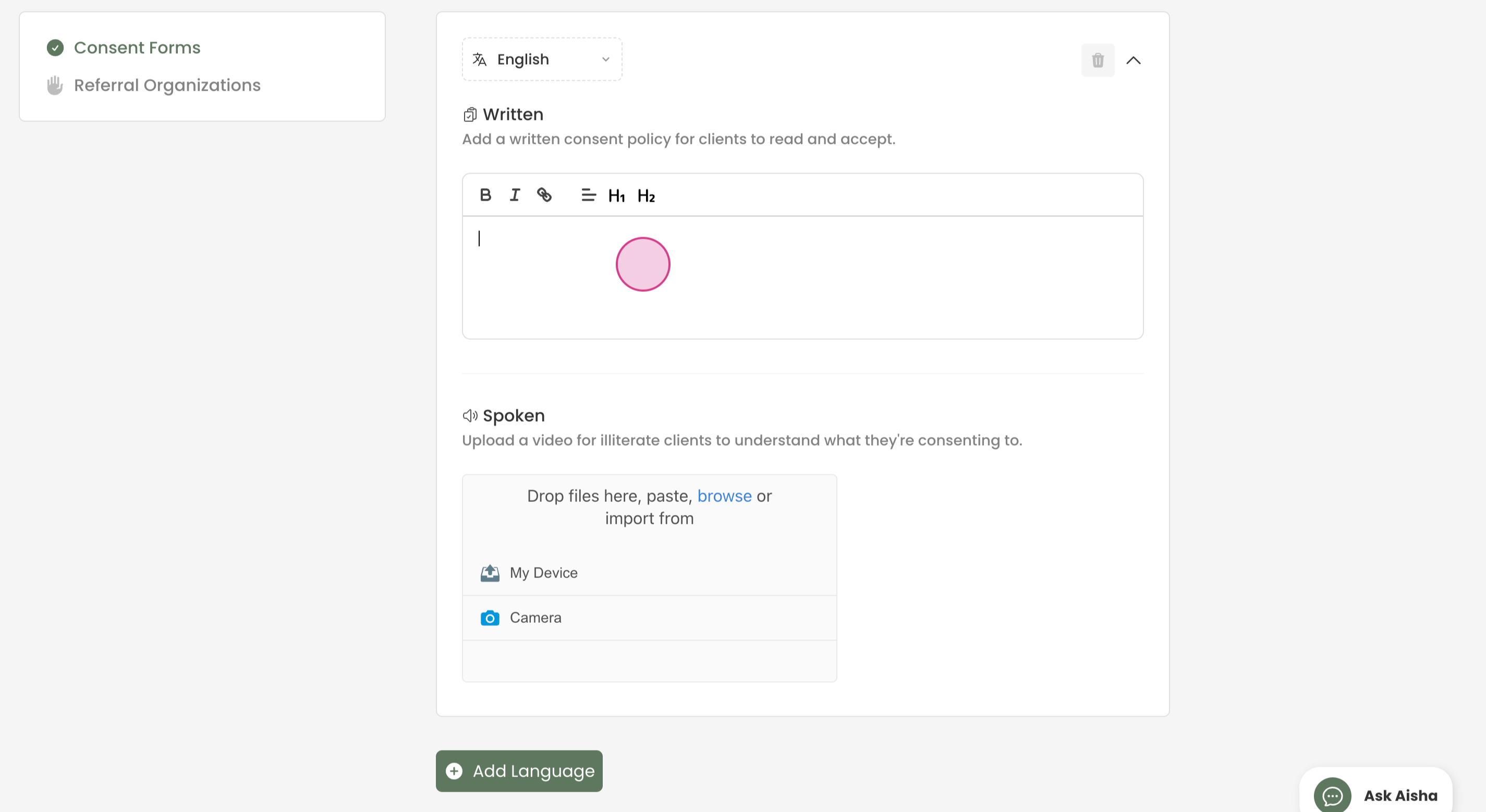
Step 6: If you have a video, you can upload it into the designated area to upload area.
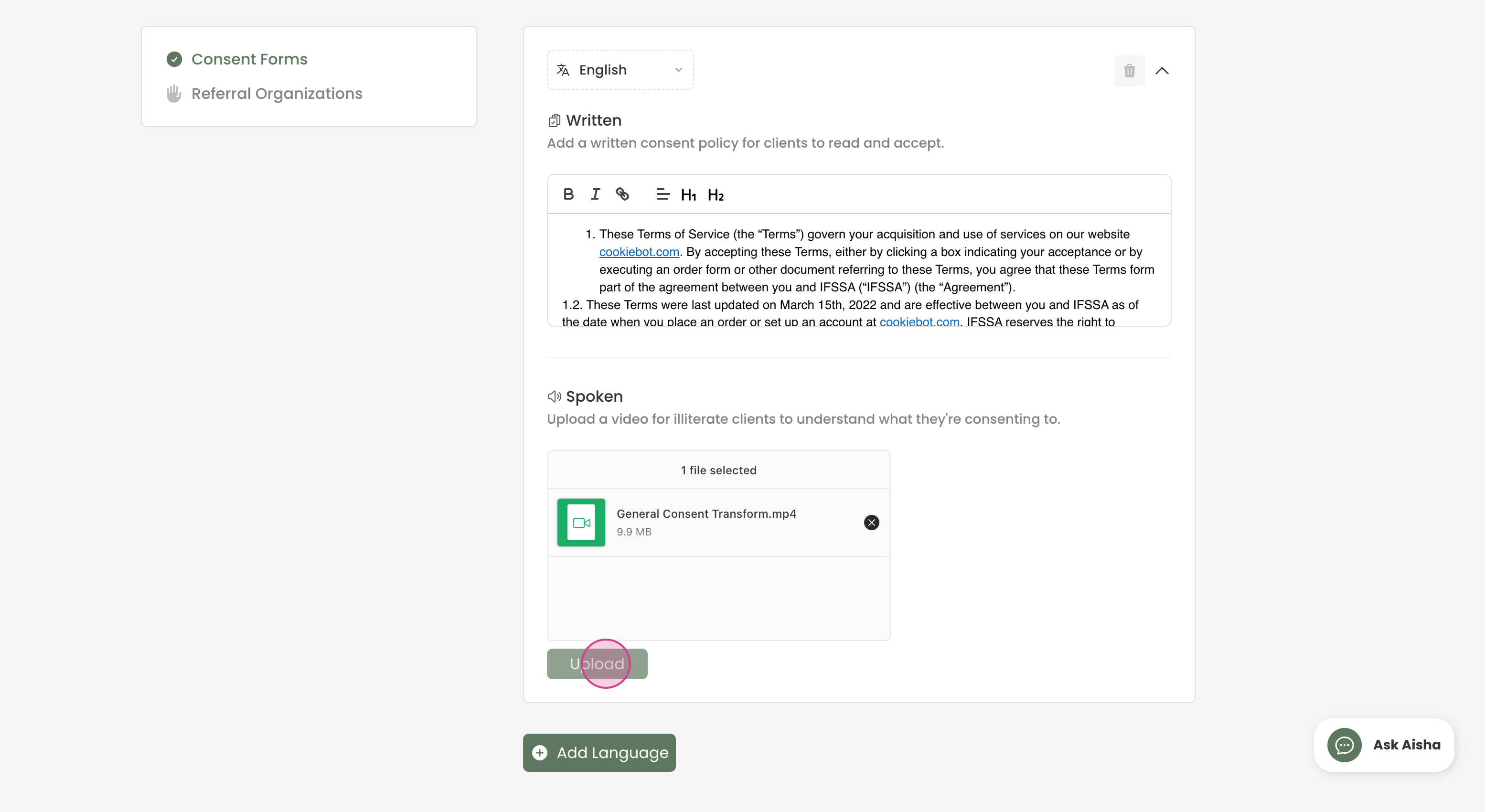
Step 7: If you want to add another language to the form, you can press Add Language and complete steps 4-6 again.

¶ Adding Consent to a Form
Now we can add those consent terms into a form for clients to complete
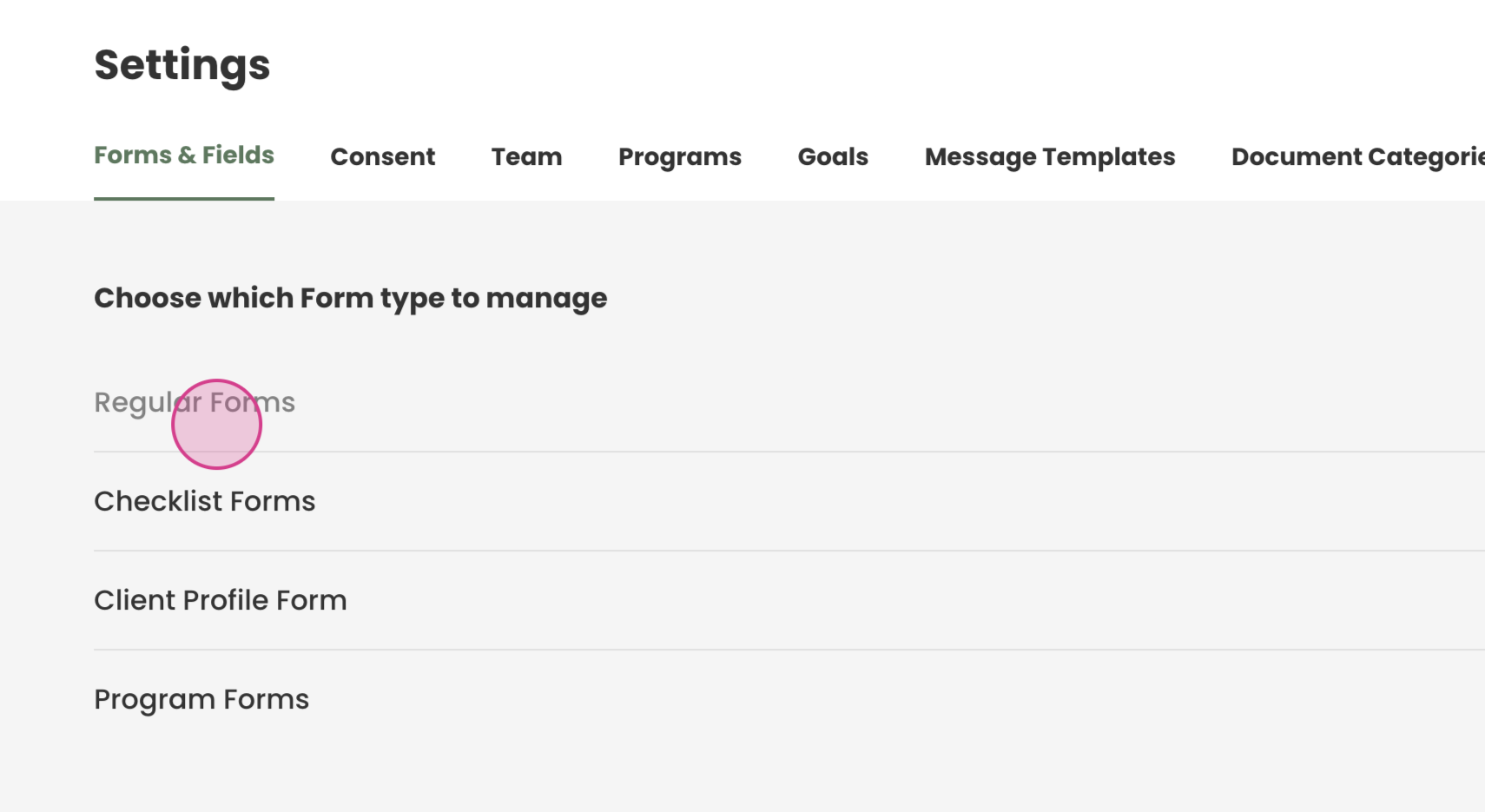
Step 1: Navigate to Settings —> Forms and Fields, then to Regular Forms.
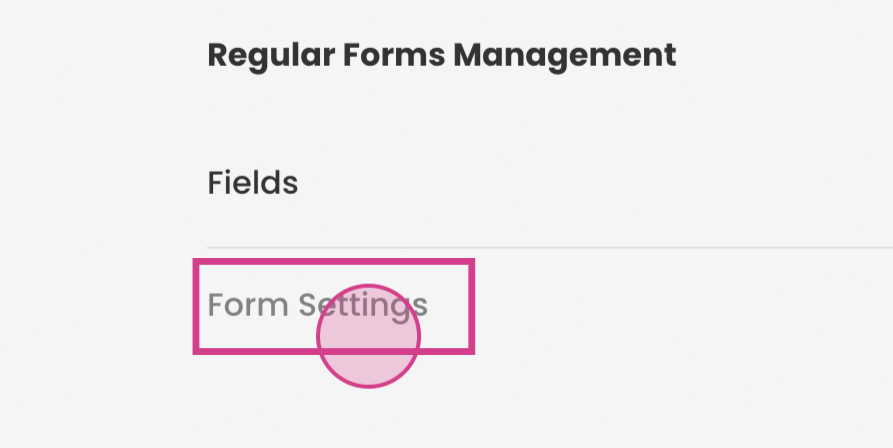
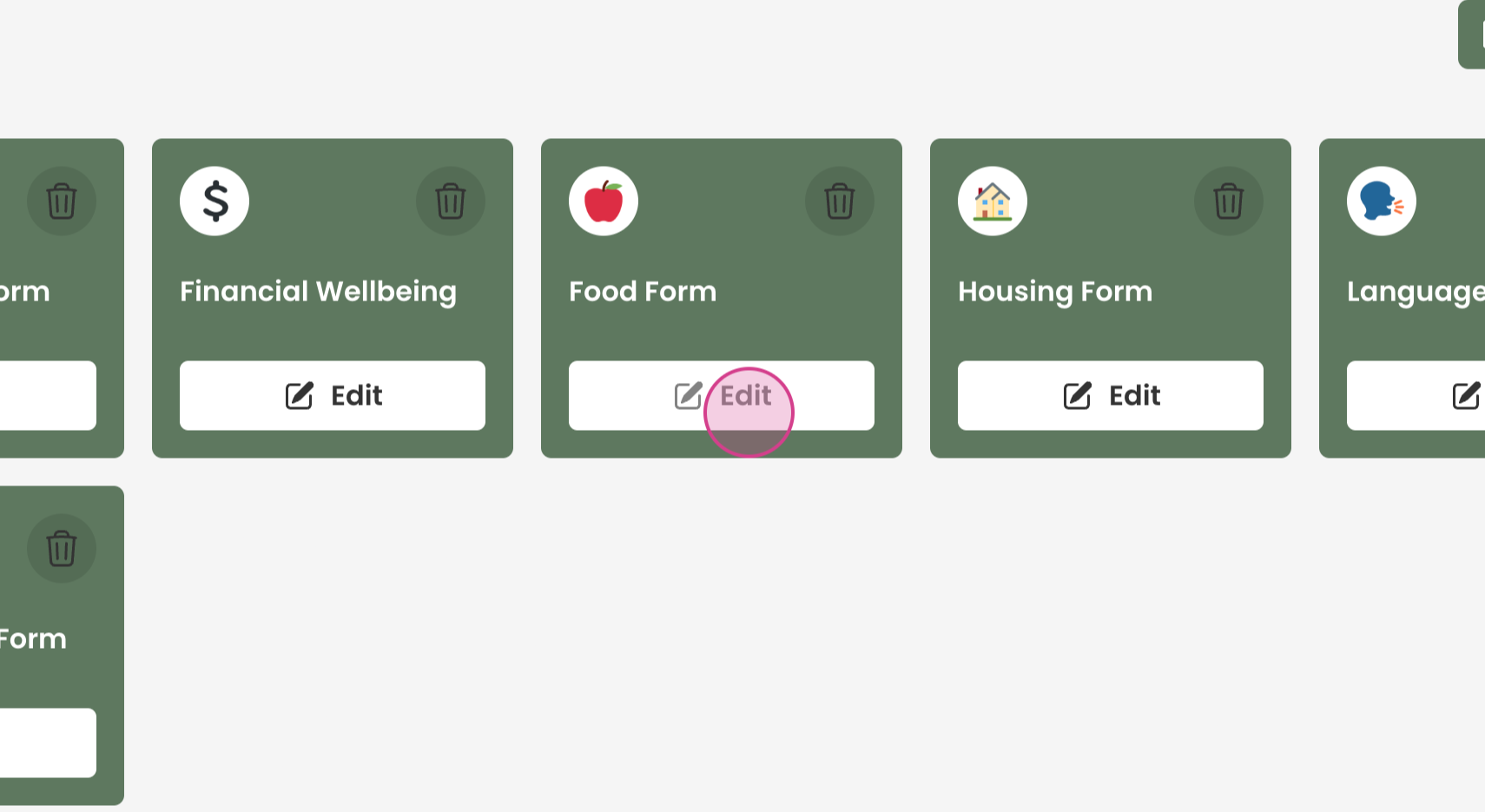
Step 2: Go to form settings and select the form you wish to add consent to.
Press Edit
Step 3: Go to the Consent tab and turn on toggle for this form.
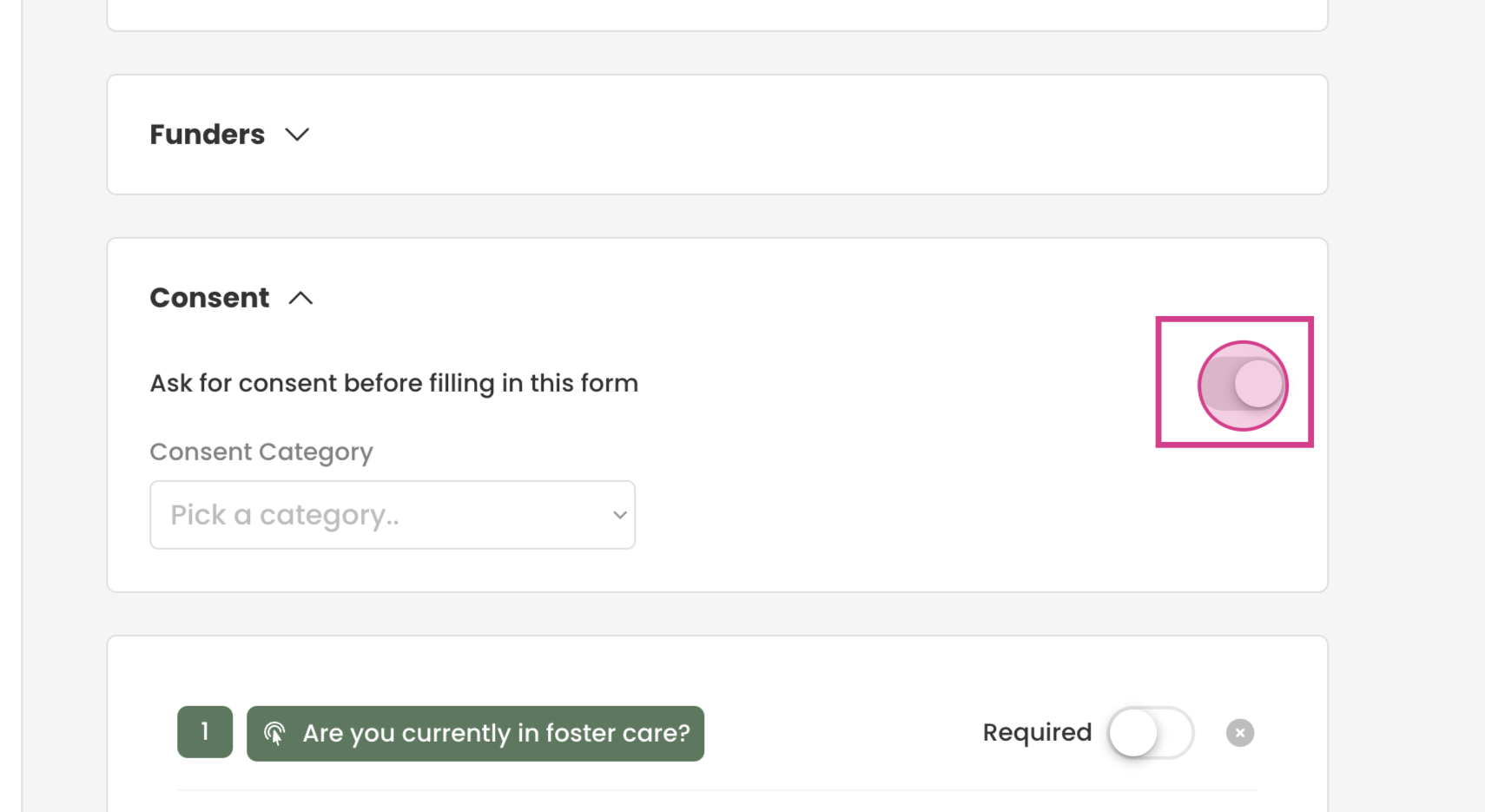
Step 4: Choose the consent form relevant to the form, in this case, "general".
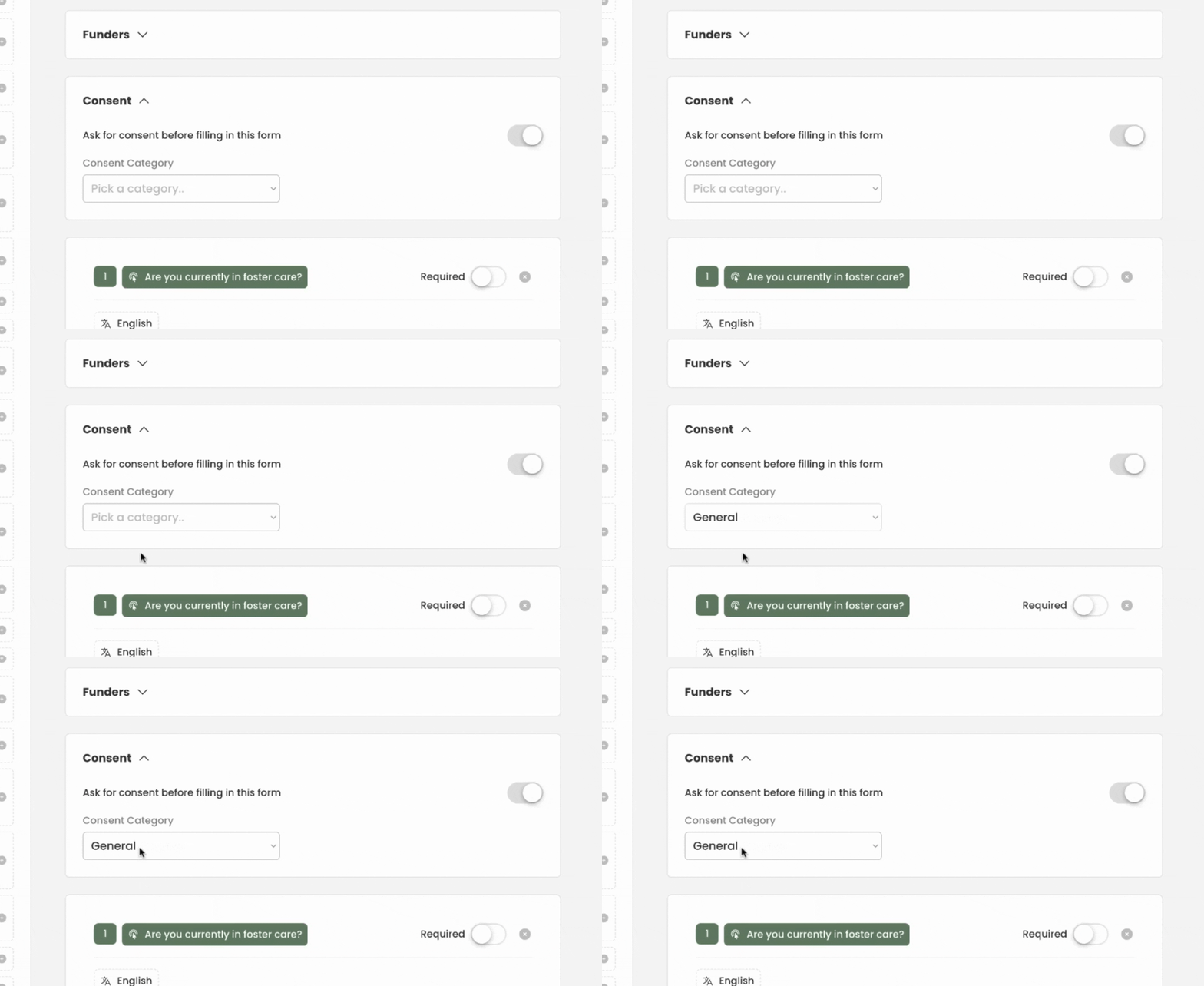
You have added consent now to your form!