Explore the benefits of using public links with clients. Public links empower clients to complete forms on their own. Each client and form possesses a unique public link, which needs to be set up on the form before public use.
Here's how to share a form with a client using a public link:
Step 1: Determine the client who'll receive the form link. Go to their profile.
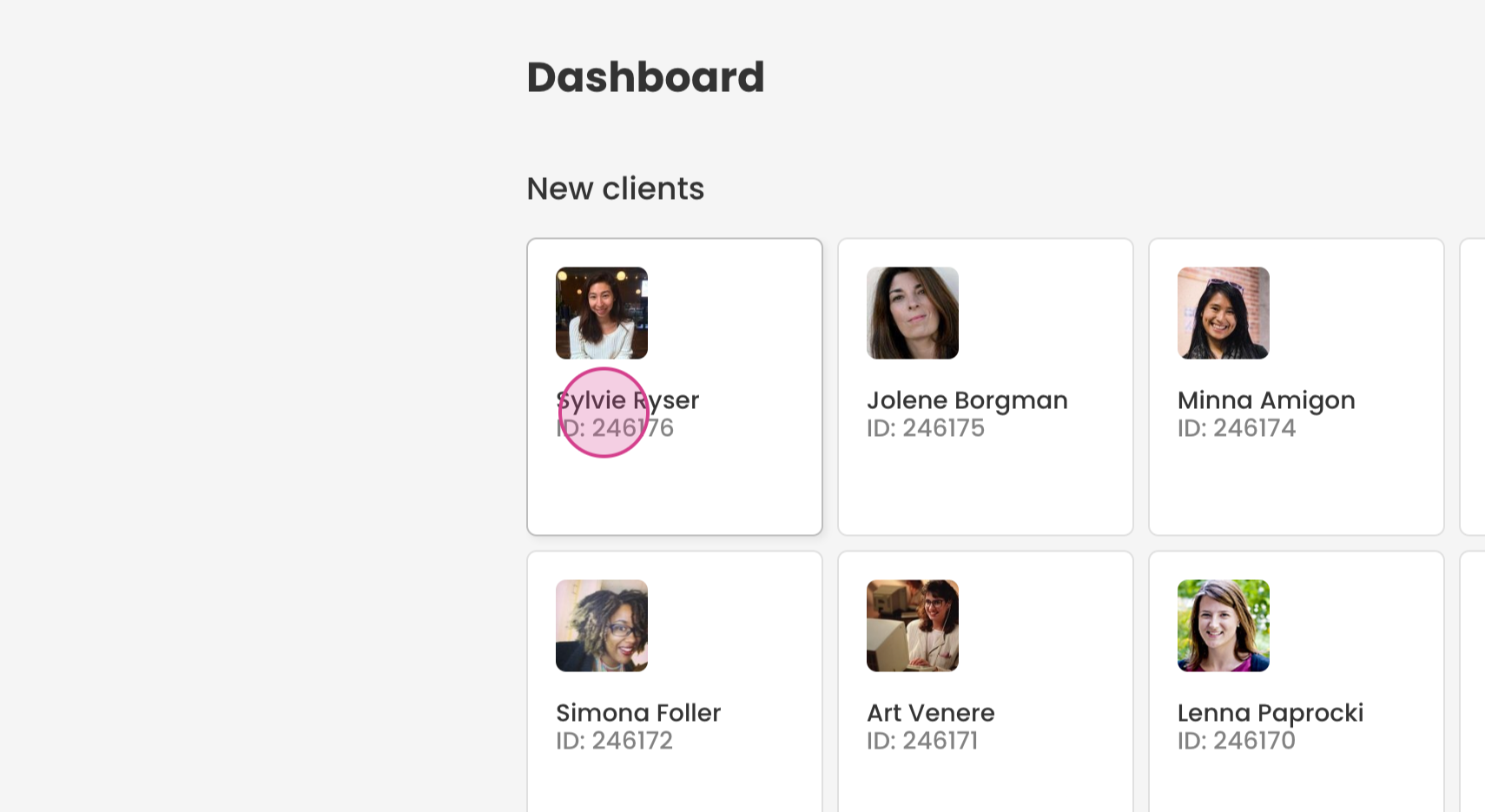
Step 2: Find the form to share with the client and click the link icon.
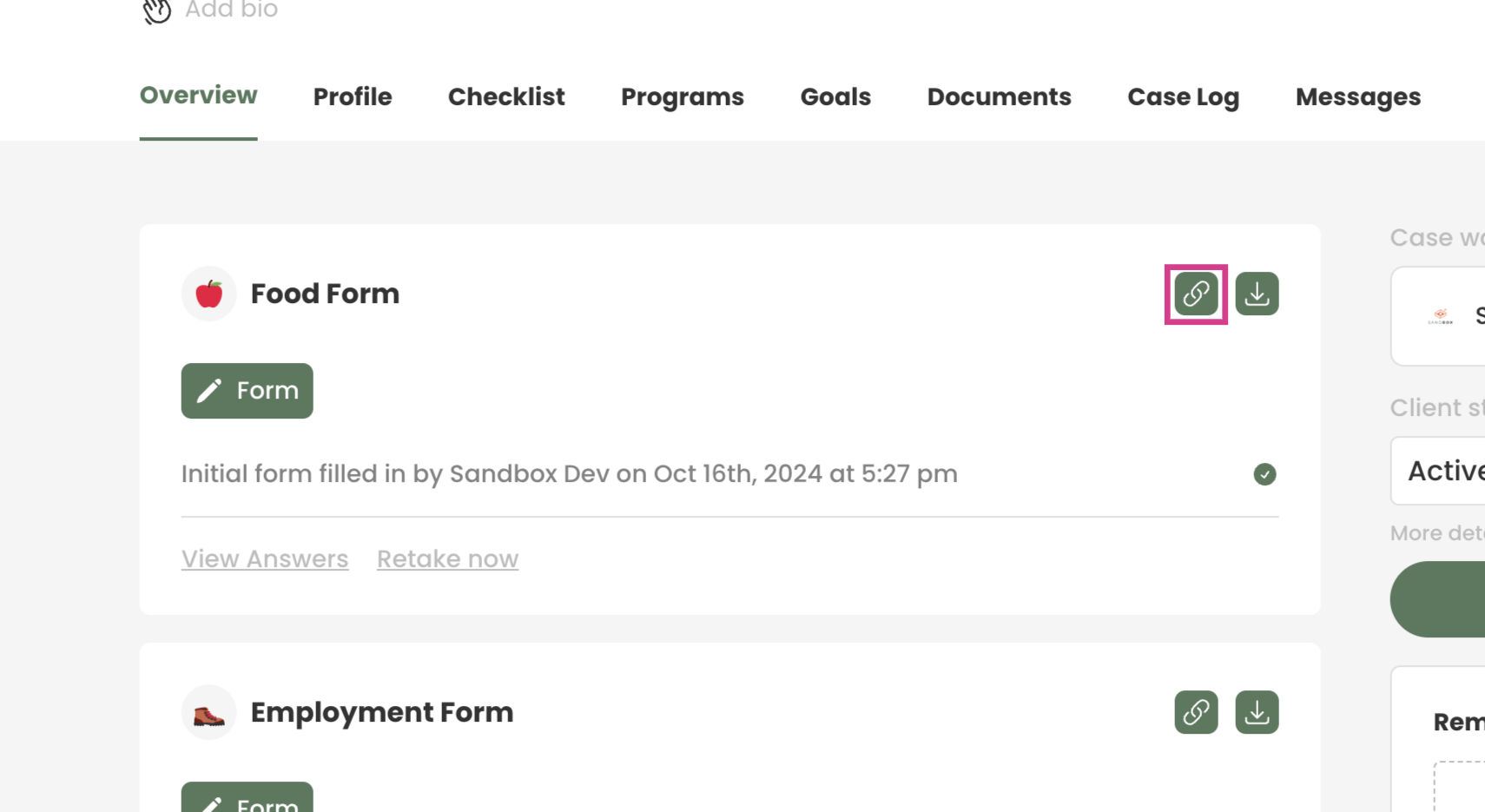
Step 3: A new tab will appear. Copy the URL and send it to the client. They'll use this link to access the form.
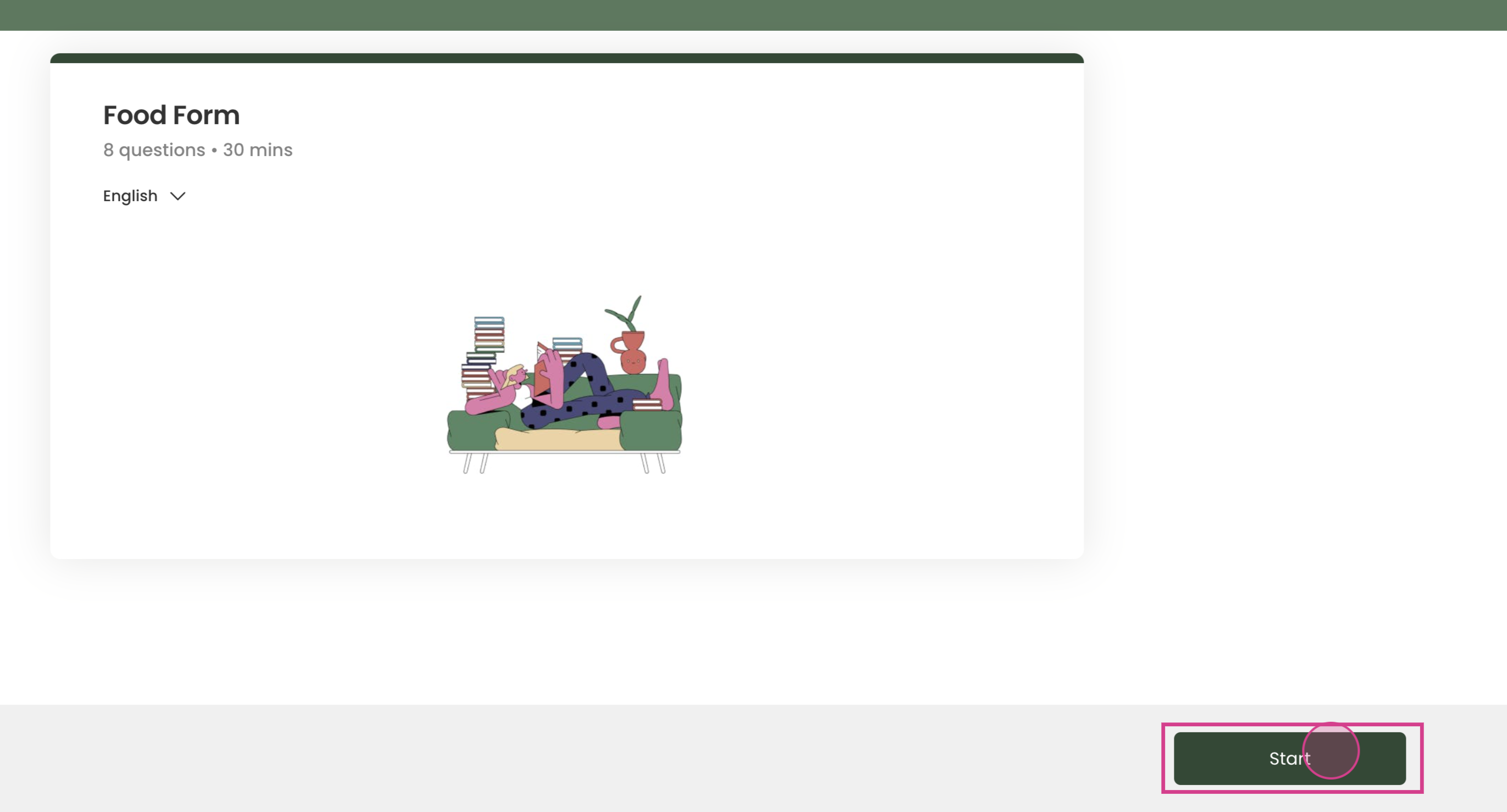
Step 4: The client will then initiate by clicking on start.
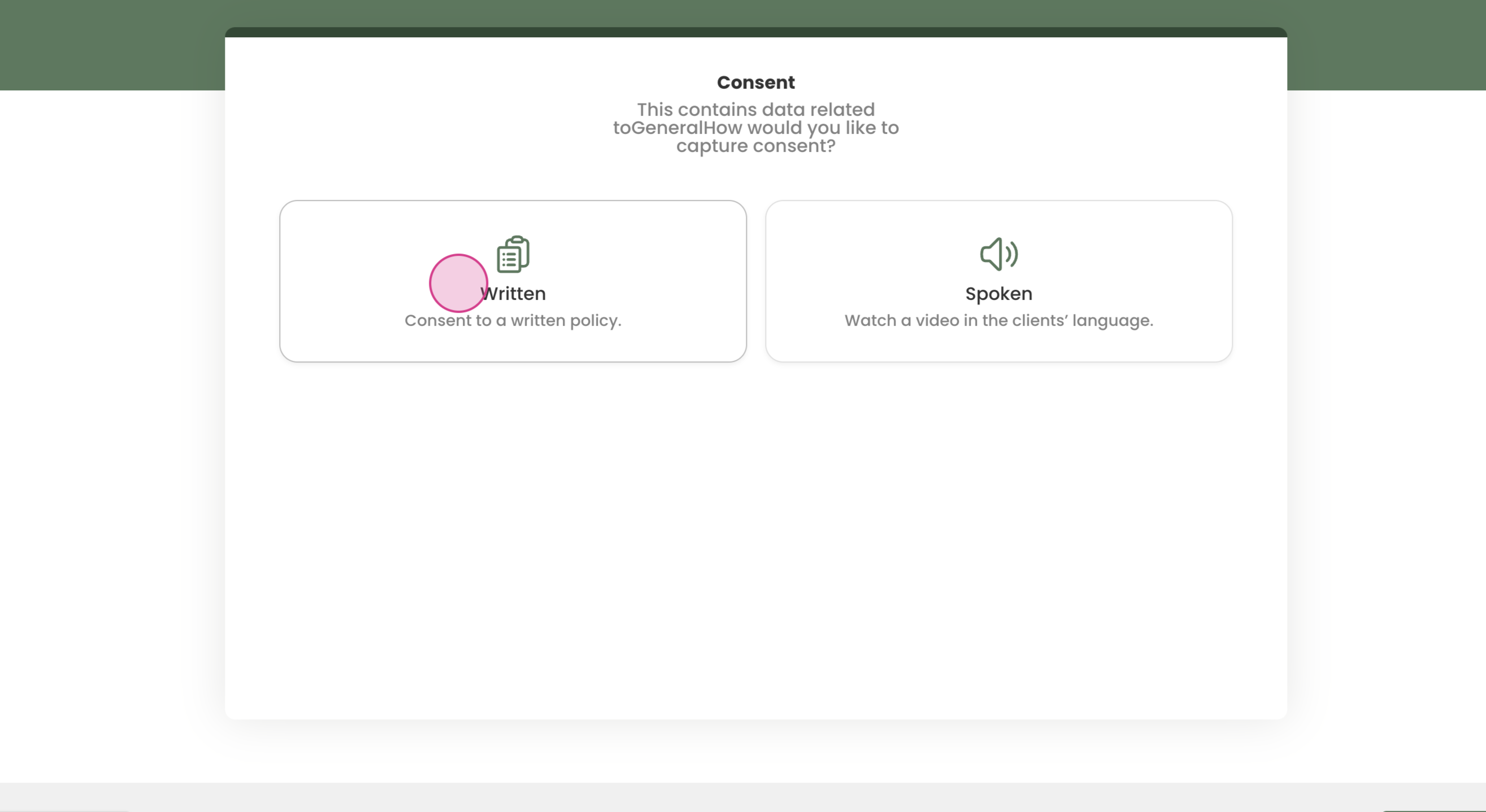
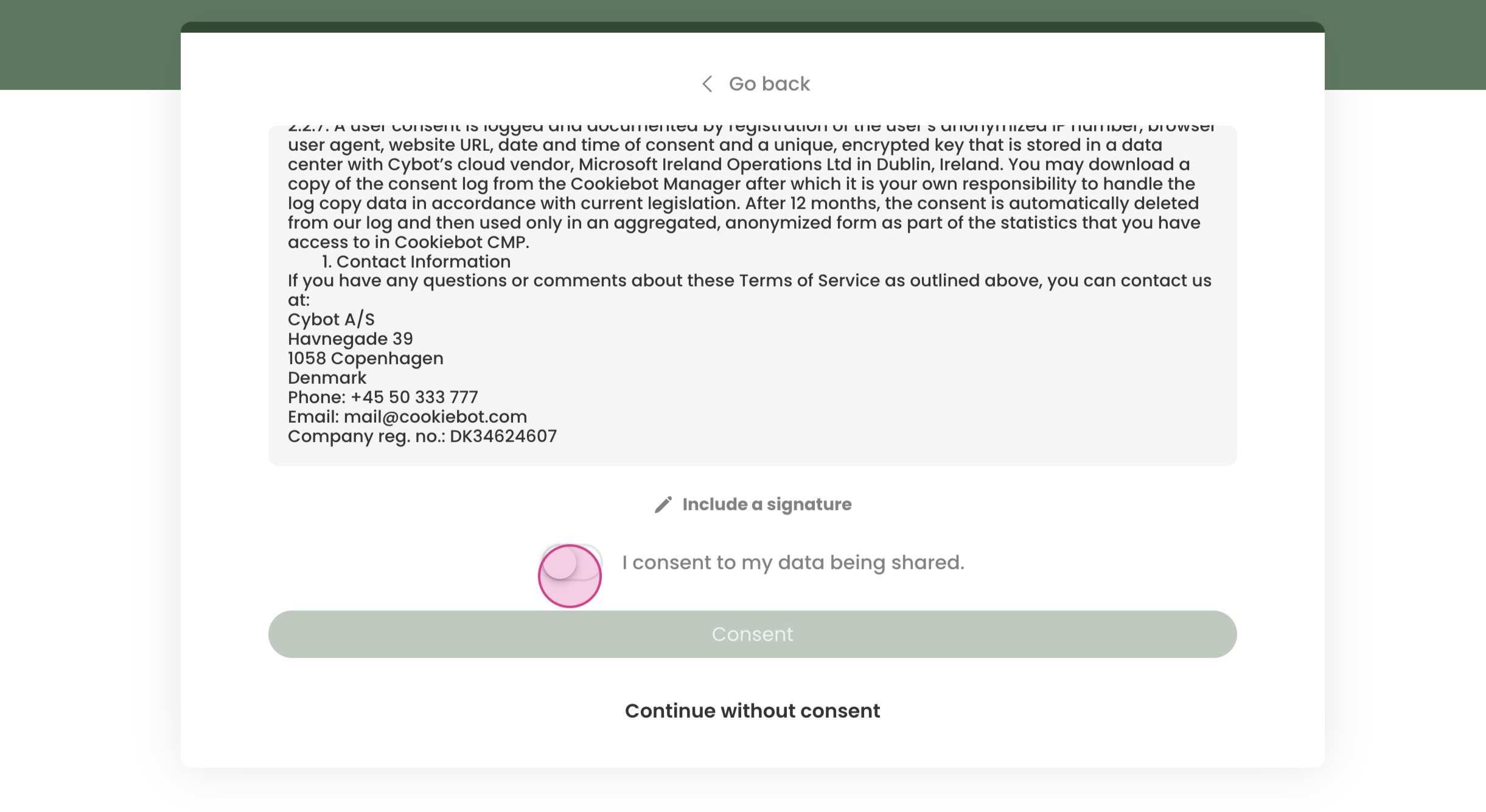
Step 5: The client will need to give their consent.
Step 6: Once the client finishes filling out this for them can press submit, their responses will be stored on their client profile.
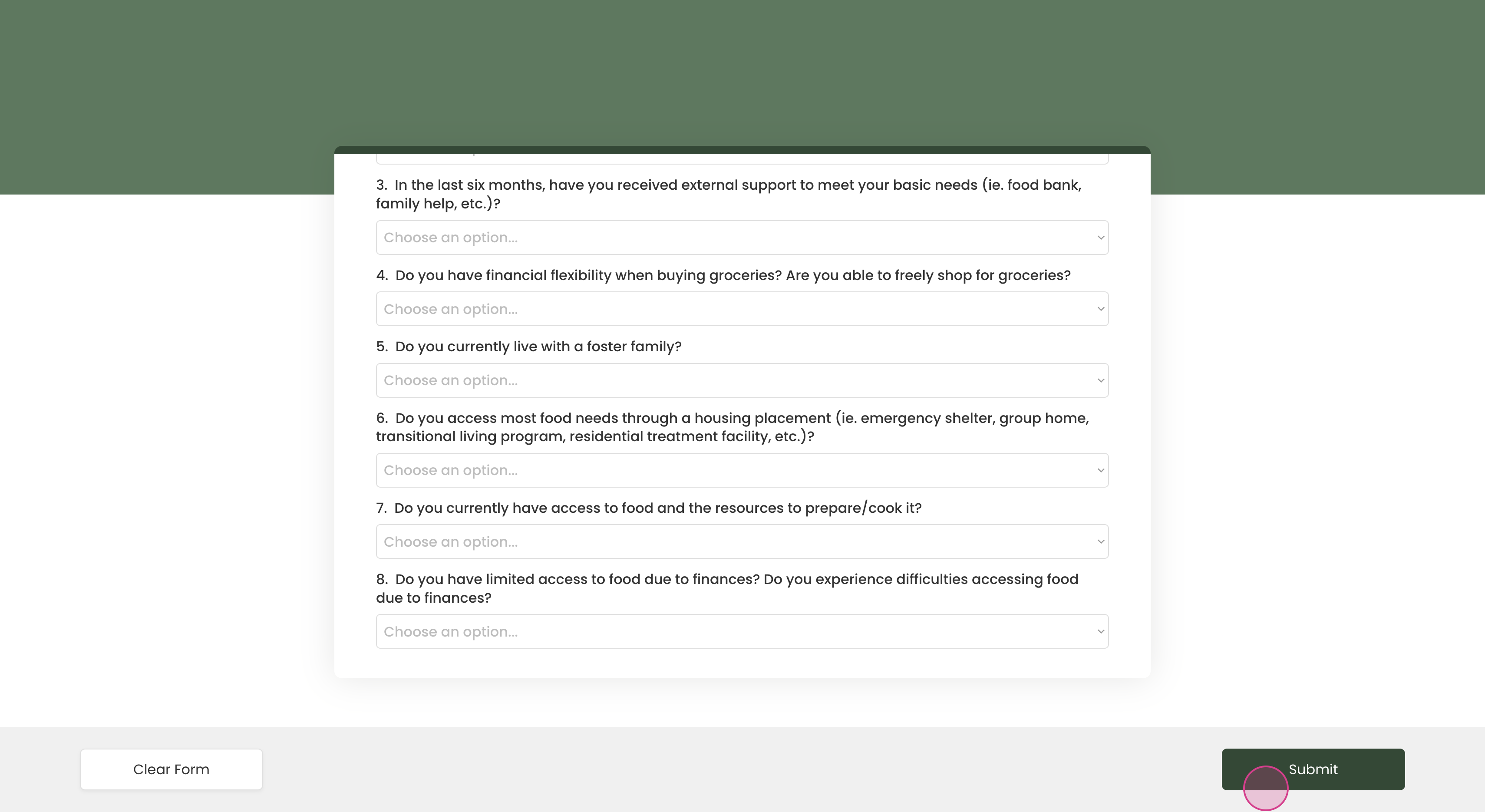
By following these steps, you're ready to provide clients with external links for form completion.