In this article, you'll learn how to create a user account in Transform after receiving an invitation from your admin or management.
Step 1: Check your email for an invitation to join Transform.
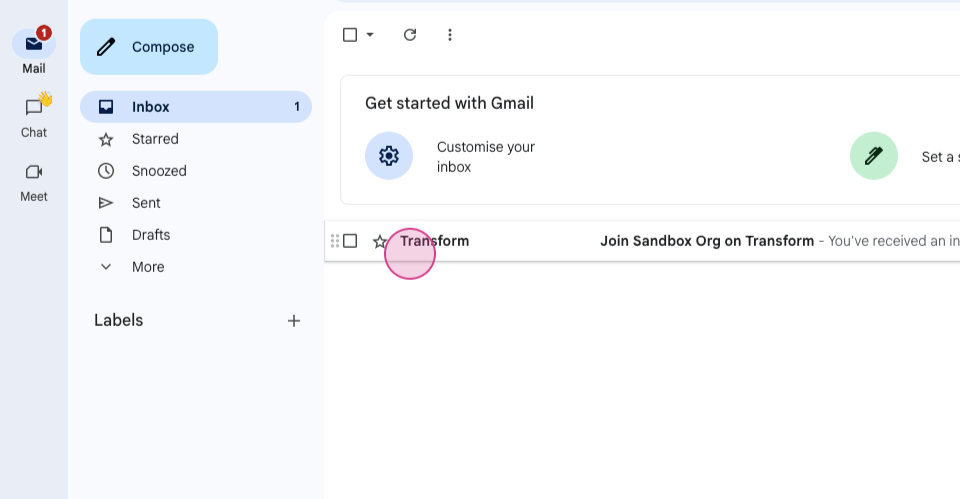
Step 2: Open the email.
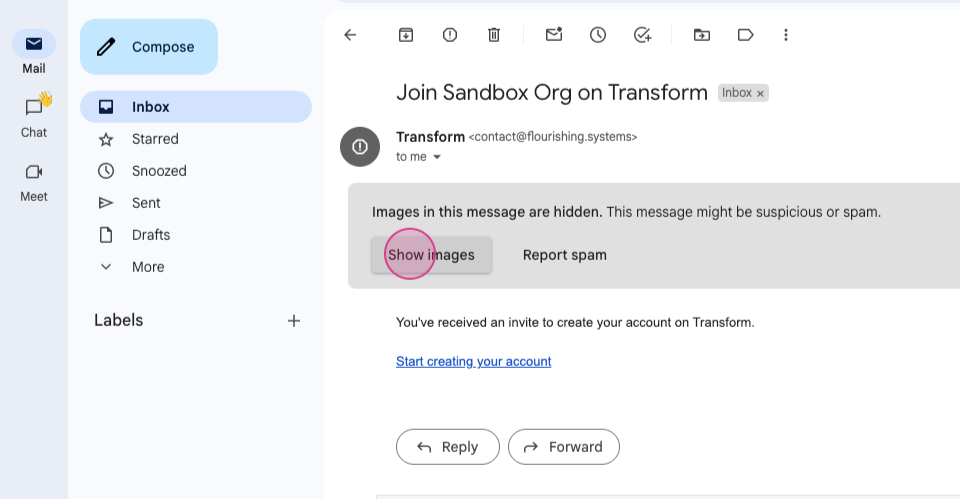
Step 3: Click on "start creating your account" to begin creating your account.
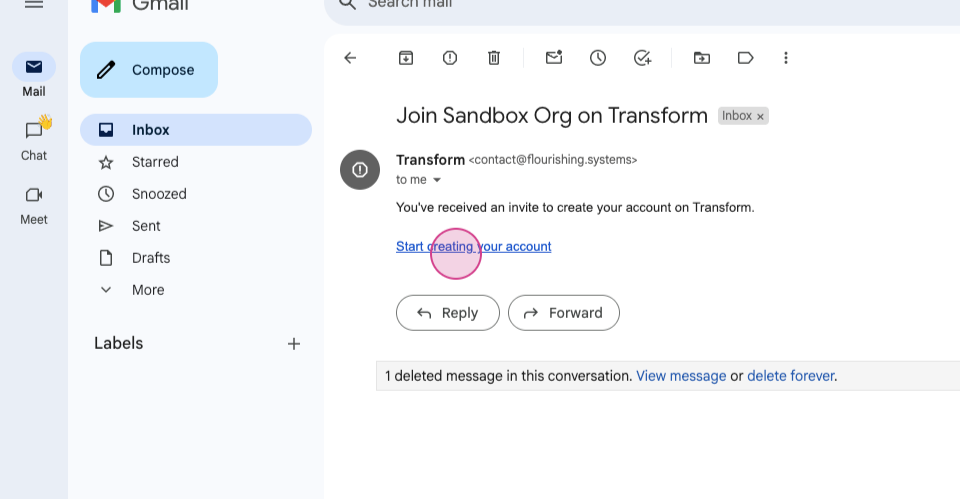
This action will open a new tab.
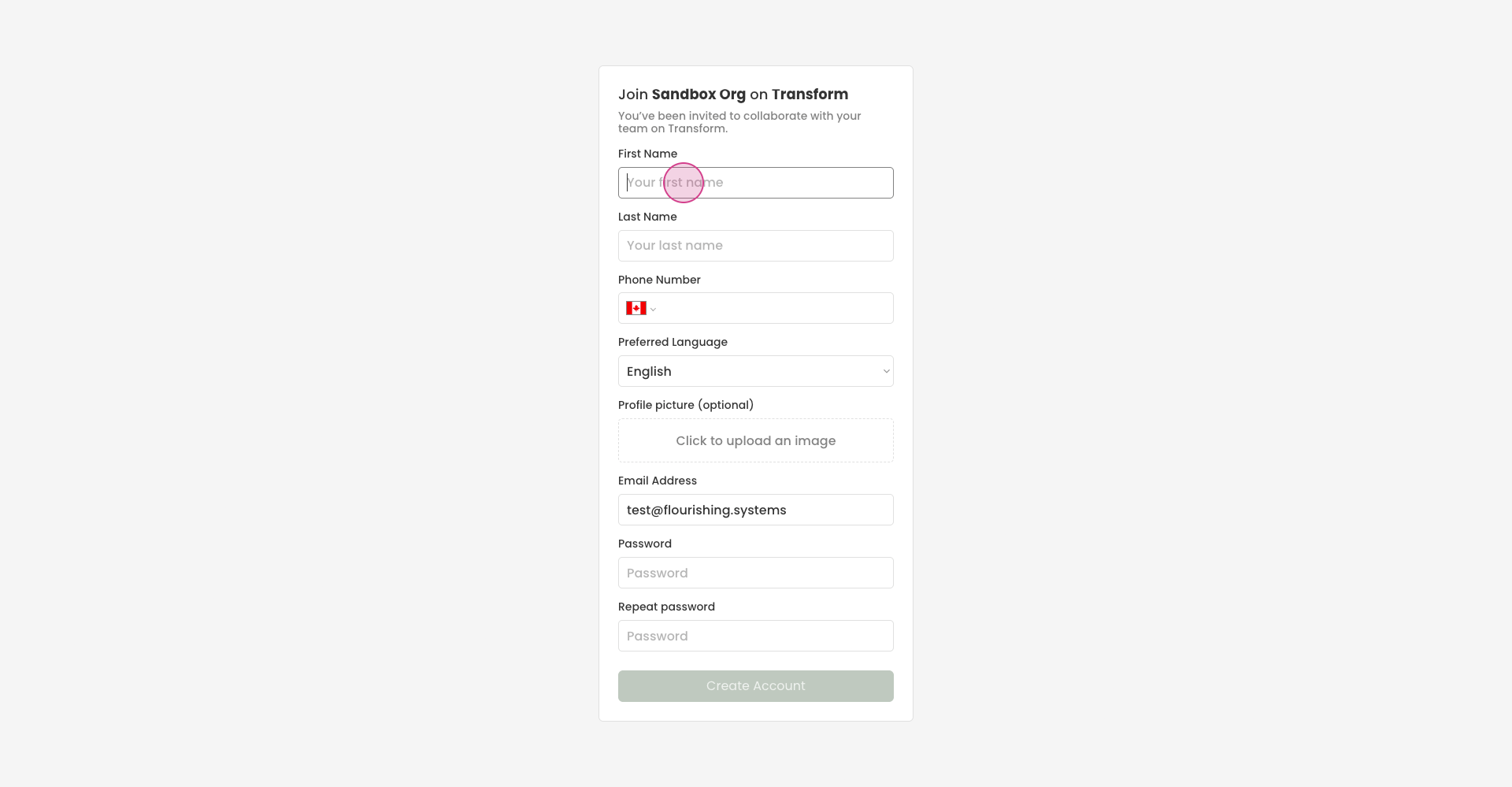
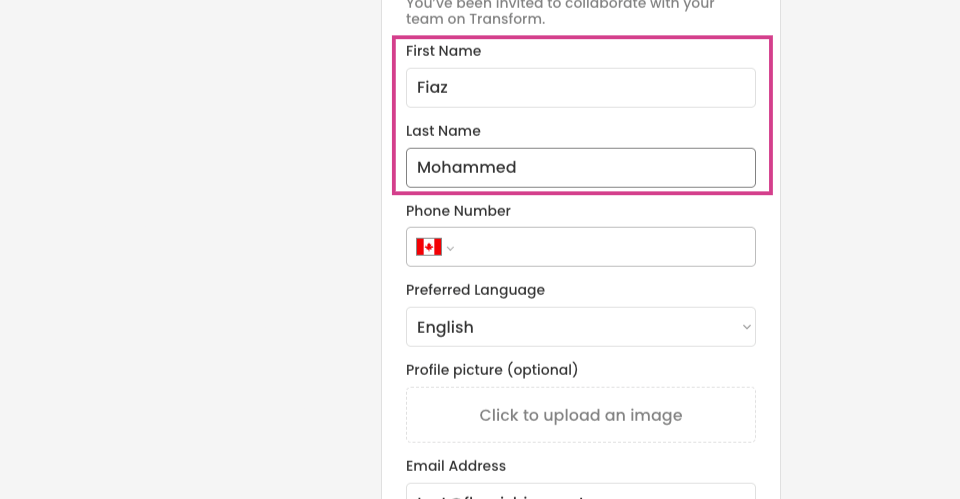
Step 4: Enter your first and last name.
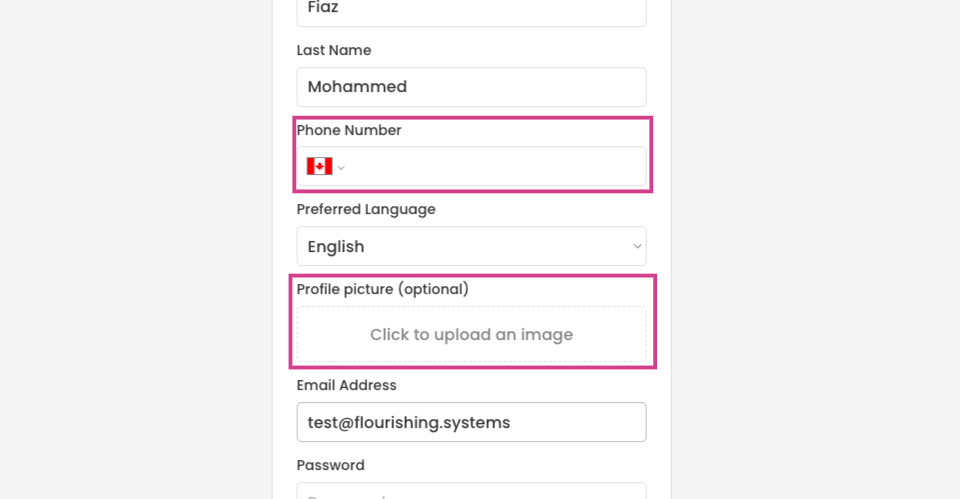
Step 5: Optionally, add your phone number, select your preferred language, and upload a profile picture.
Step 6: Create a password.
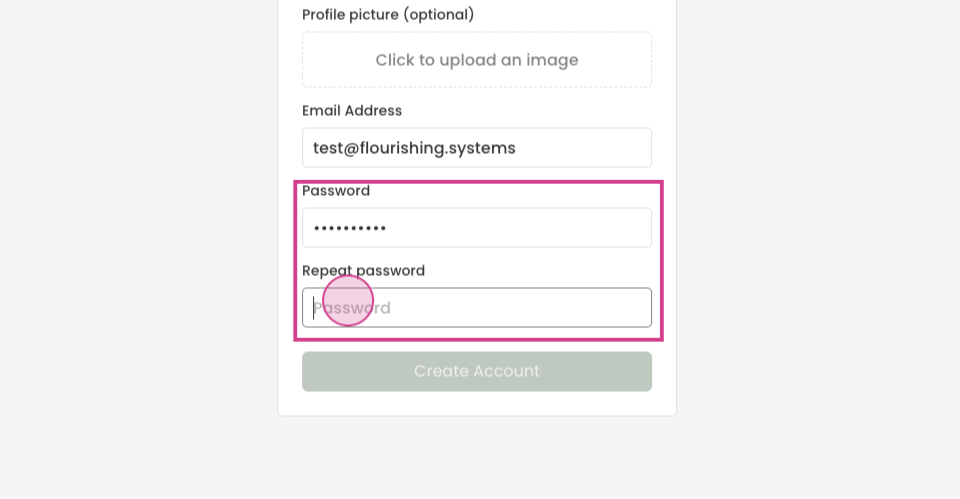
Remember, your password must include an:
uppercase letter
lowercase letters
number
Step 7: Click on Create Account.
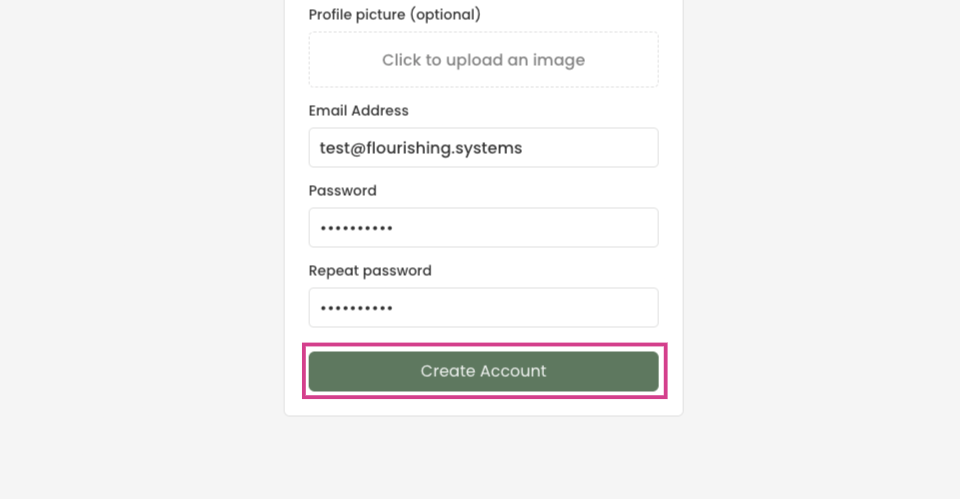
Once your account is created, you'll be redirected to your dashboard.
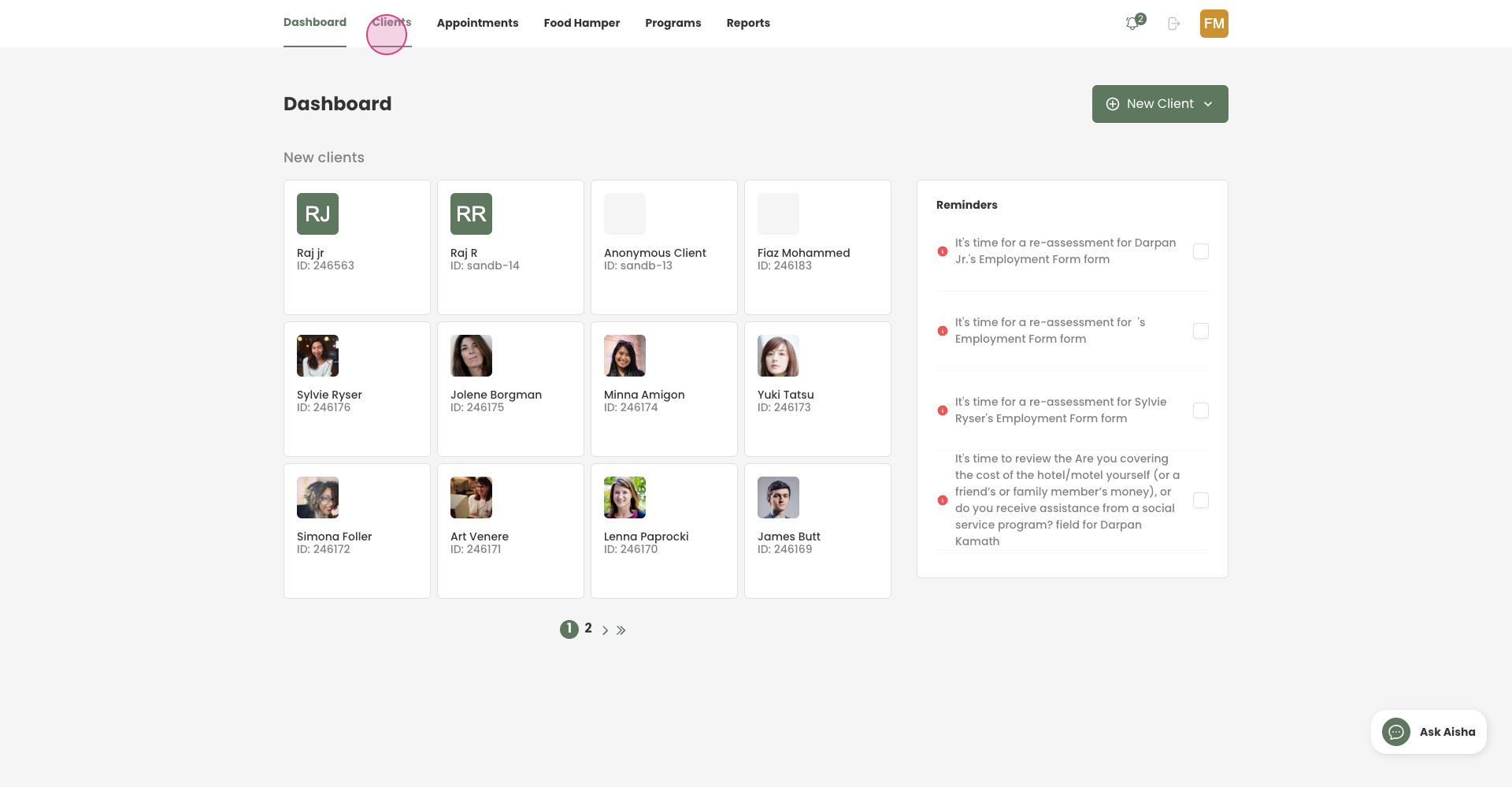
Now, you're ready to access Transform as usual.