Welcome to the Transform help guide. This article will guide you through the process of adding a new client profile in Transform. Follow the step-by-step instructions below to accurately input all the necessary client information.
Step 1:
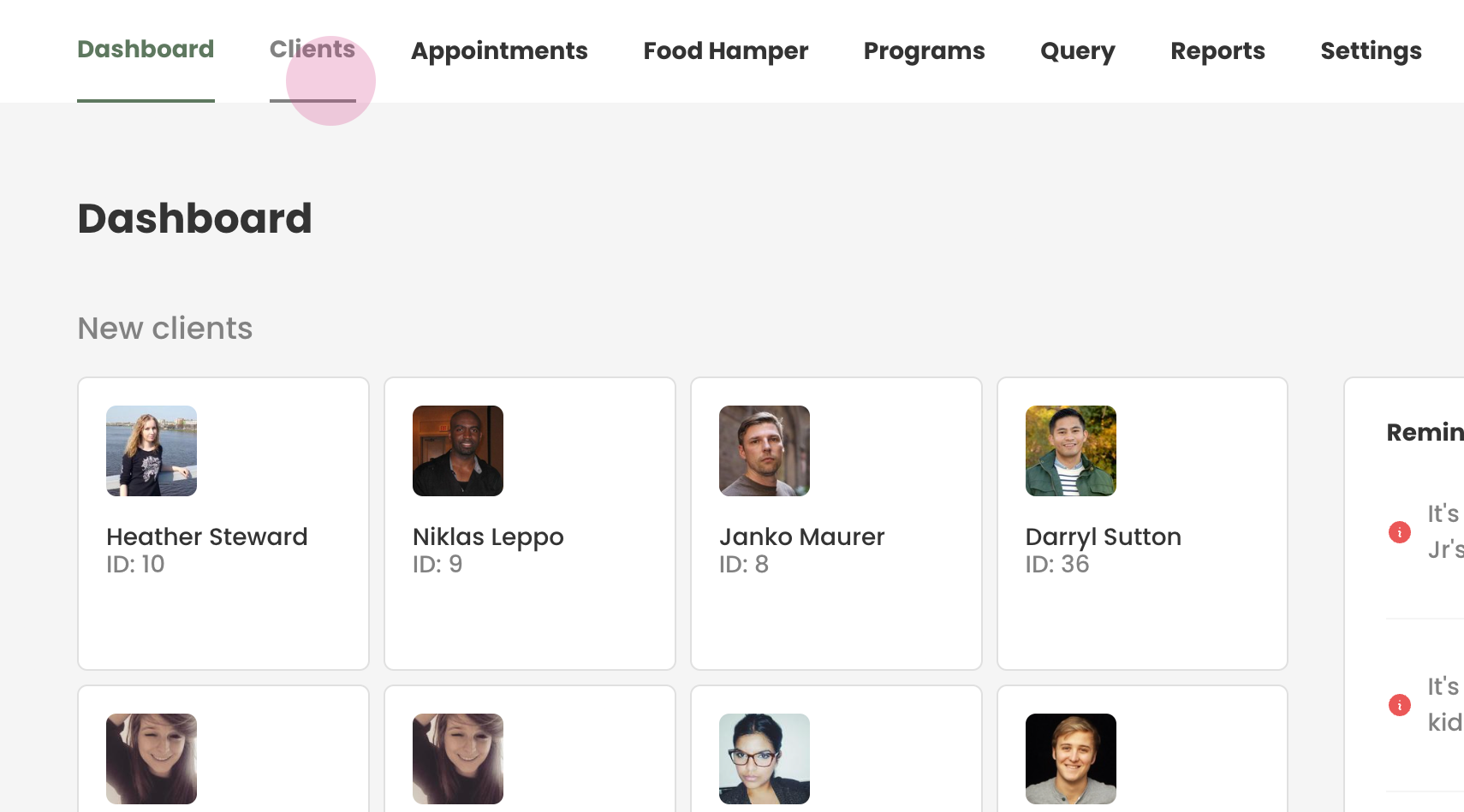
Start by navigating to the 'Clients' tab in the Transform interface.
Step 2:
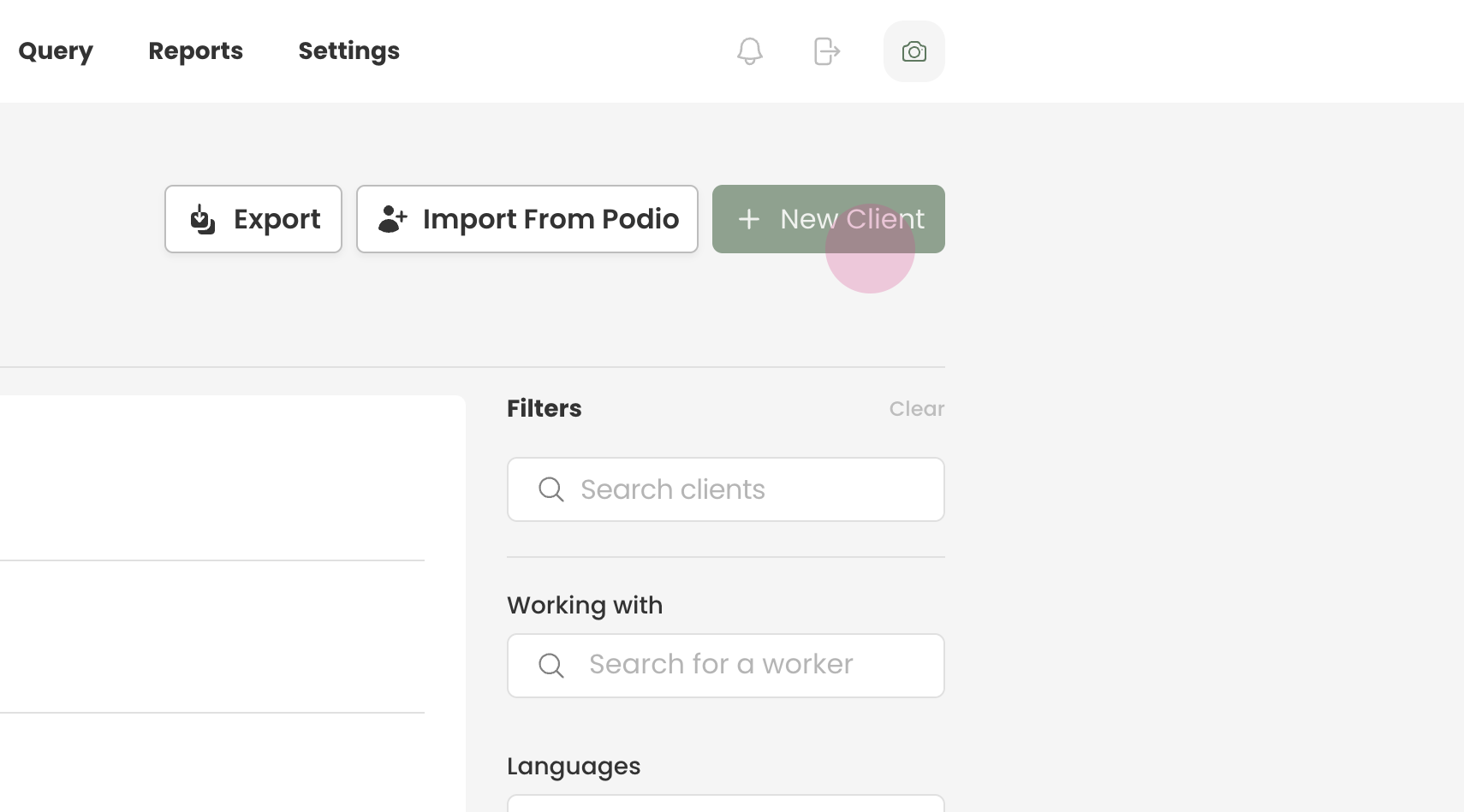
Click on the 'New Client' button to initiate the creation of a new client profile.
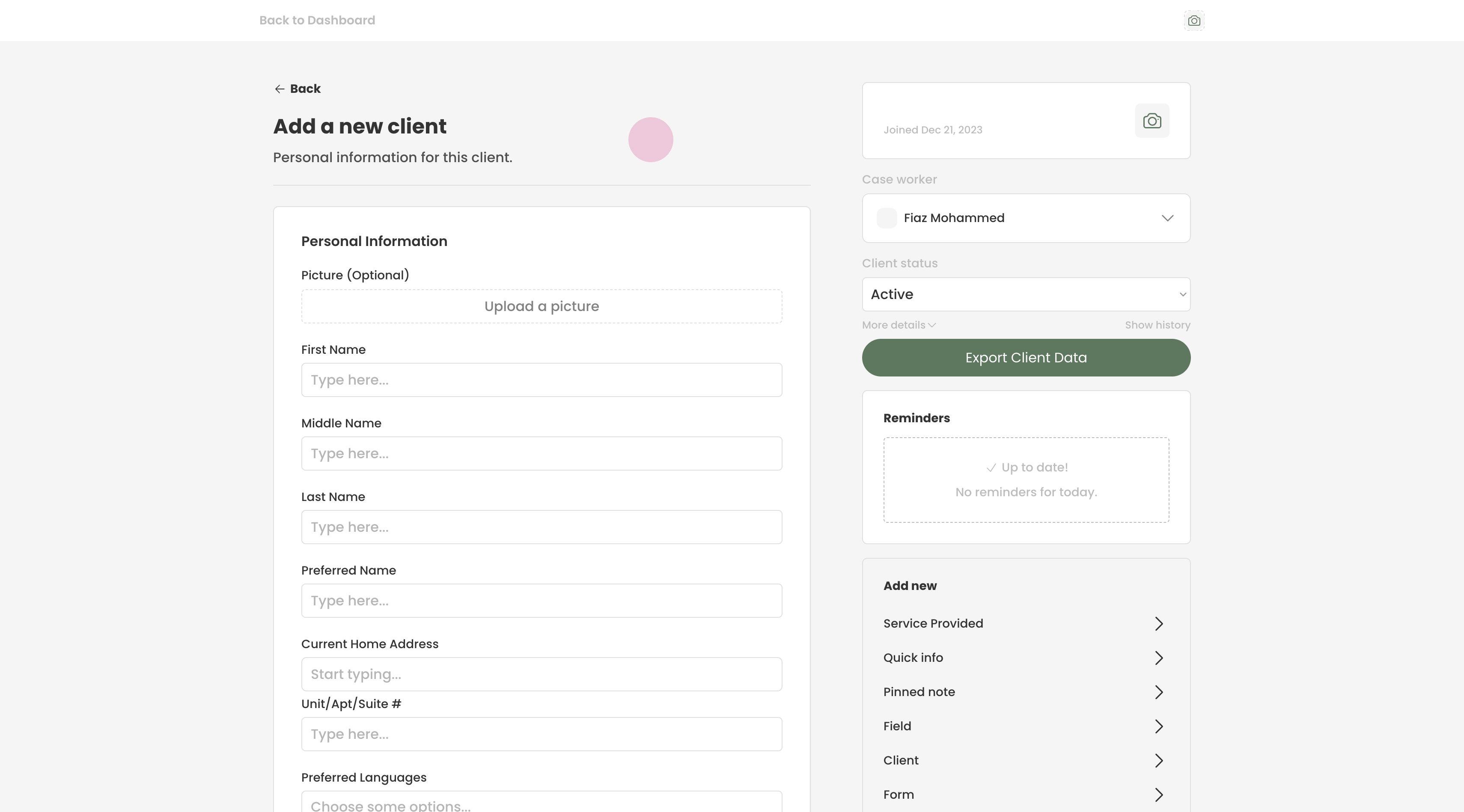
This action will open a form containing various fields for entering client data.
Step 3:
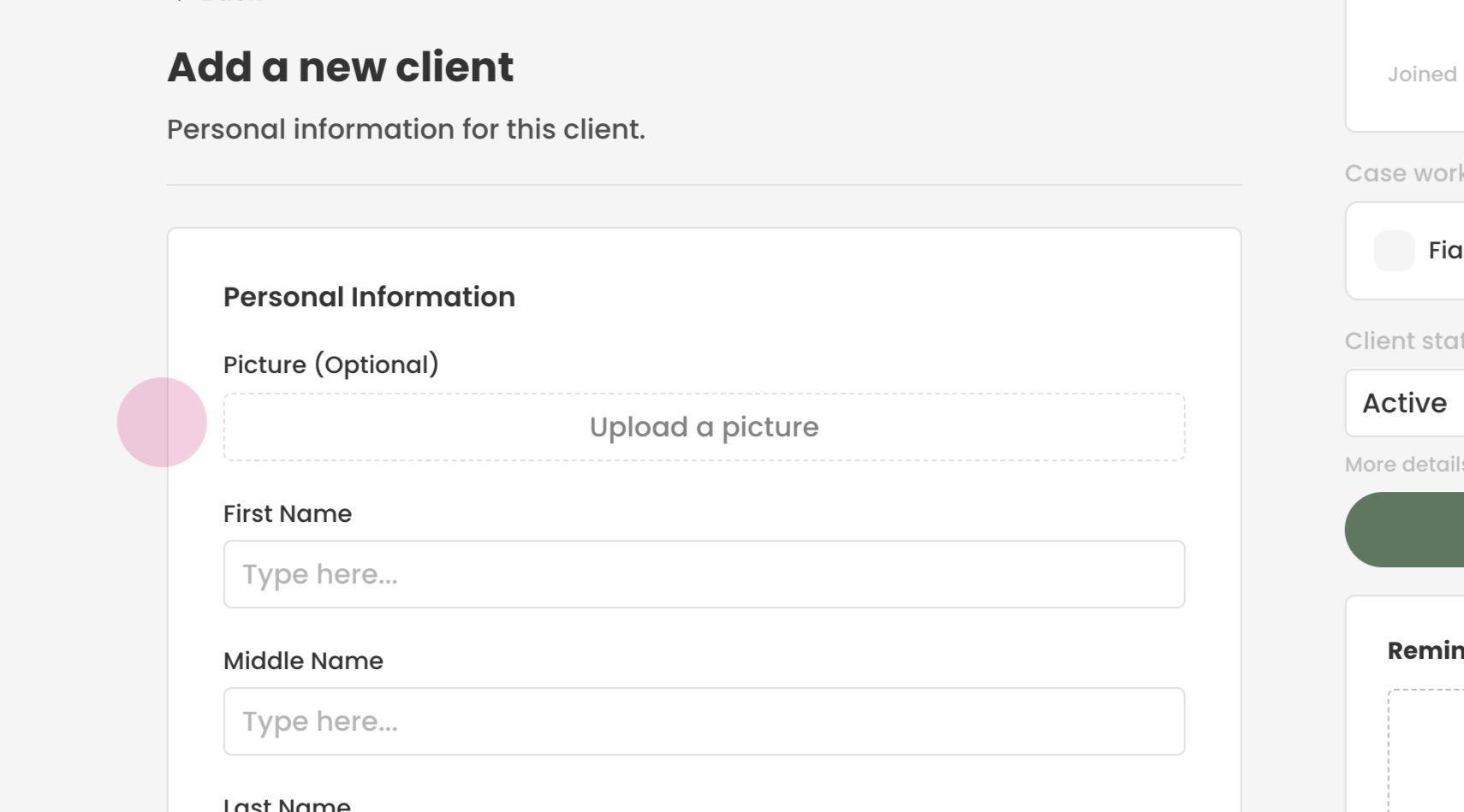
Optionally, you may choose to upload a picture of your client.
Step 4:
Begin by entering the legal first and last name of the client.
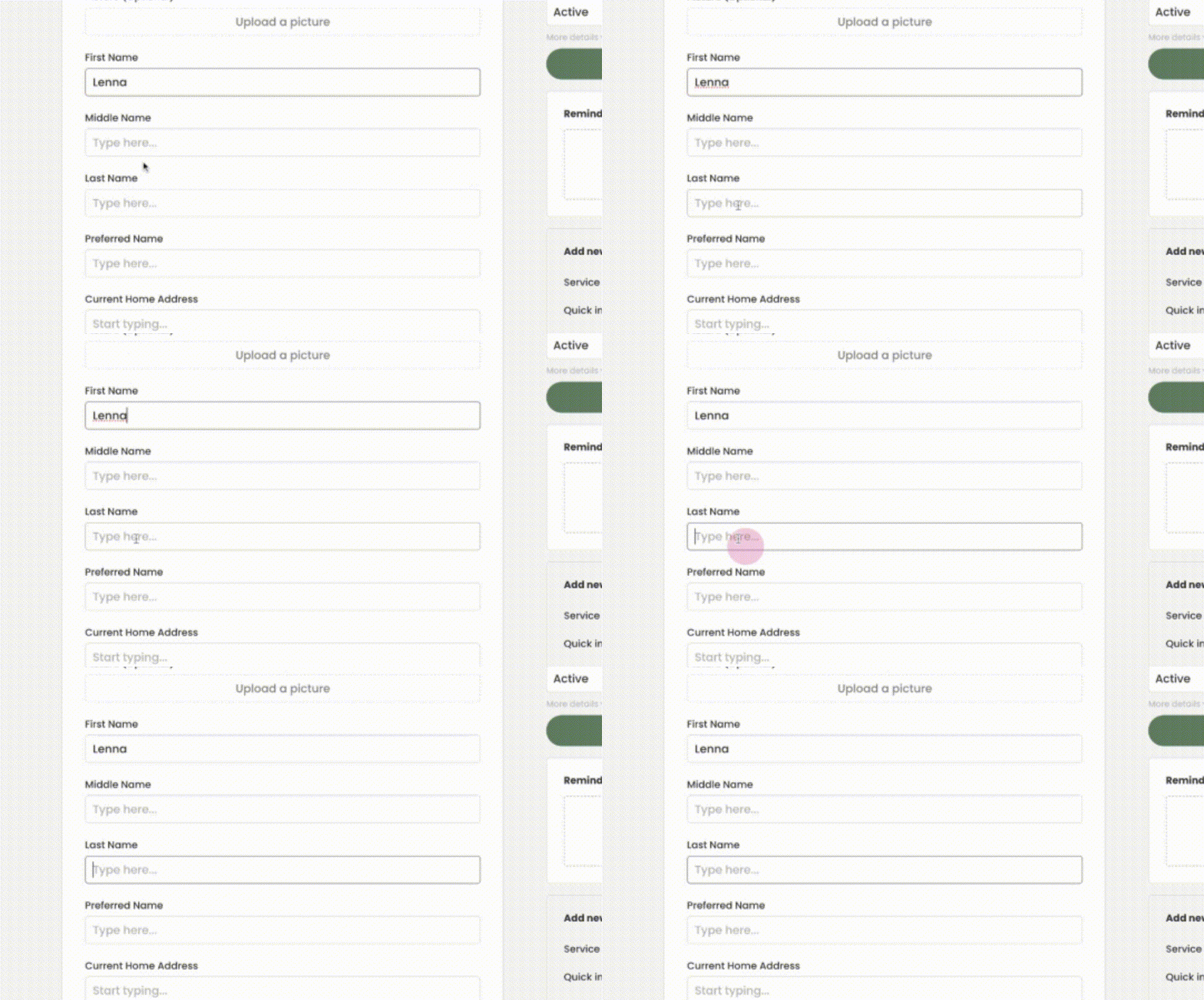
If the client has a preferred name different from their legal name, please enter it in the designated field.
Step 5:
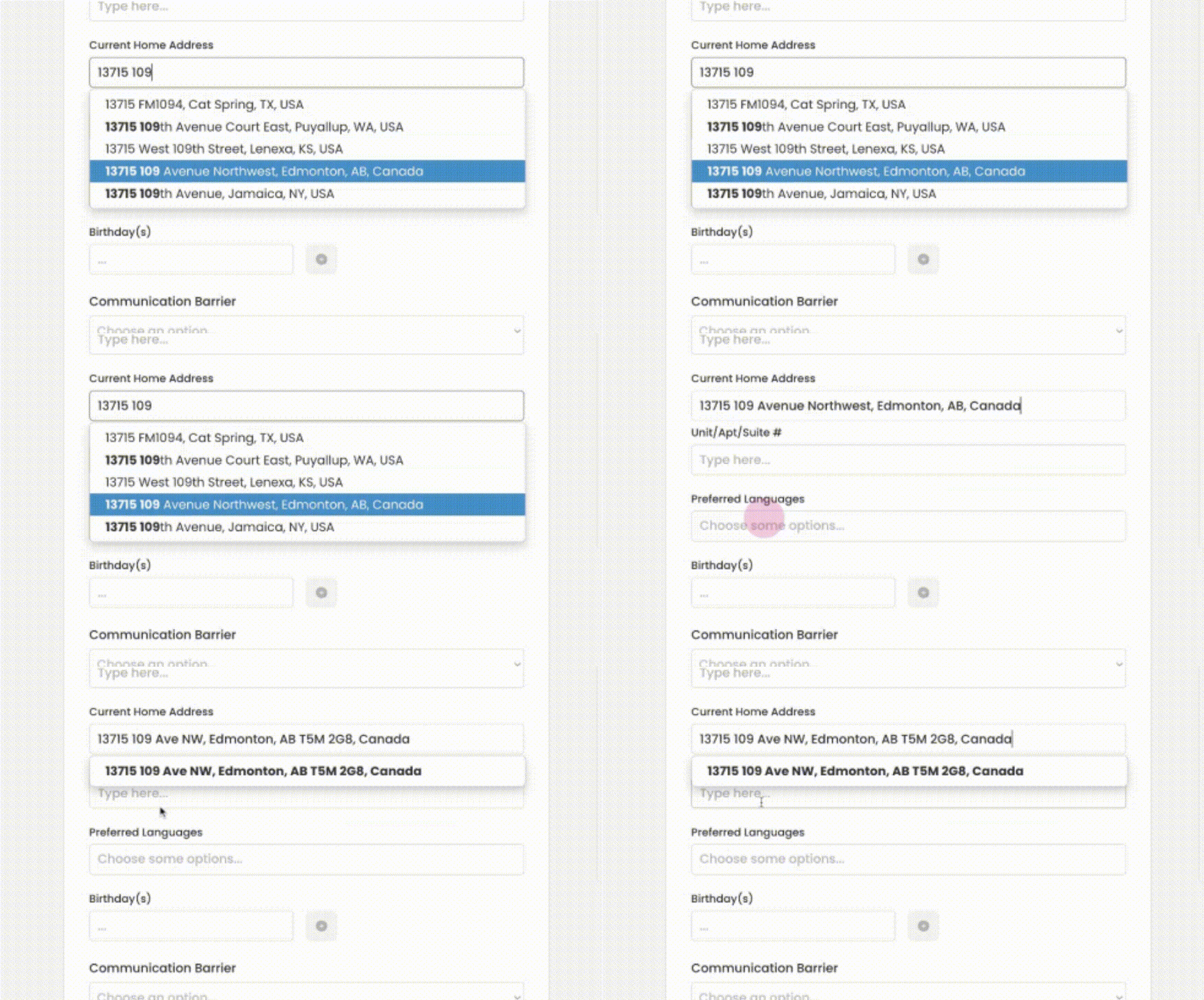
Continue by inputting the current home address of the client.
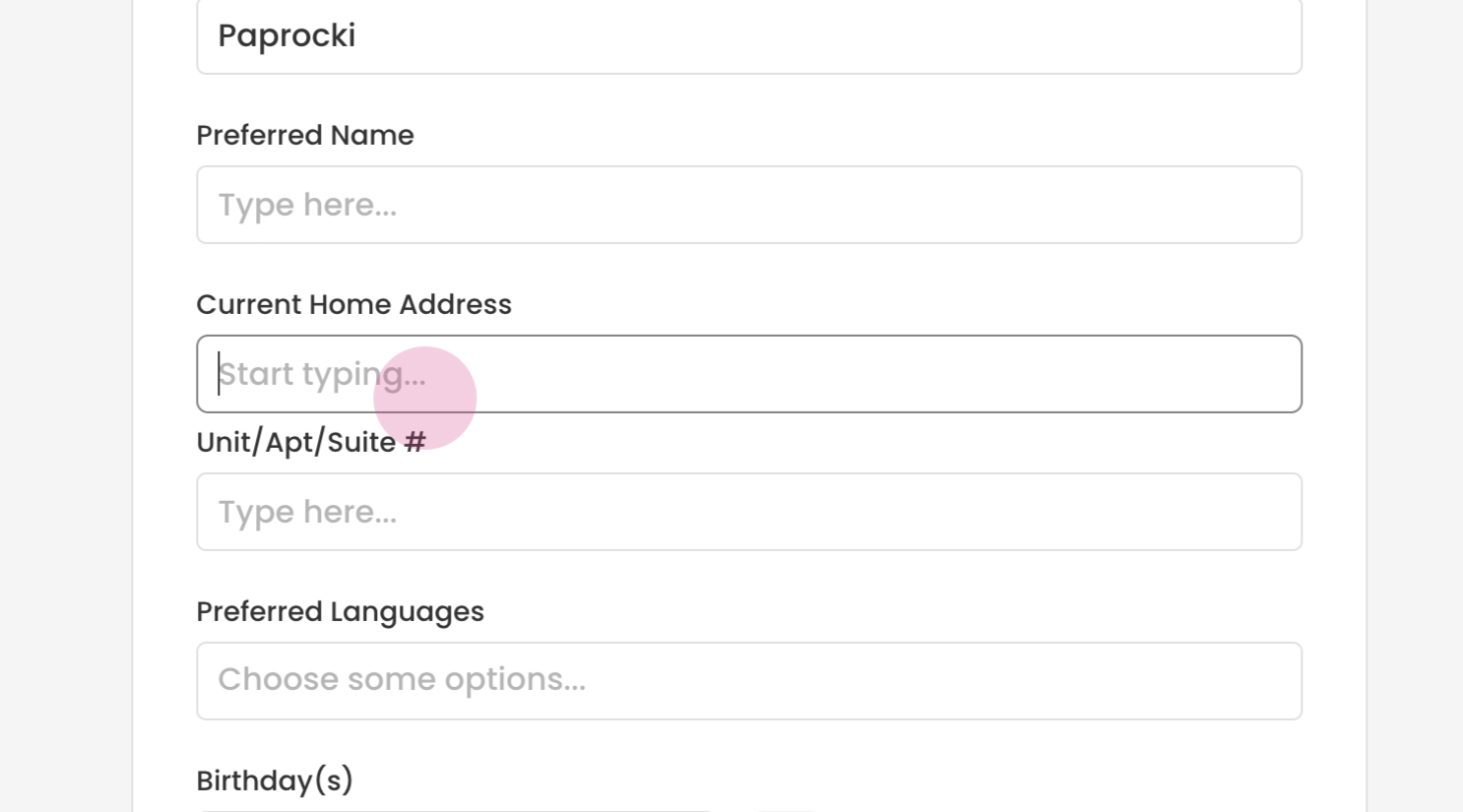
As you type, the address field should auto-populate, providing you with selection options.
Step 6:
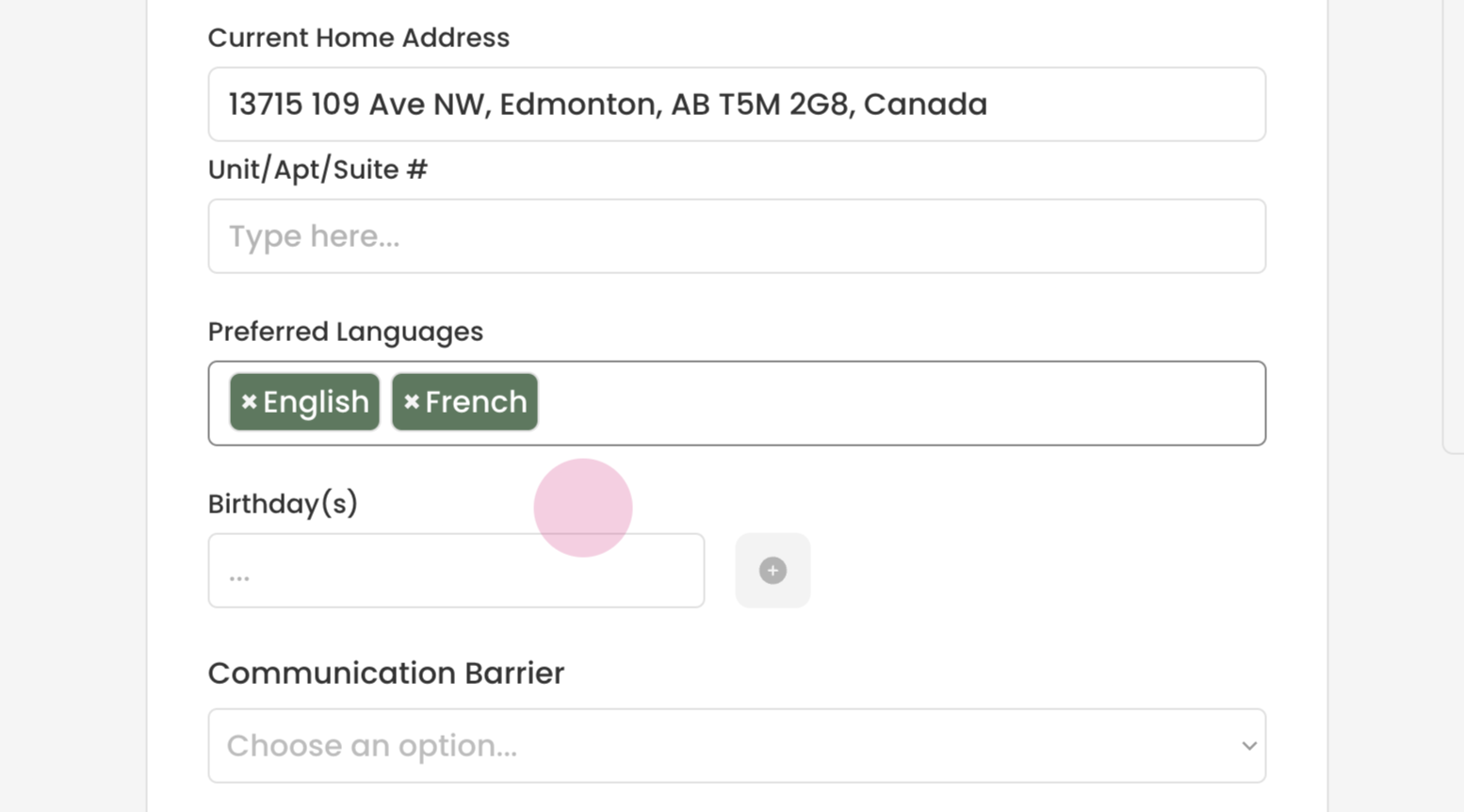
Select the client's preferred language(s).
Step 7:
Navigate to the 'Birthdays' and input the client's birthday.
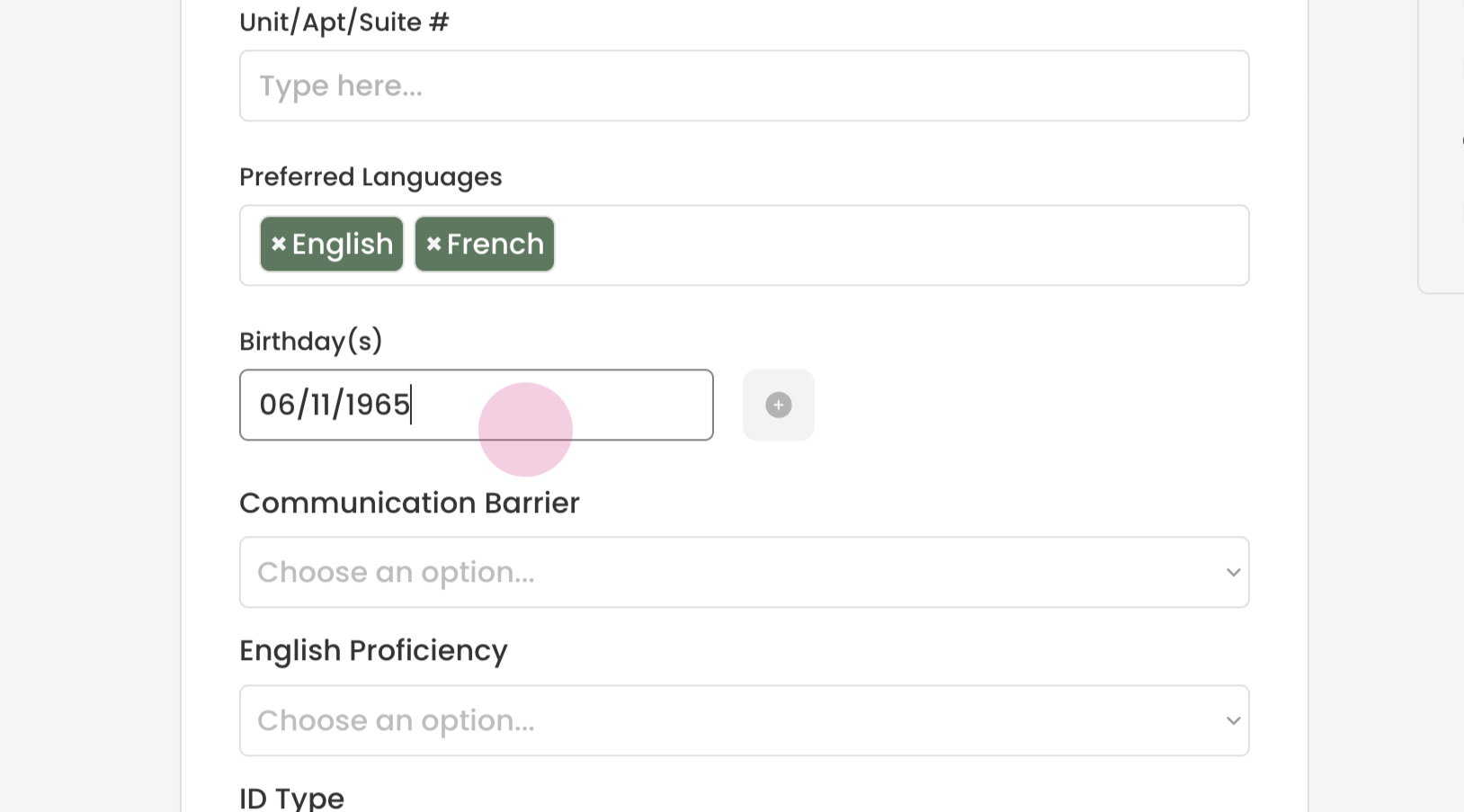
Click the green '+' to save the birthday information.
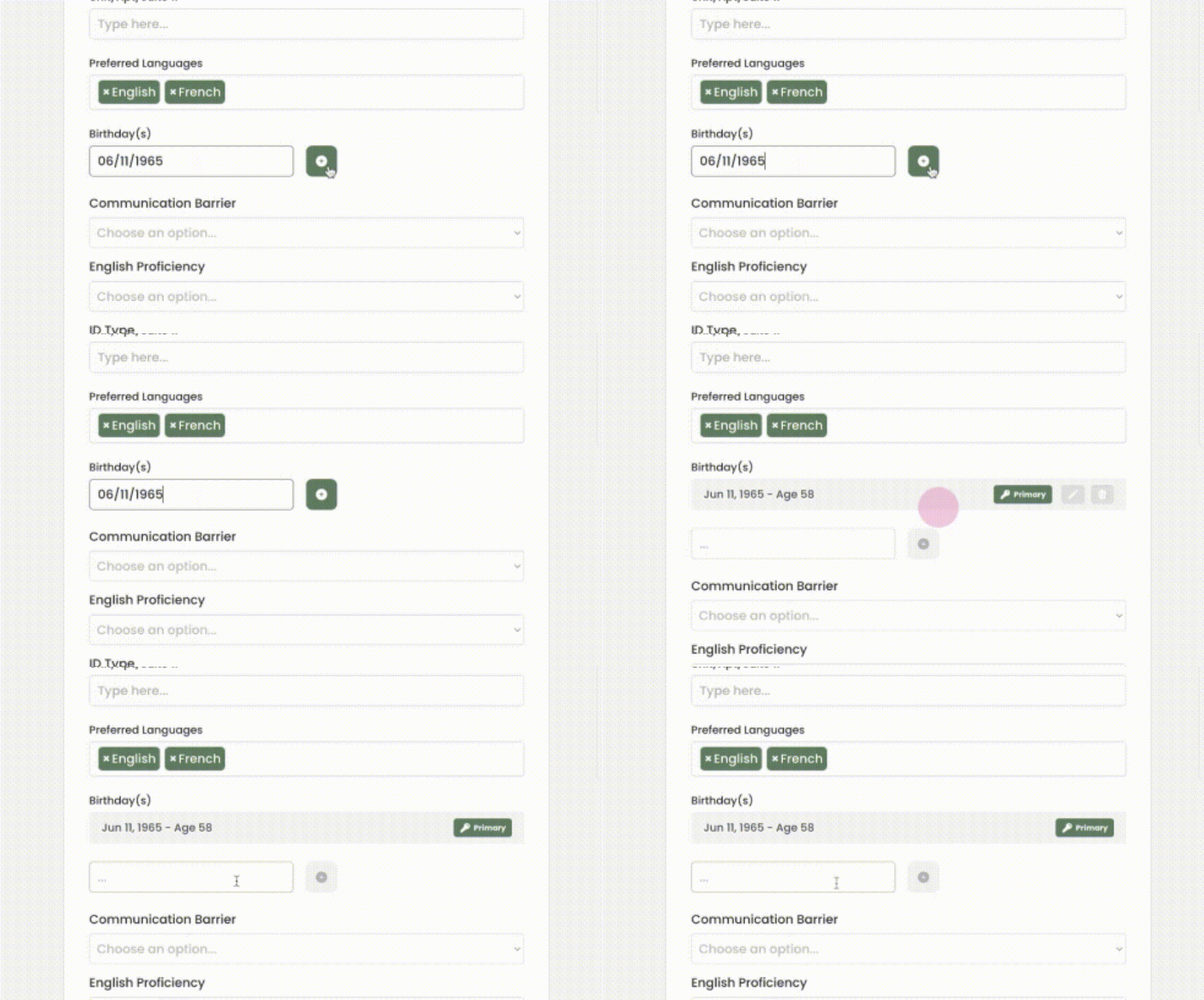
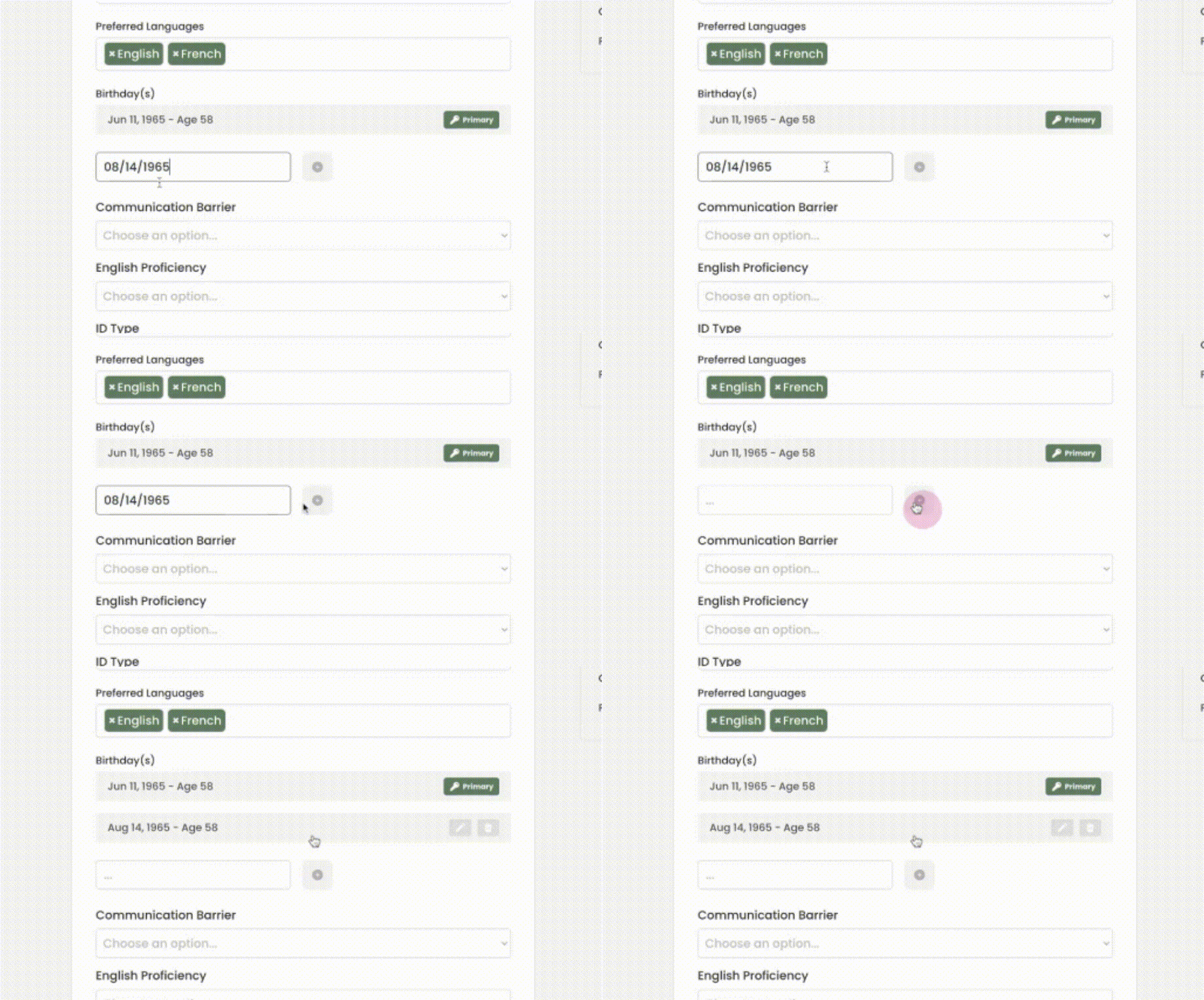
Transform provides the option to add multiple birthdays if the client has a legal and actual birthday that are different.
Step 8:
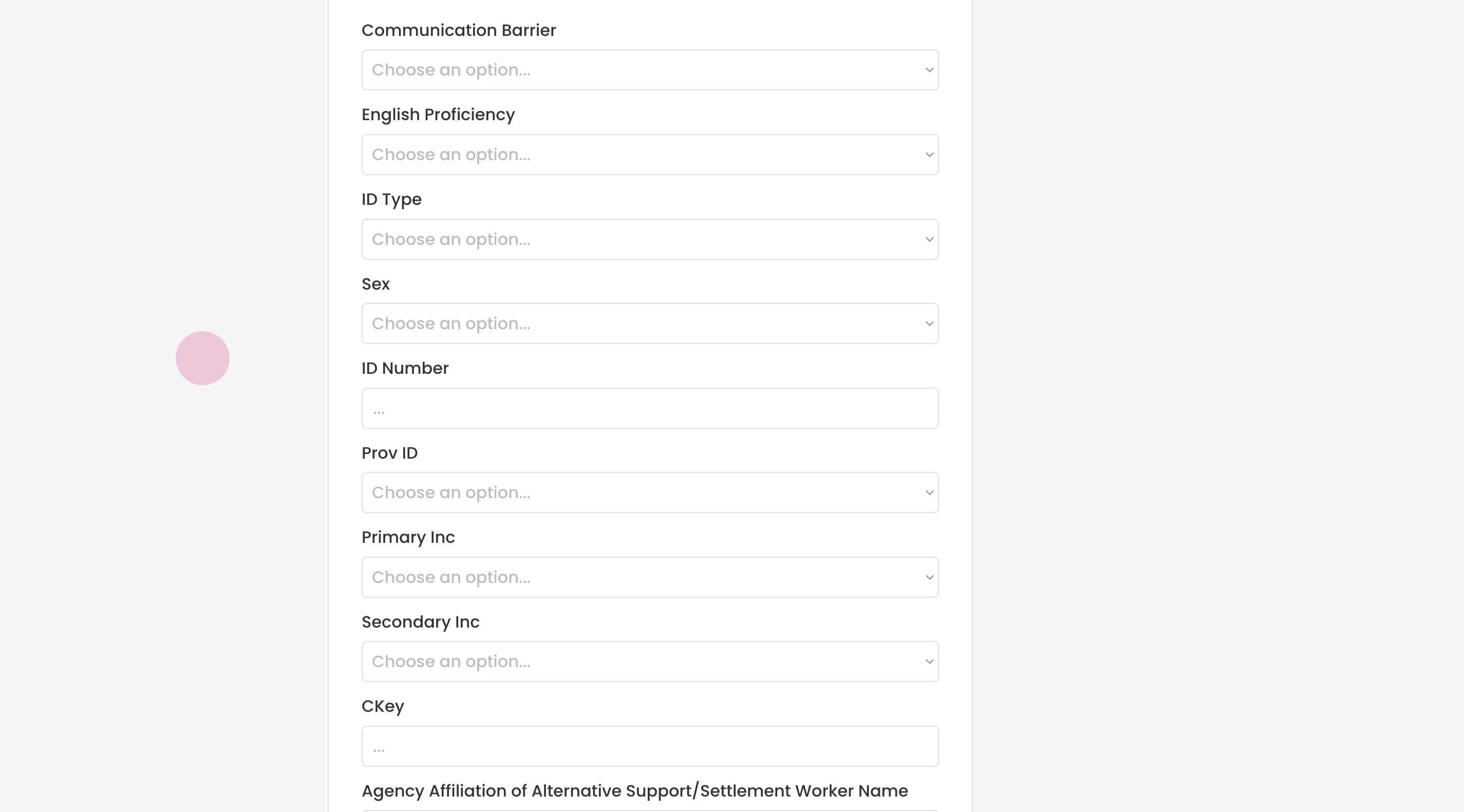
Scroll down to access other fields. Keep in mind that the fields may vary based on your organization's requirements. Please refer to your organizational guidelines for instructions on which fields to complete.
Step 9:
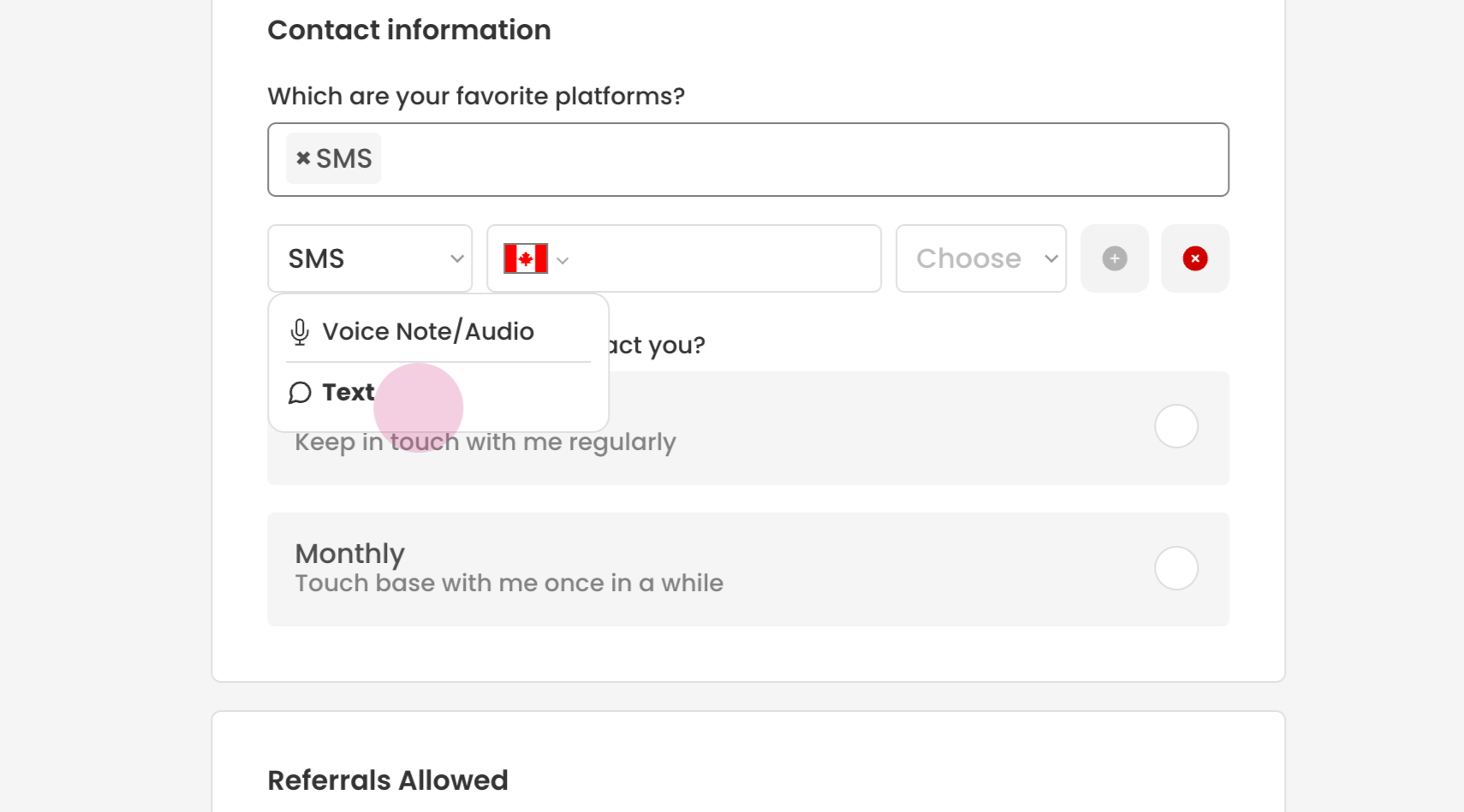
Next, input the client's contact information. Choose the preferred mode of communication, such as SMS.
Transform will prompt you to select voice note or text, based on the client's preference.
Step 10:
Enter the contact number.
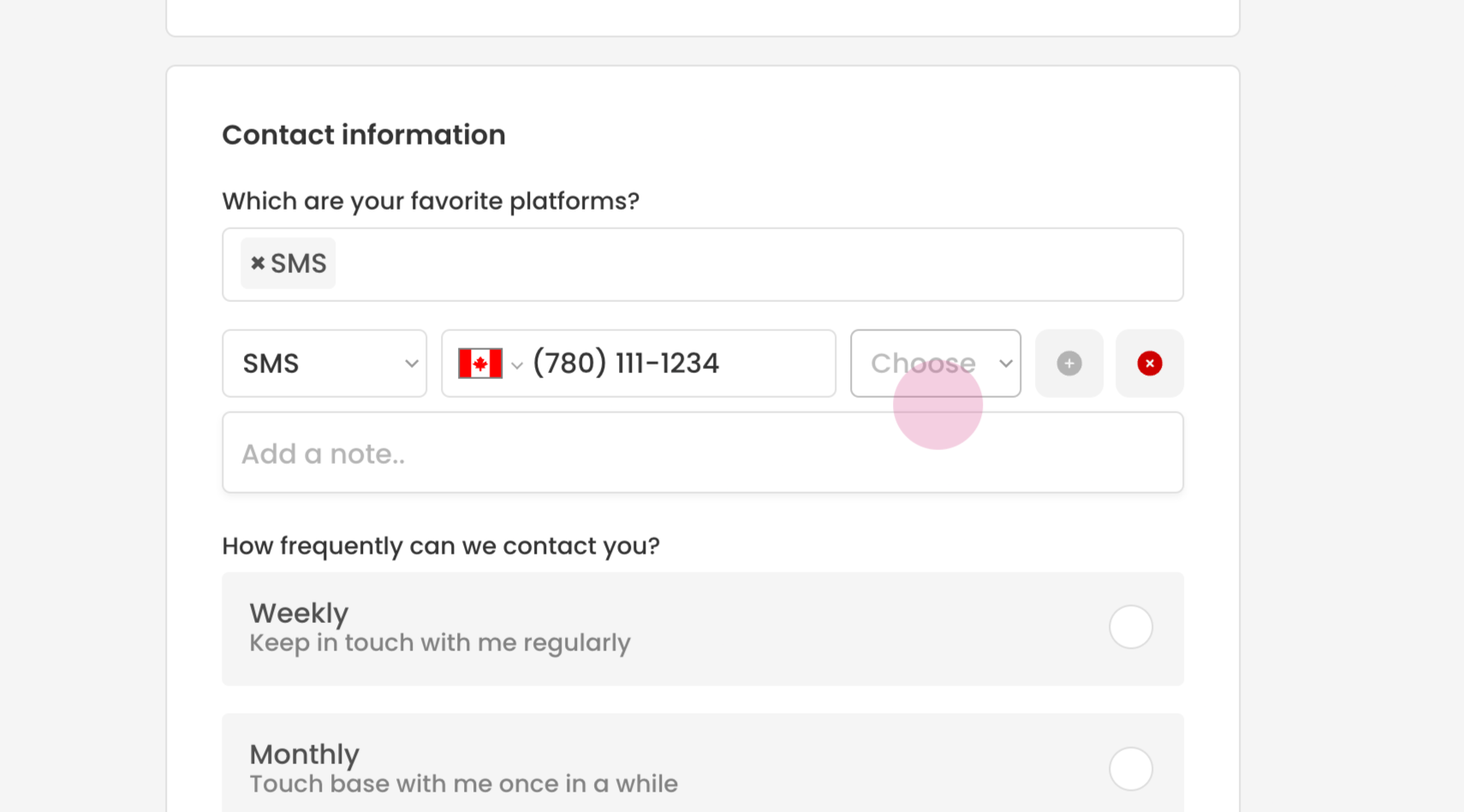
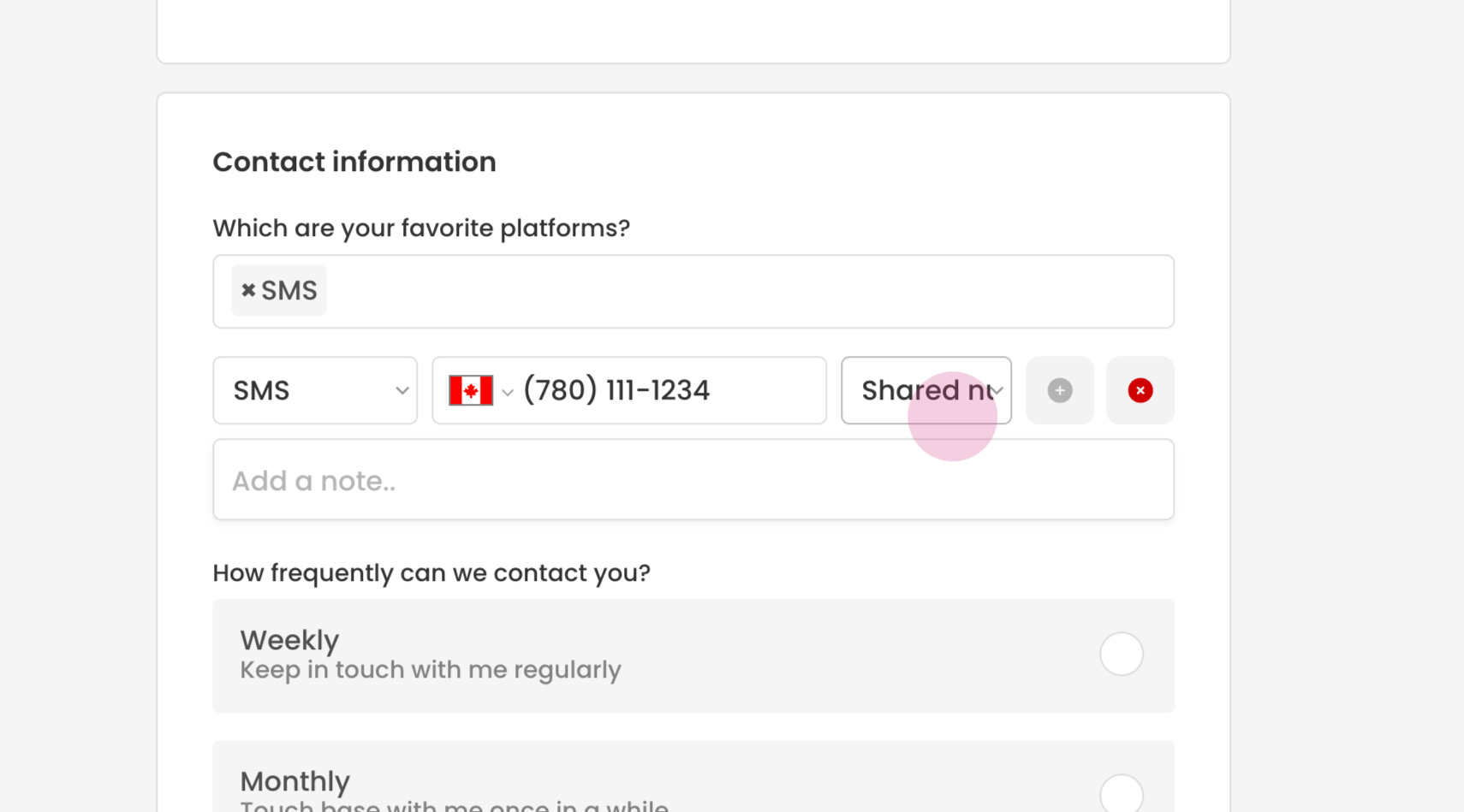
You will be asked if this is a shared number or if the client prefers not to be contacted at this number. Select the appropriate option.
If necessary, you can add a note for this number. Click on the 'Add' button to confirm the contact number.
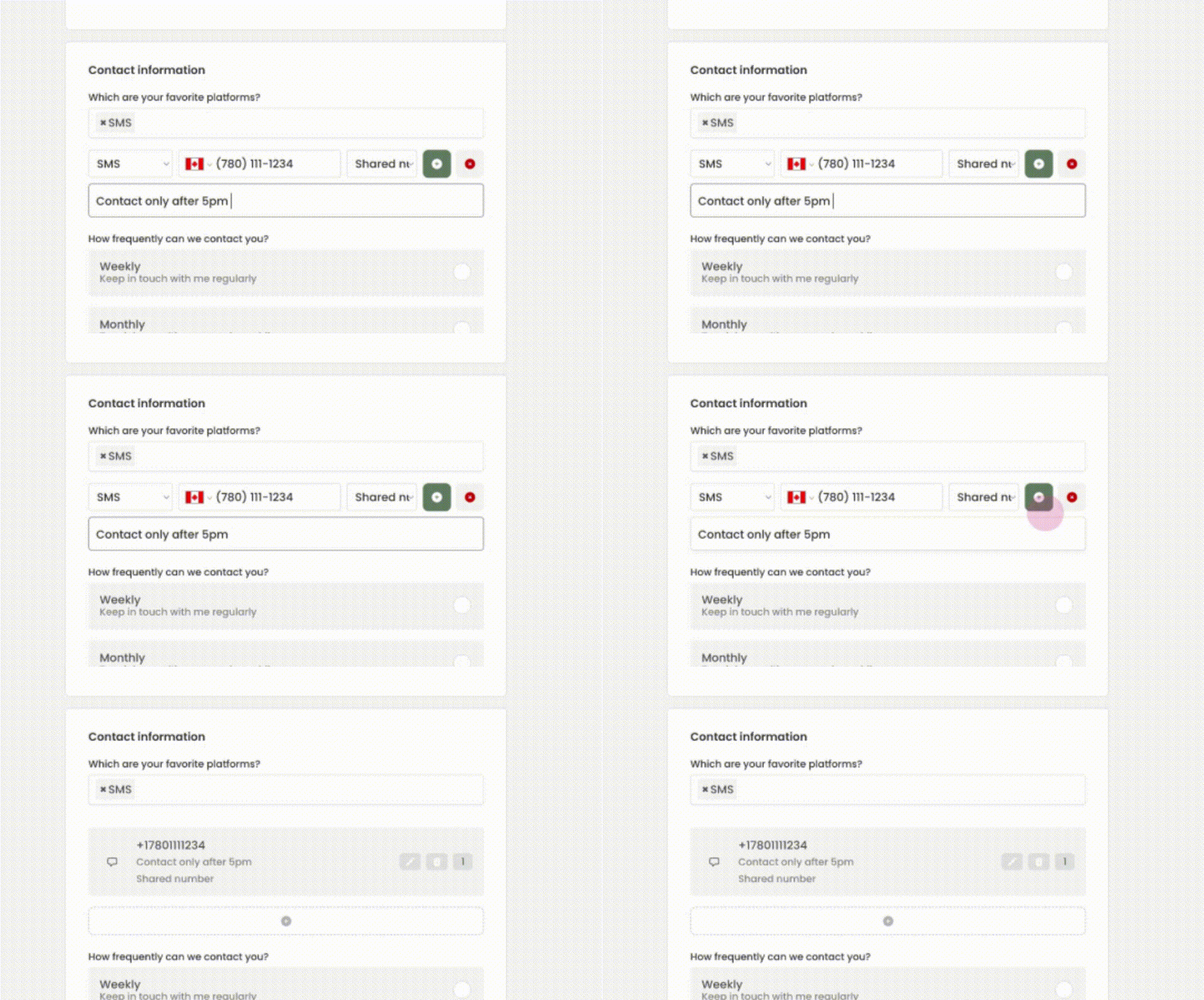
You can repeat this process to add another form of communication, if necessary.
Congratulations! You have successfully added a new client profile in Transform. Always ensure that you adhere to your organizational data guidelines when entering client information.