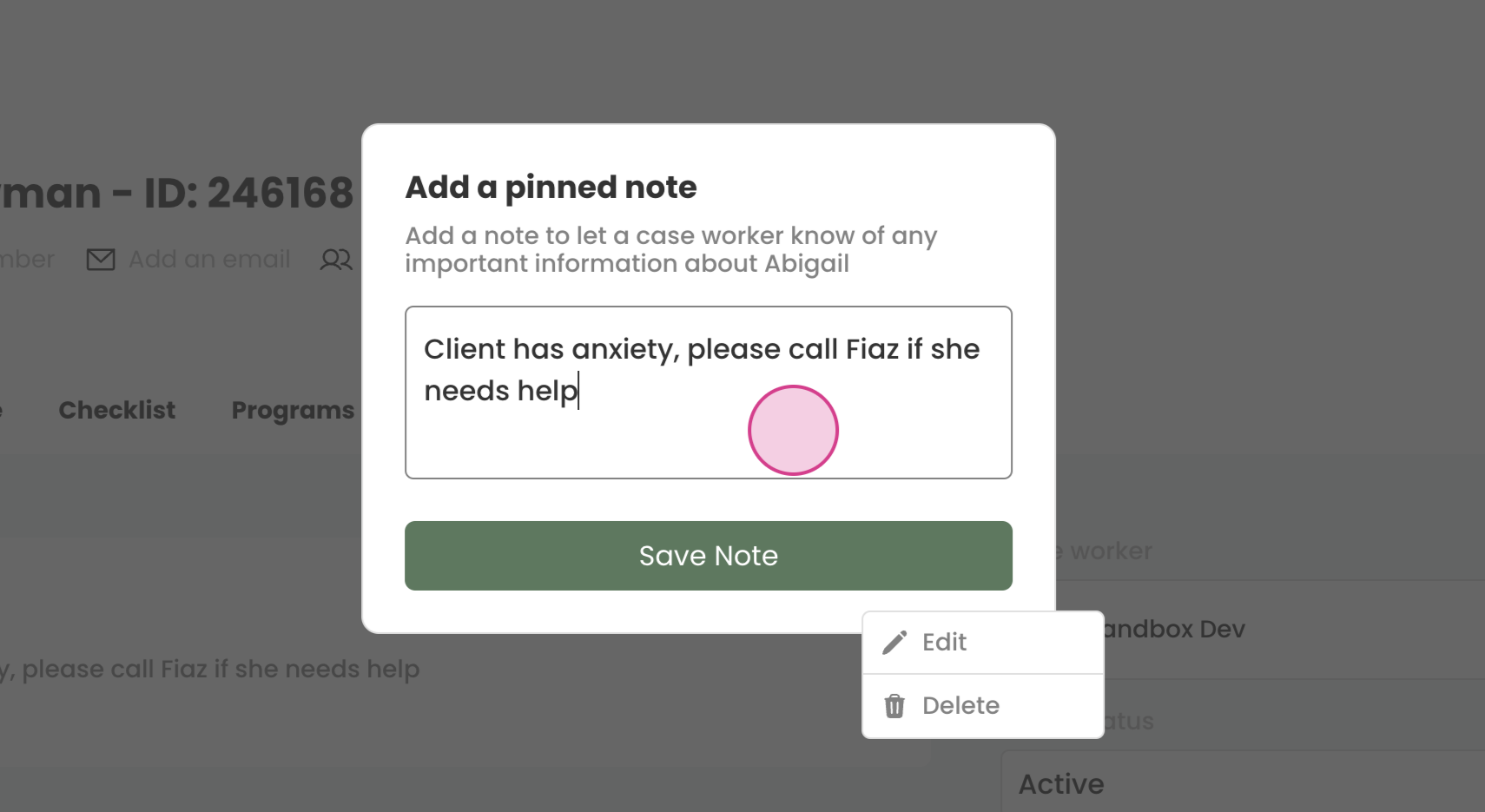
Learn how to add and modify pinned notes on a client's profile.
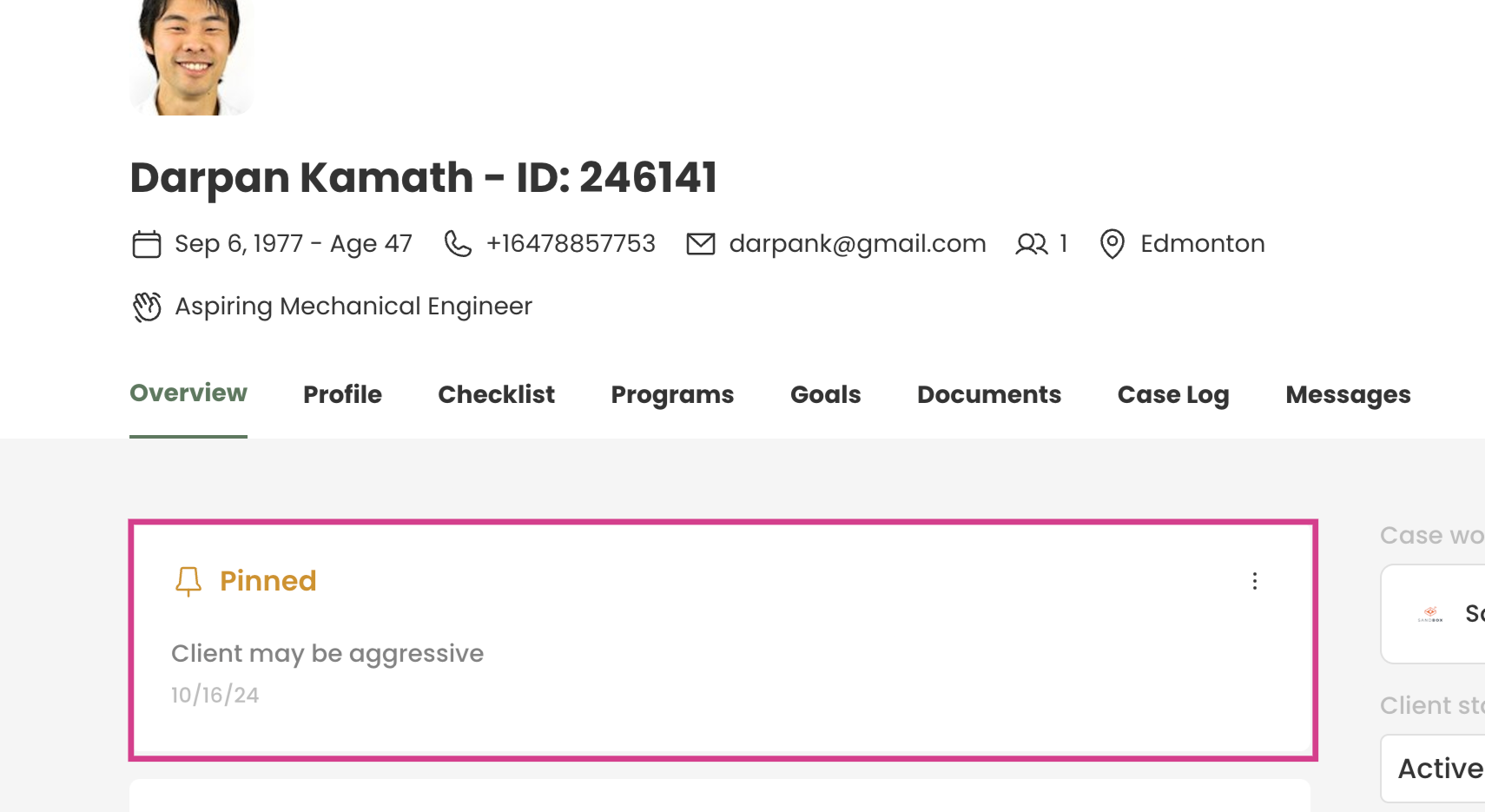
Pinned notes serve as a quick reference for important client information, that you want to quickly relay to other team members.
For example, a pinned note could indicate a client's aggressive behavior, visible to anyone accessing the client's account.
¶ Adding a Pinned Note
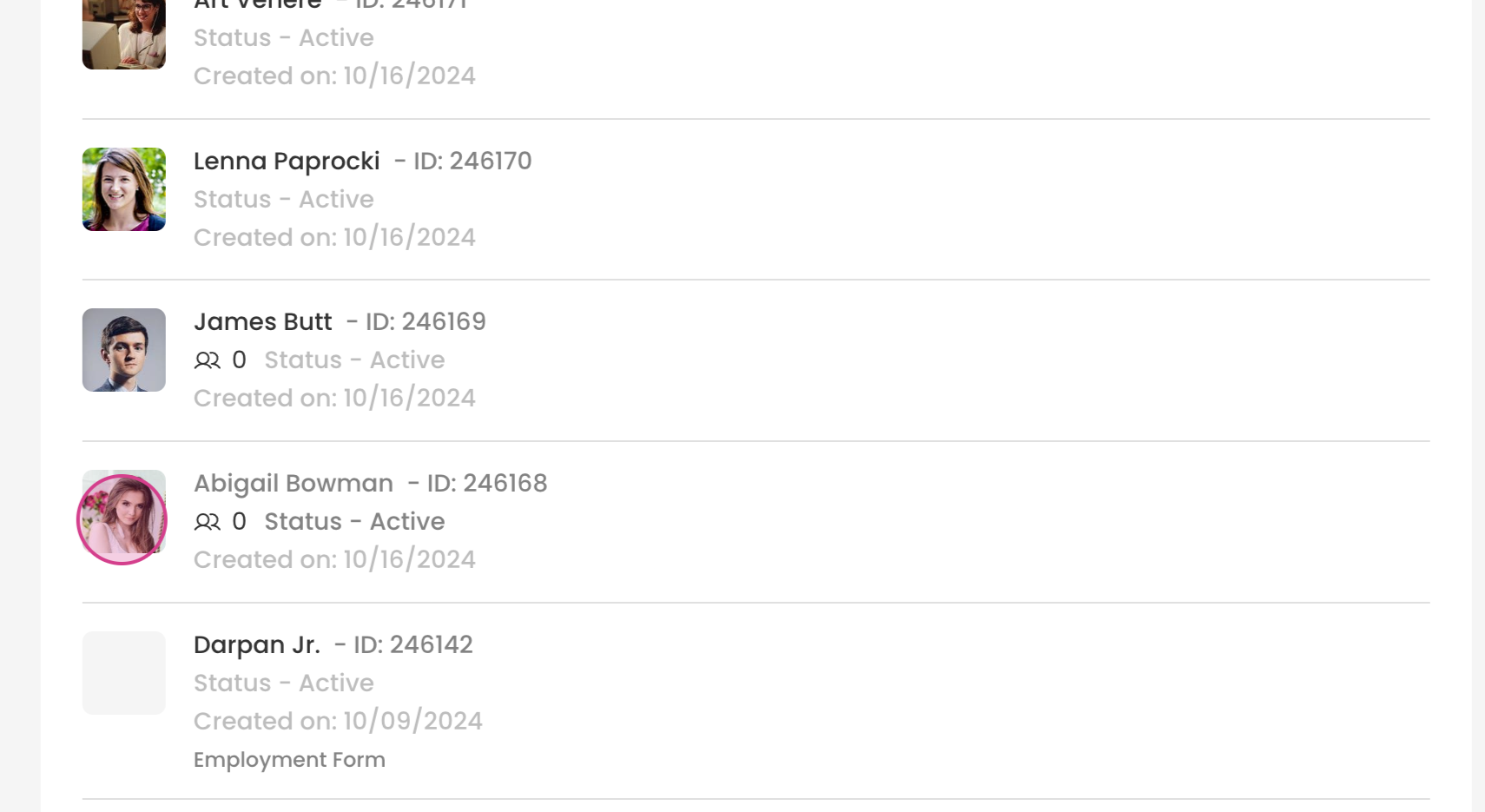
Step 1: Identify the client to whom the pinned note will be added.
Step 2: Inside the client profile scroll down to the add new menu.
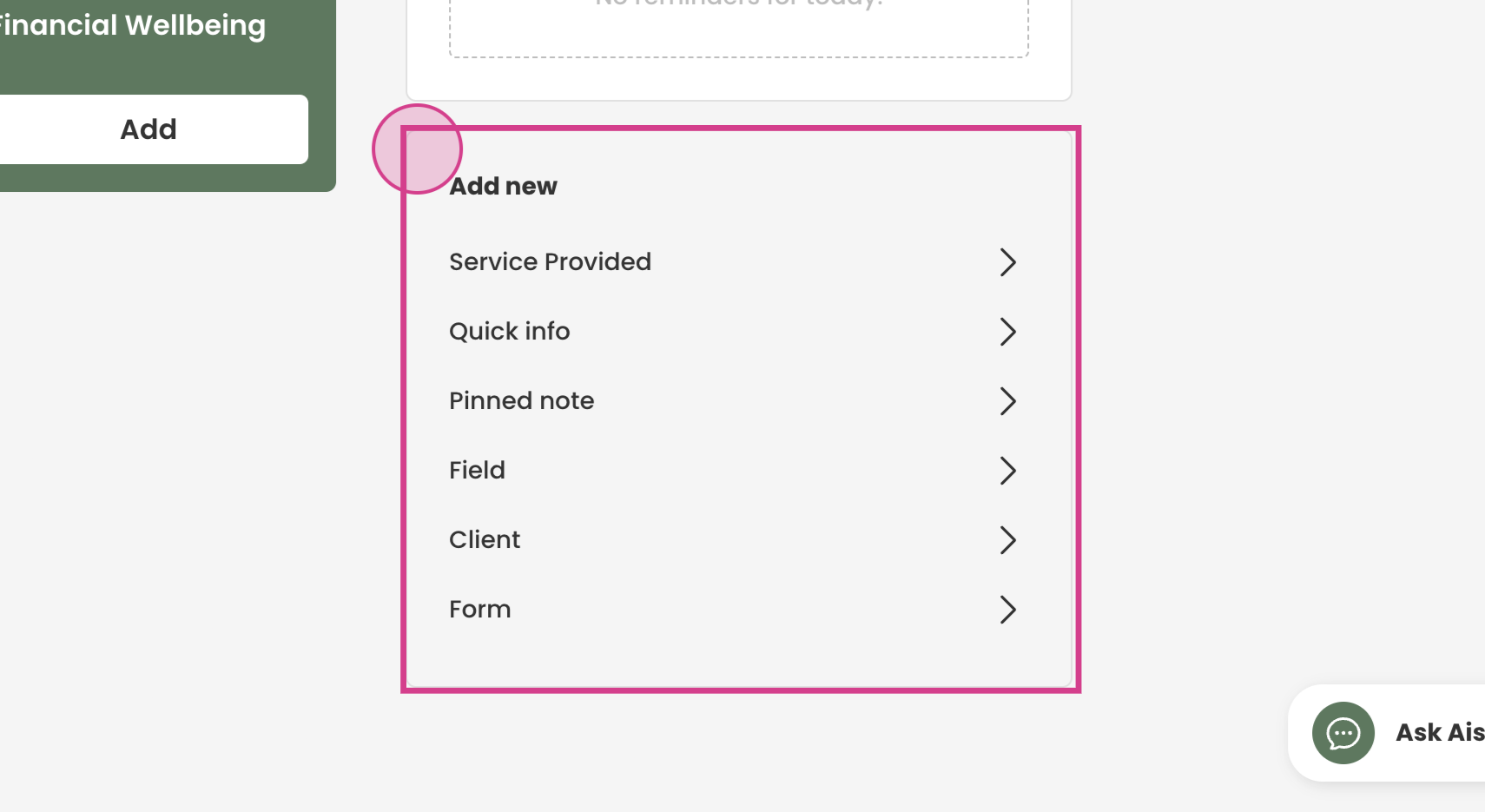
Step 3: Select Pinned Note.
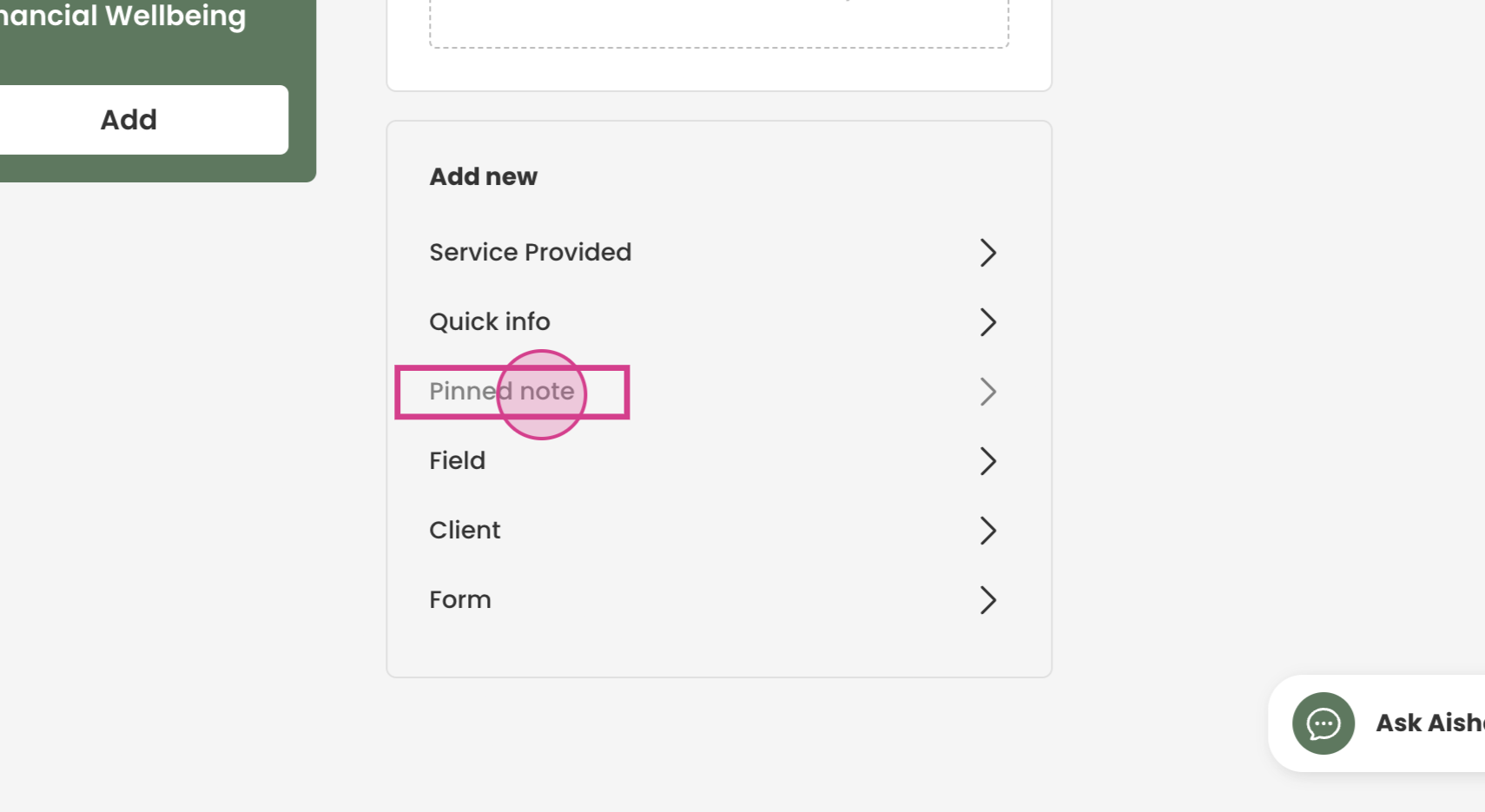
Step 4: Input the desired pinned note
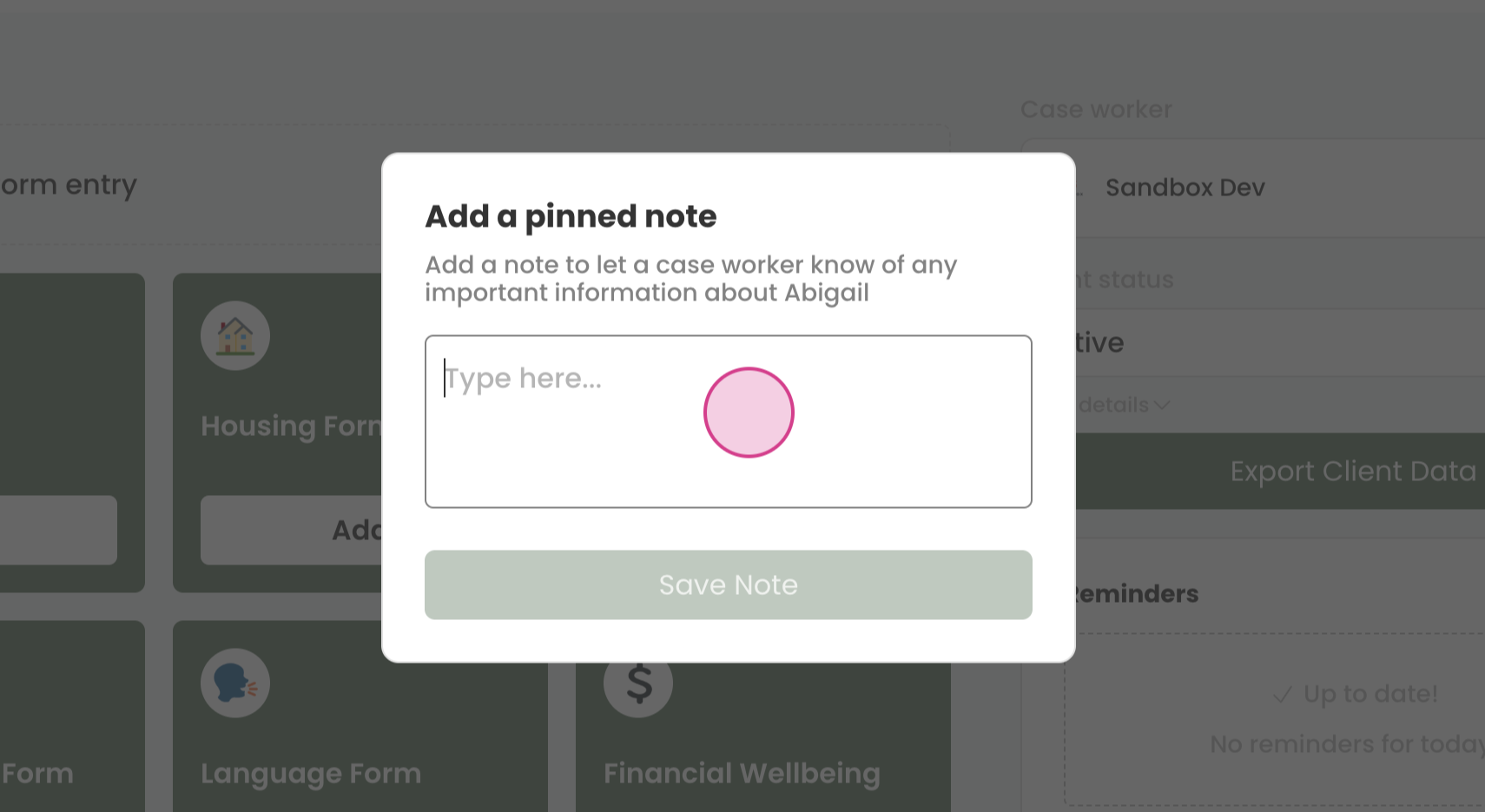
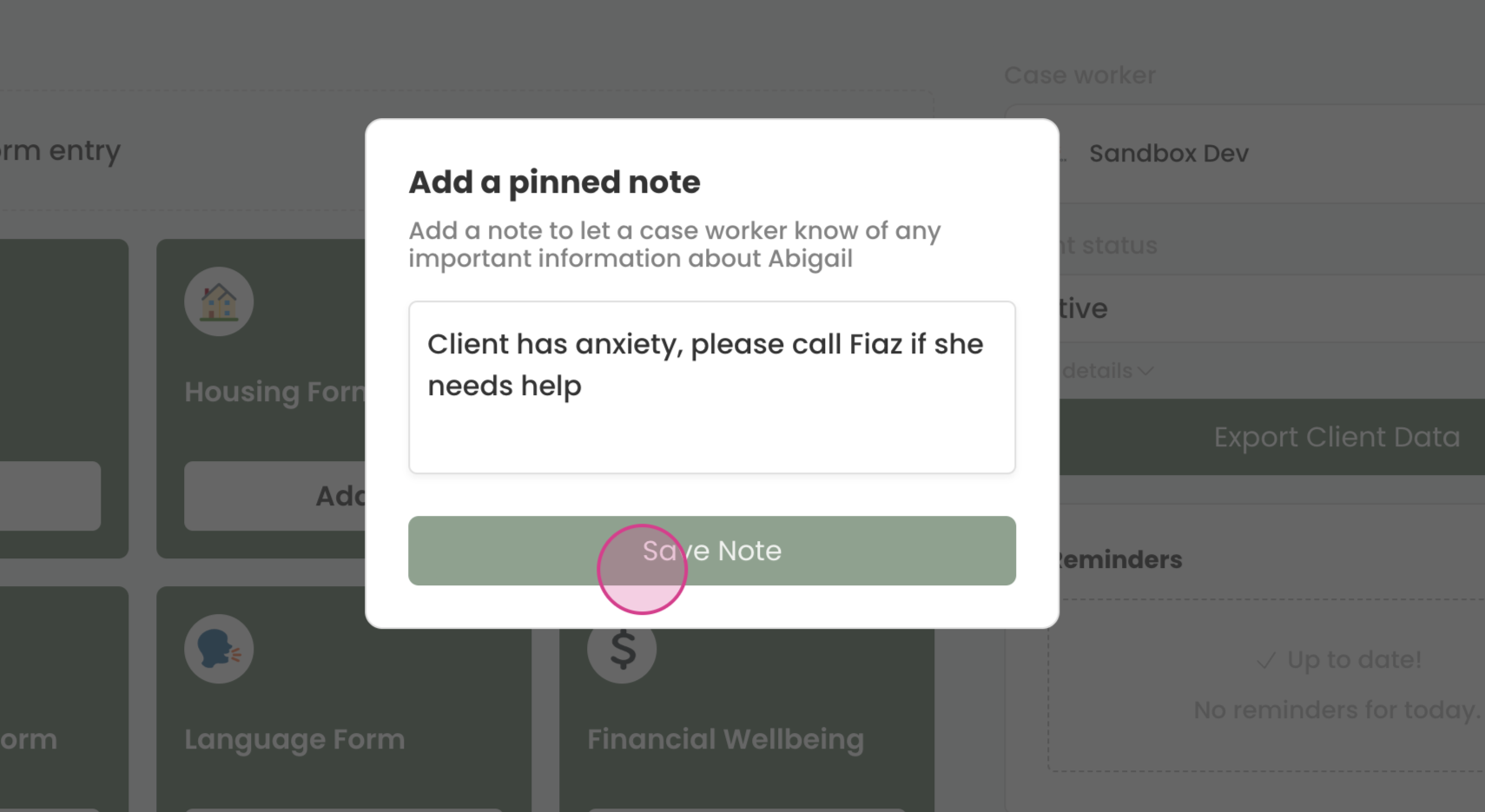
Step 5: Click Save Note. The new pinned note will now be visible on the client's profile.
¶ Modifying a Pinned Note
Step 1: To modify an existing pinned note, click the three dots next to the note.
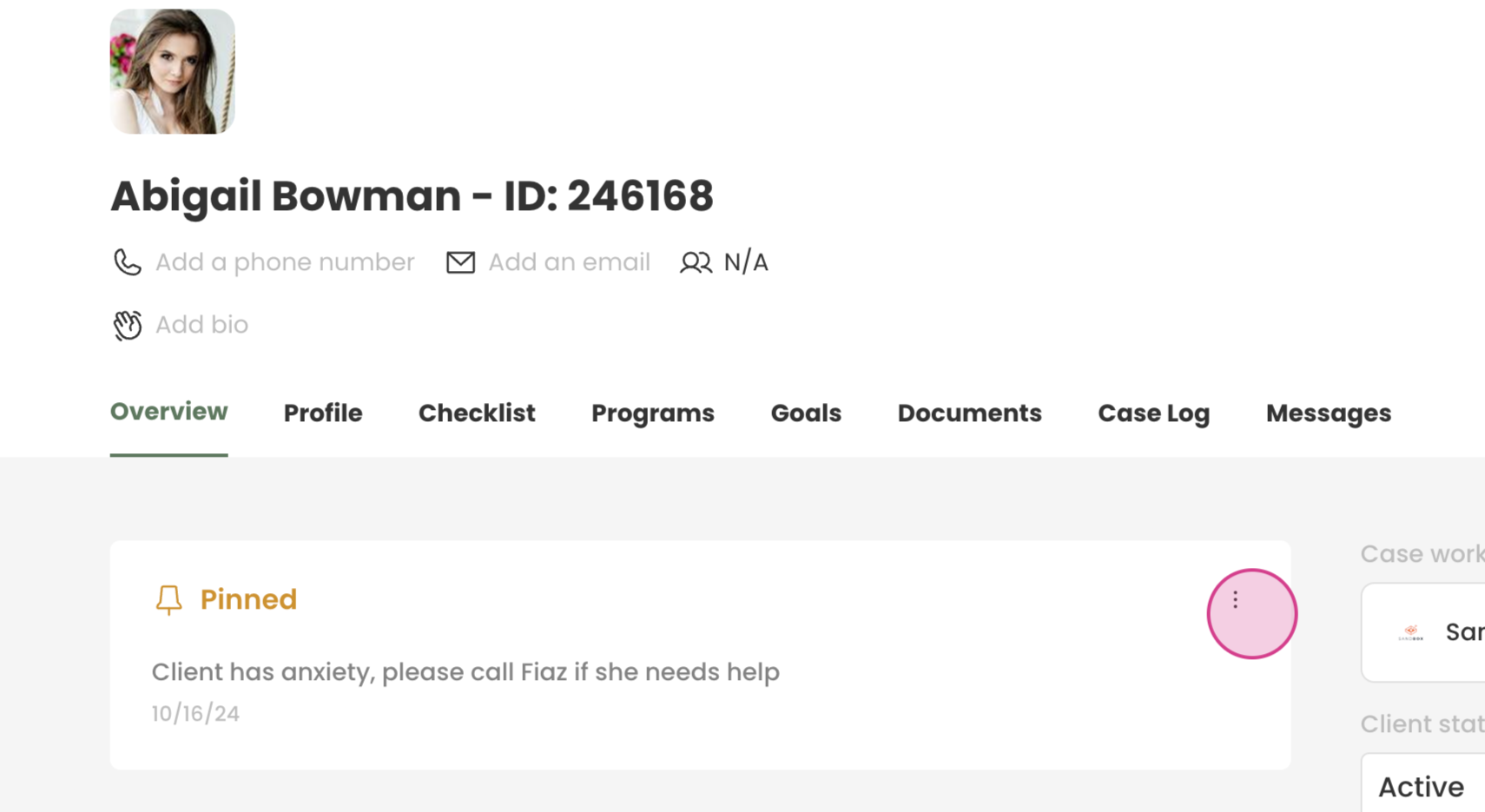
Step 2: Choose Edit.
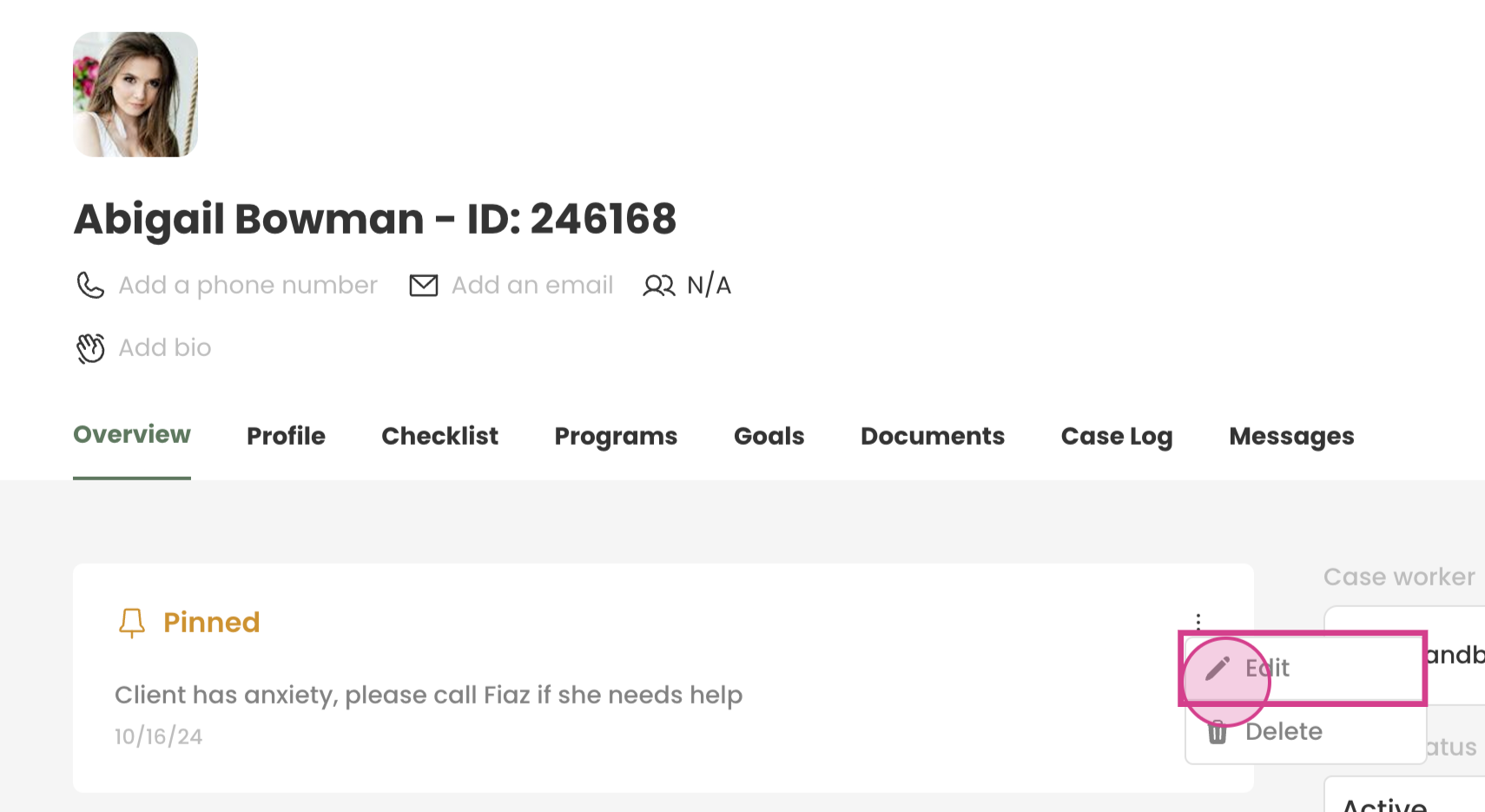
Step 3: Make the necessary changes to the pinned note. and press Save Note when finished.