This guide explains the process of setting up client profile questions and answers. By adding questions, gather any level of information that your organization requires within the client profile.
Enhance the client profile section by adding questions about emergency contact information, marital status, and government ID numbers.
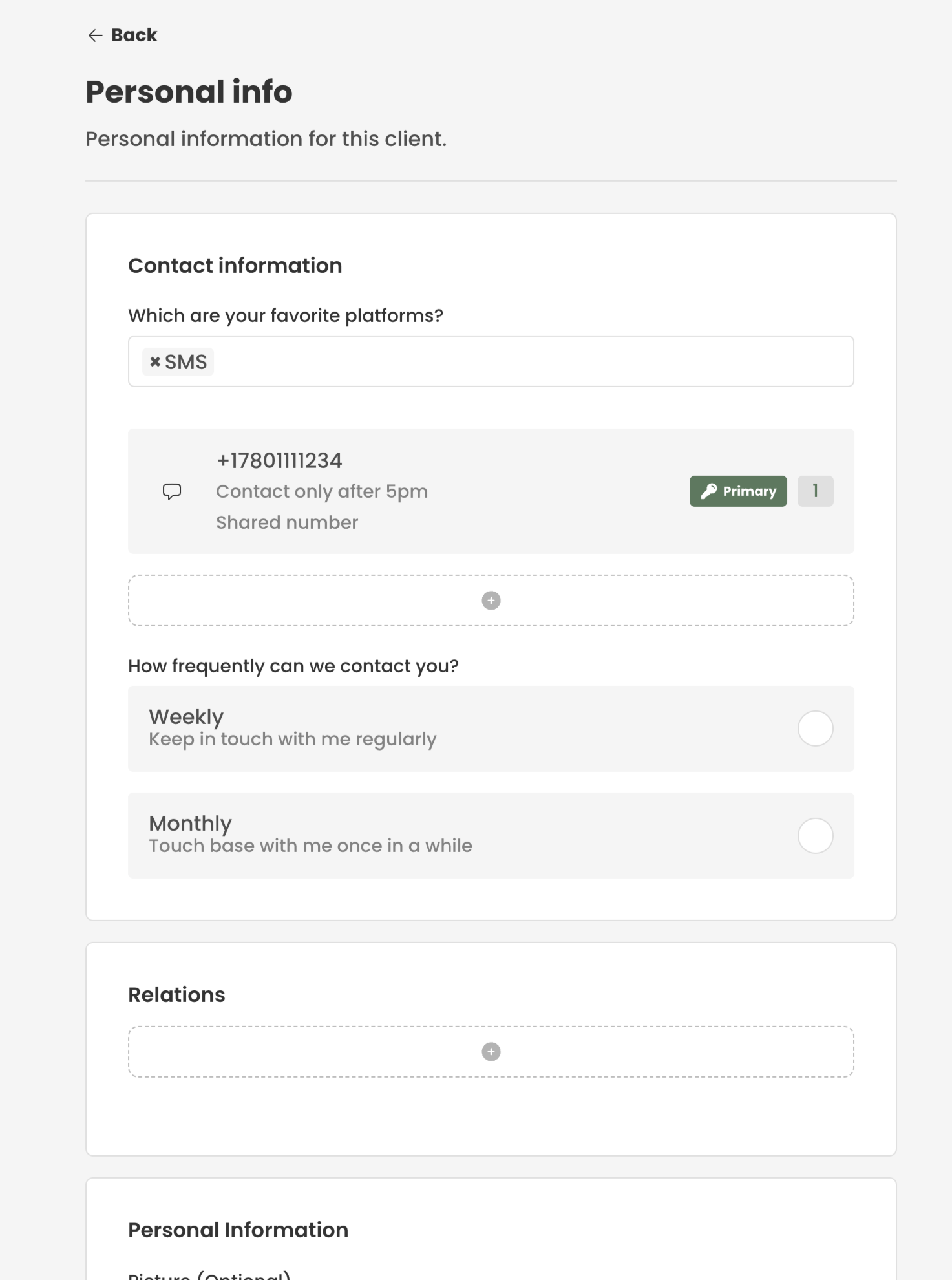
¶ Setting Up Questions
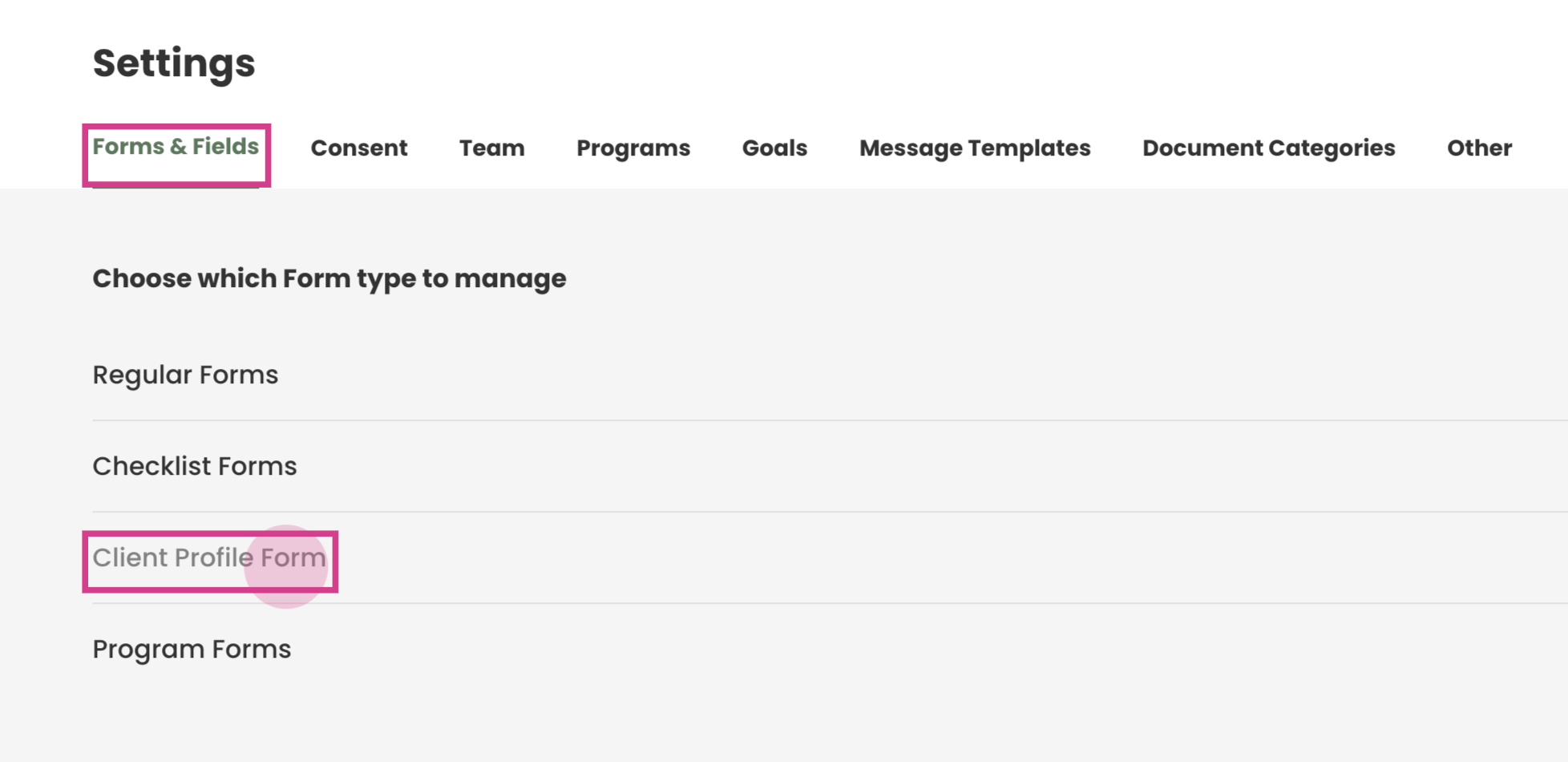
Step 1: Navigate to Settings —> Client Profile Form —> Fields
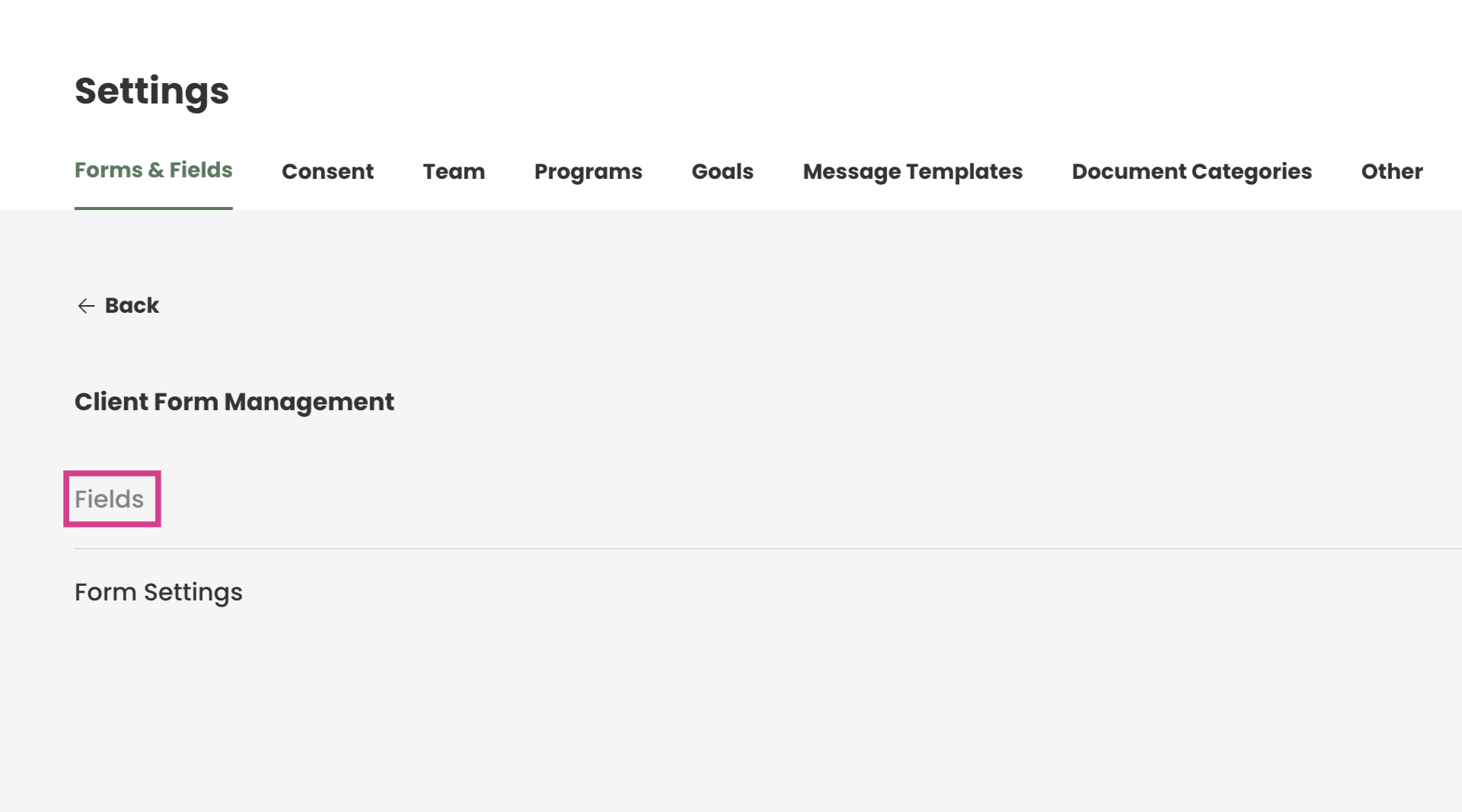
Step 2: Start adding the desired questions. Click on Add Field.
This guide focuses on adding emergency contact questions, including emergency contact name, relationship, and phone number.
Step 3: Type your question in the name section.
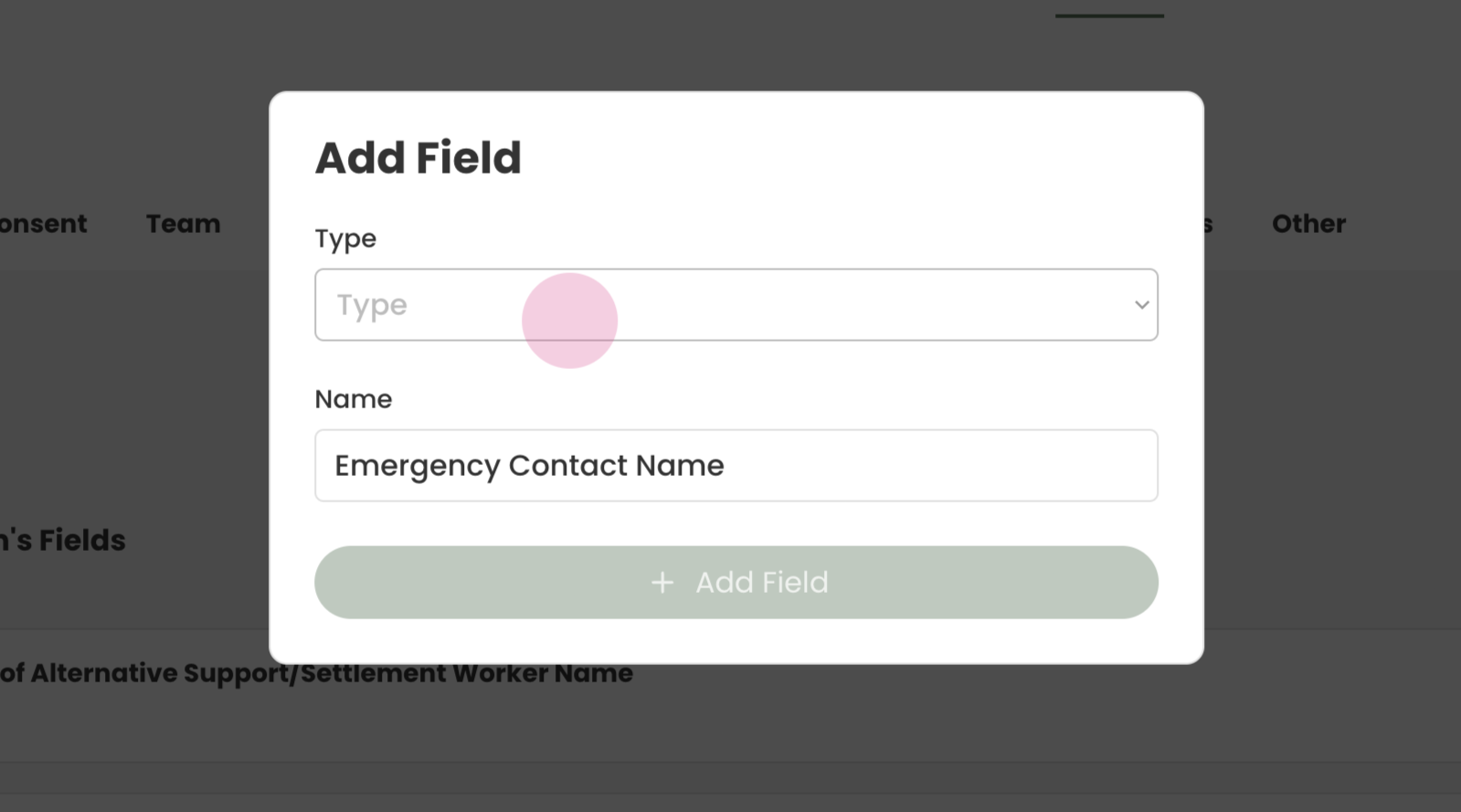
Step 4: Select Short Answer for the type, as this is an emergency contact name. The to save press Add Field.
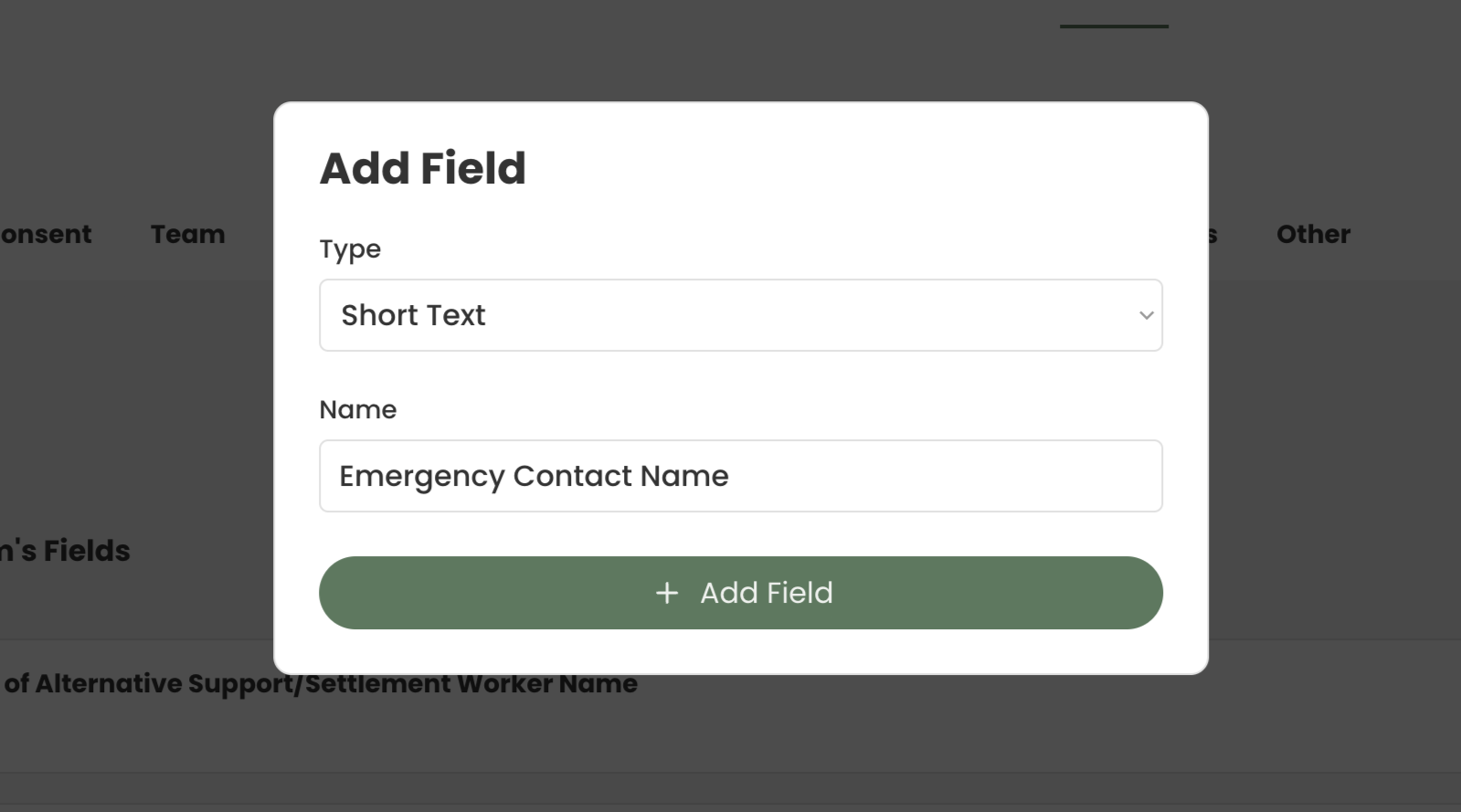
Step 5: Add were going to add emergency contact relationship question.
Click on Add Field and type the question in Name
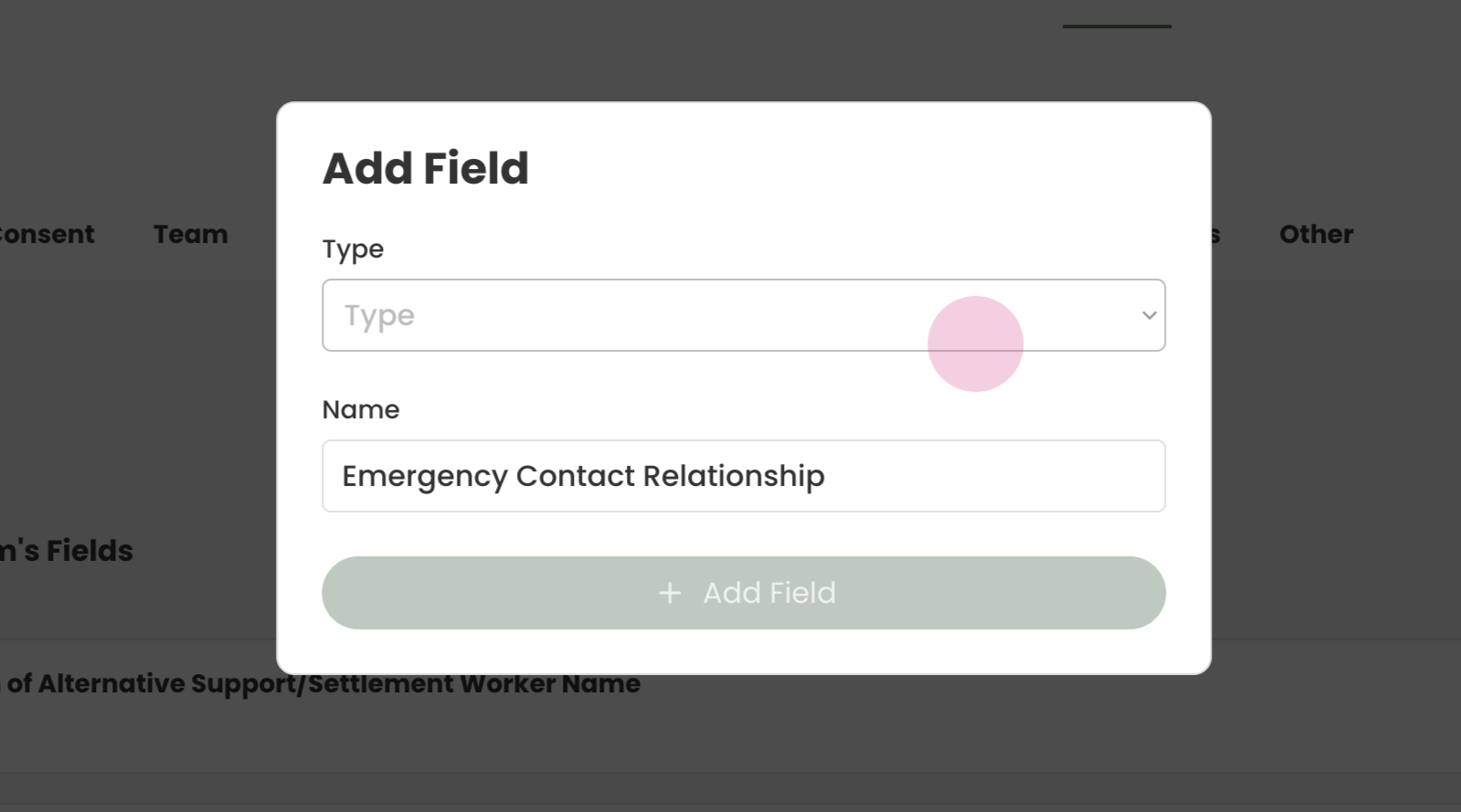
Step 6: For this question we will use Single Select to add options for your workers to choose from.
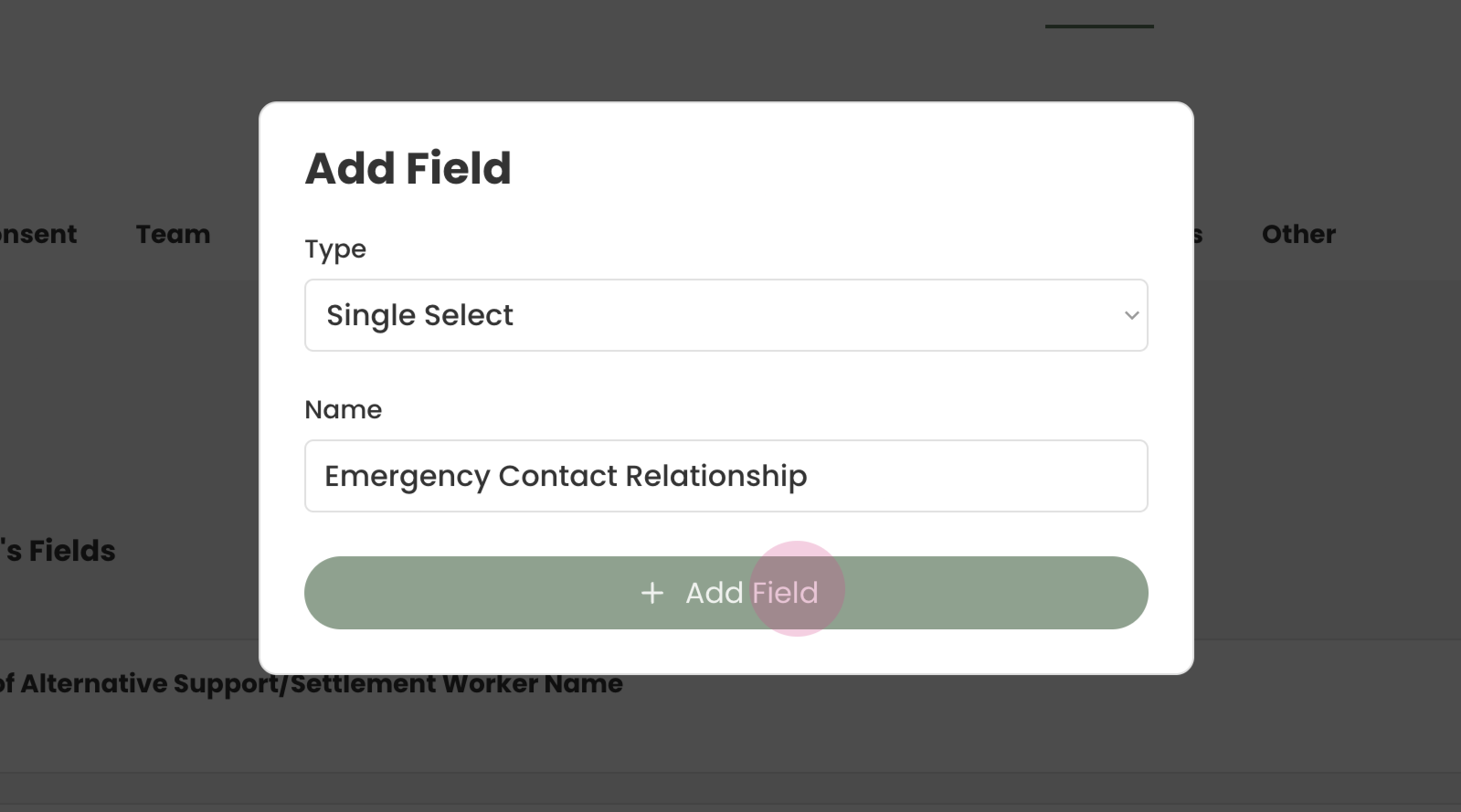
Step 7: Click Add Field.
¶ Adding Options to Questions
Step 8: To add options, locate the field just added. In this case, it's the emergency contact relationship.
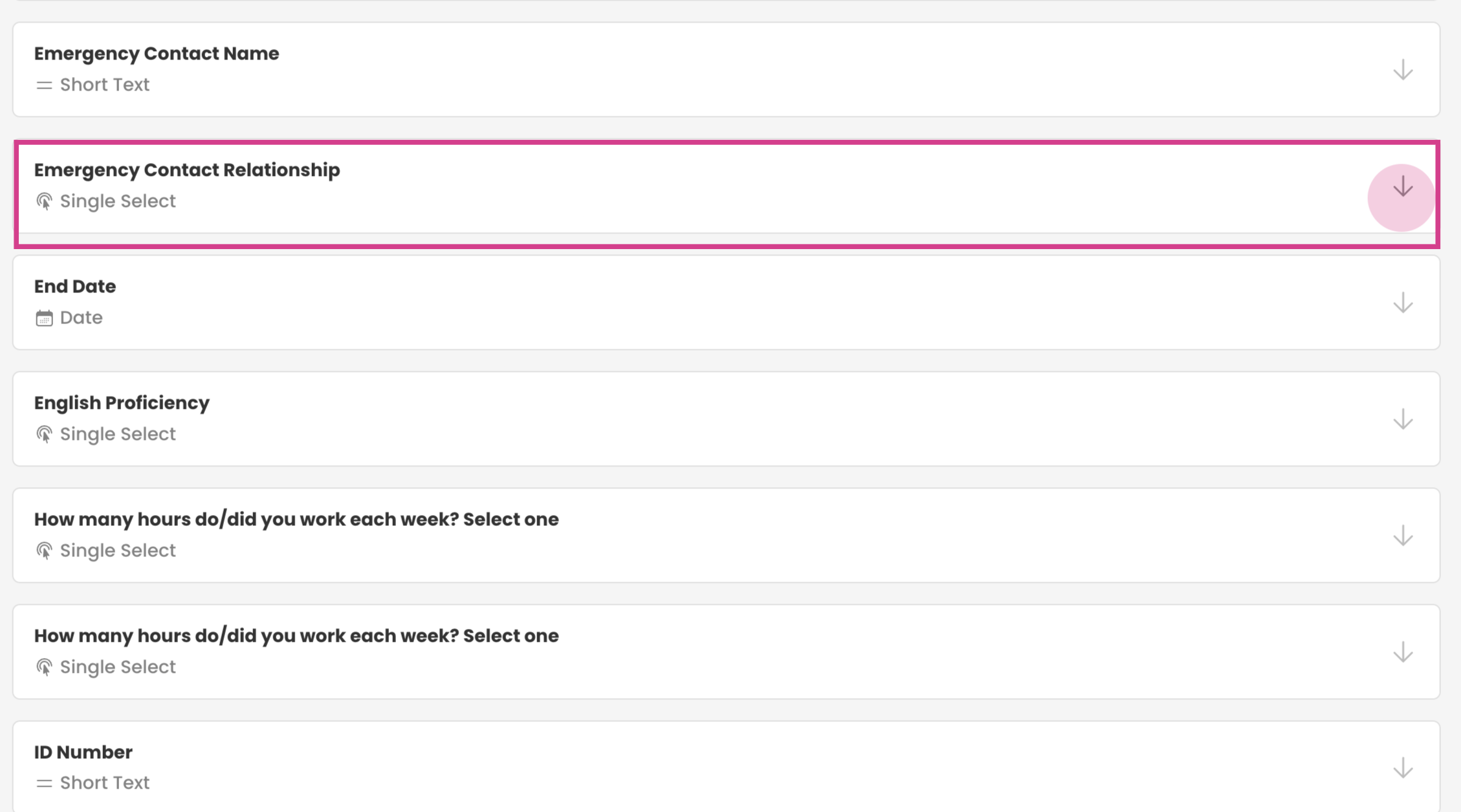
Step 9: Open it up and start adding questions. After typing each option, hit enter to add that option.
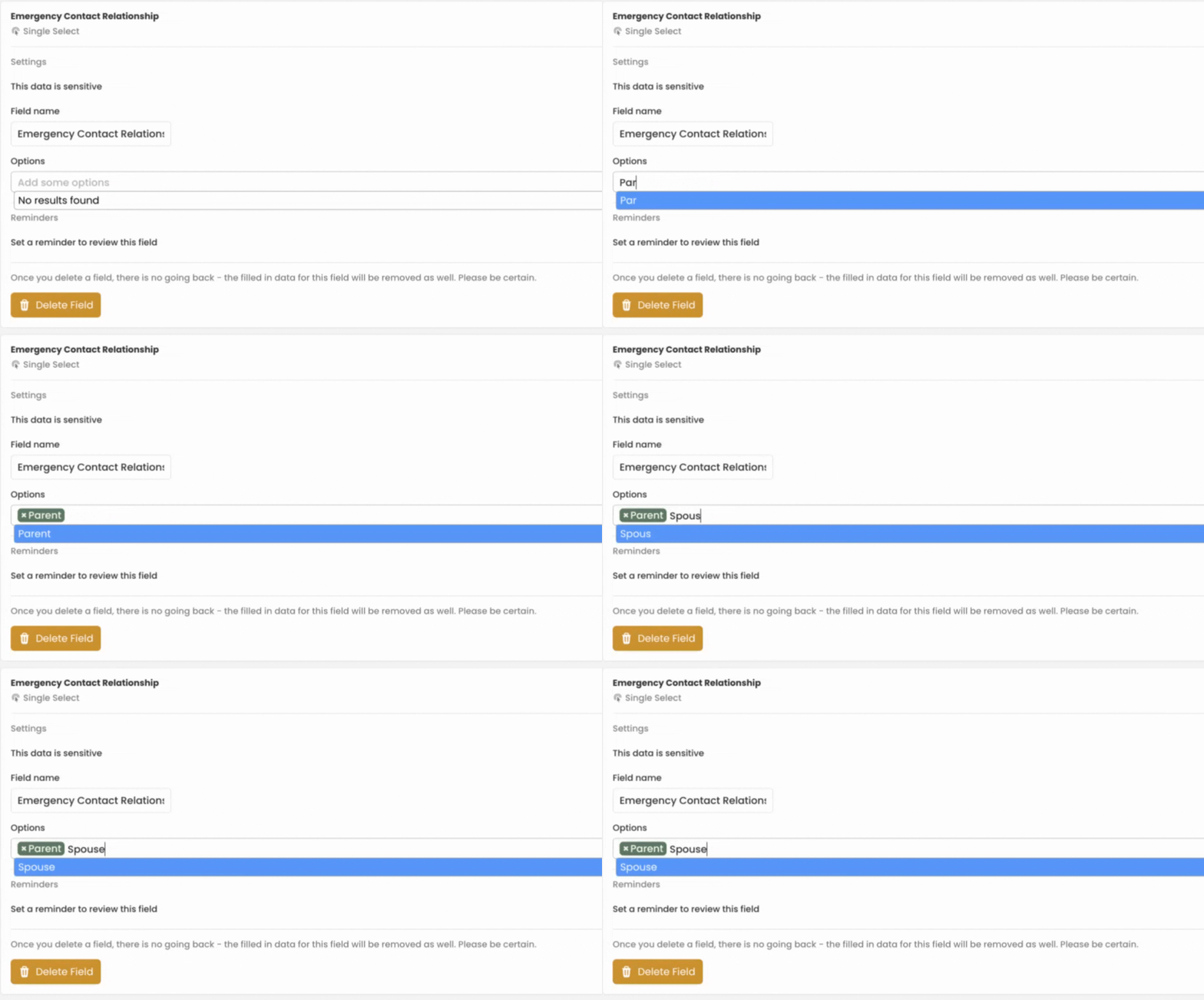
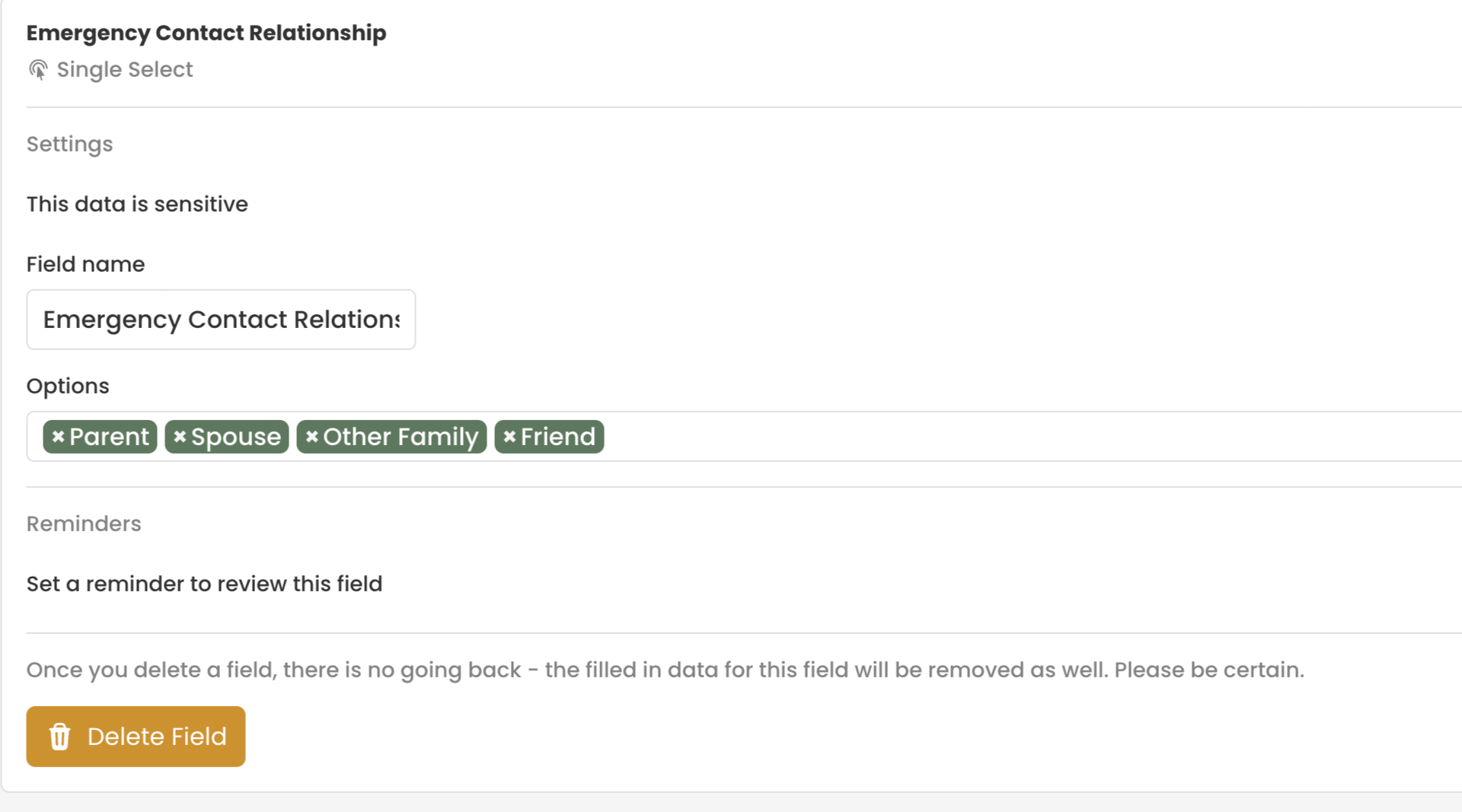
Step 10: Add the last question, emergency contact number.
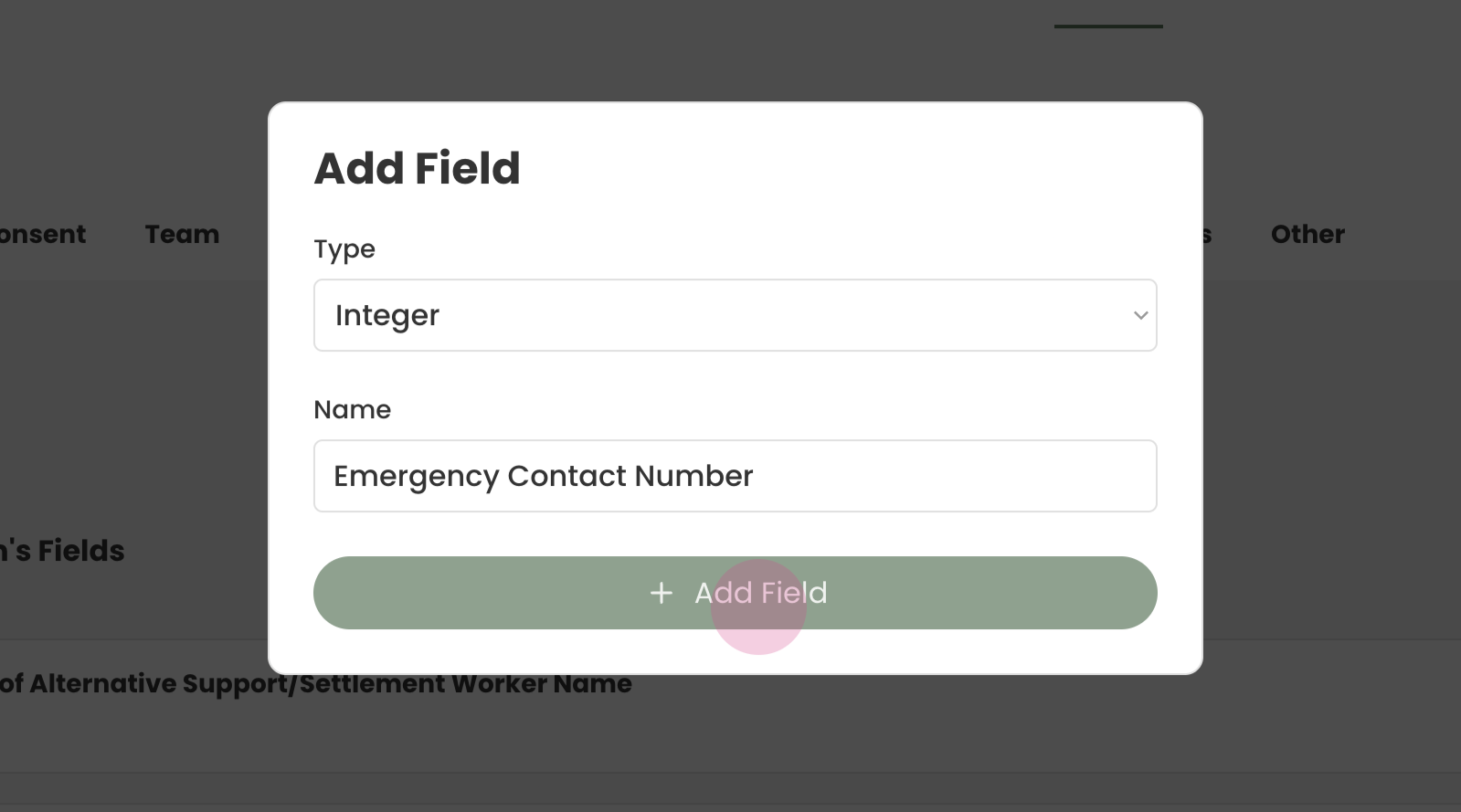
Click Add Field and type your question.
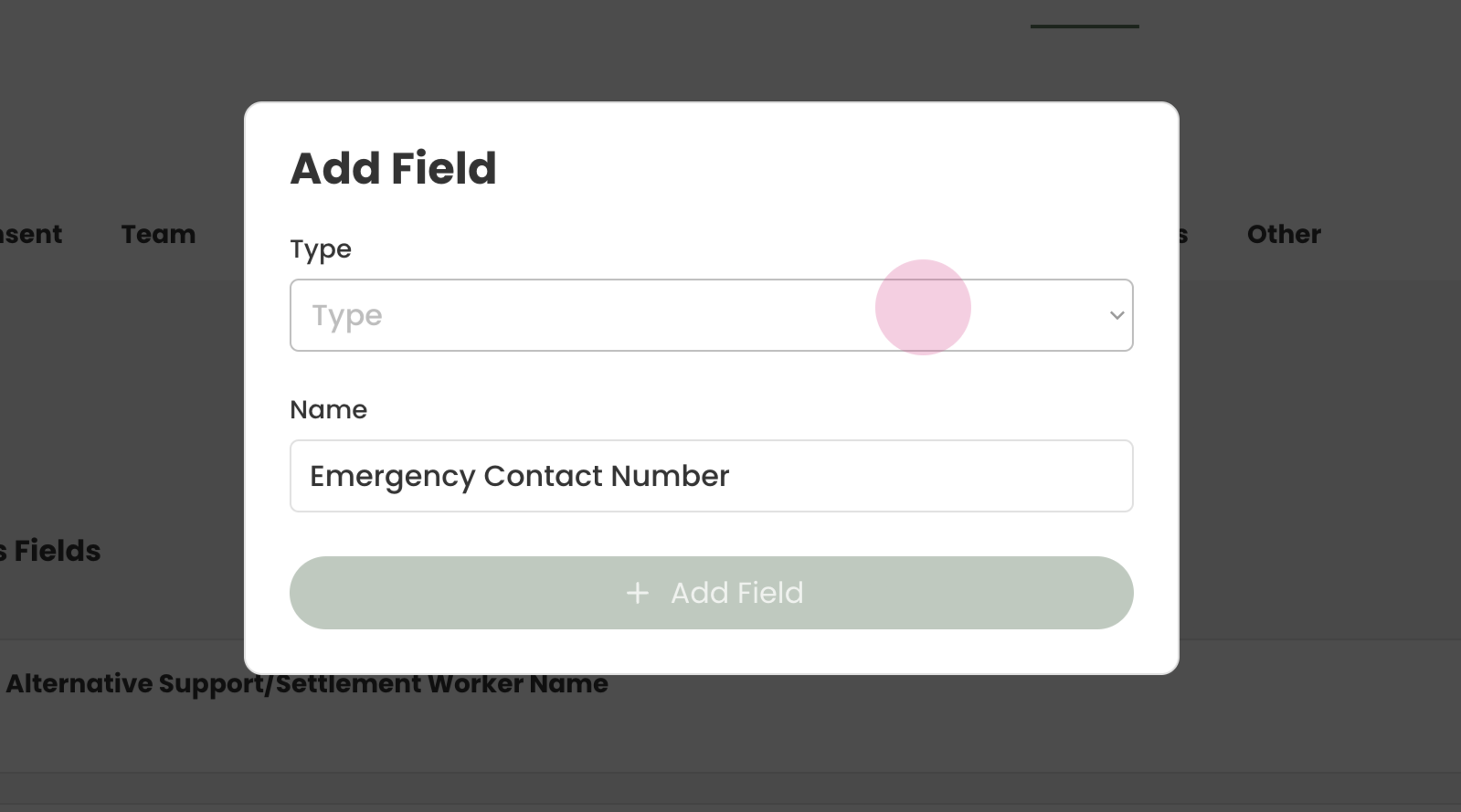
Step 6: We will select Integer for the type since its a phone number. But short text format is also suitable if you want to add brackets and dashes for better legibility.
¶ Adding Questions to Client Profile Form
Step 1: The questions now need to be added into the client profile form.
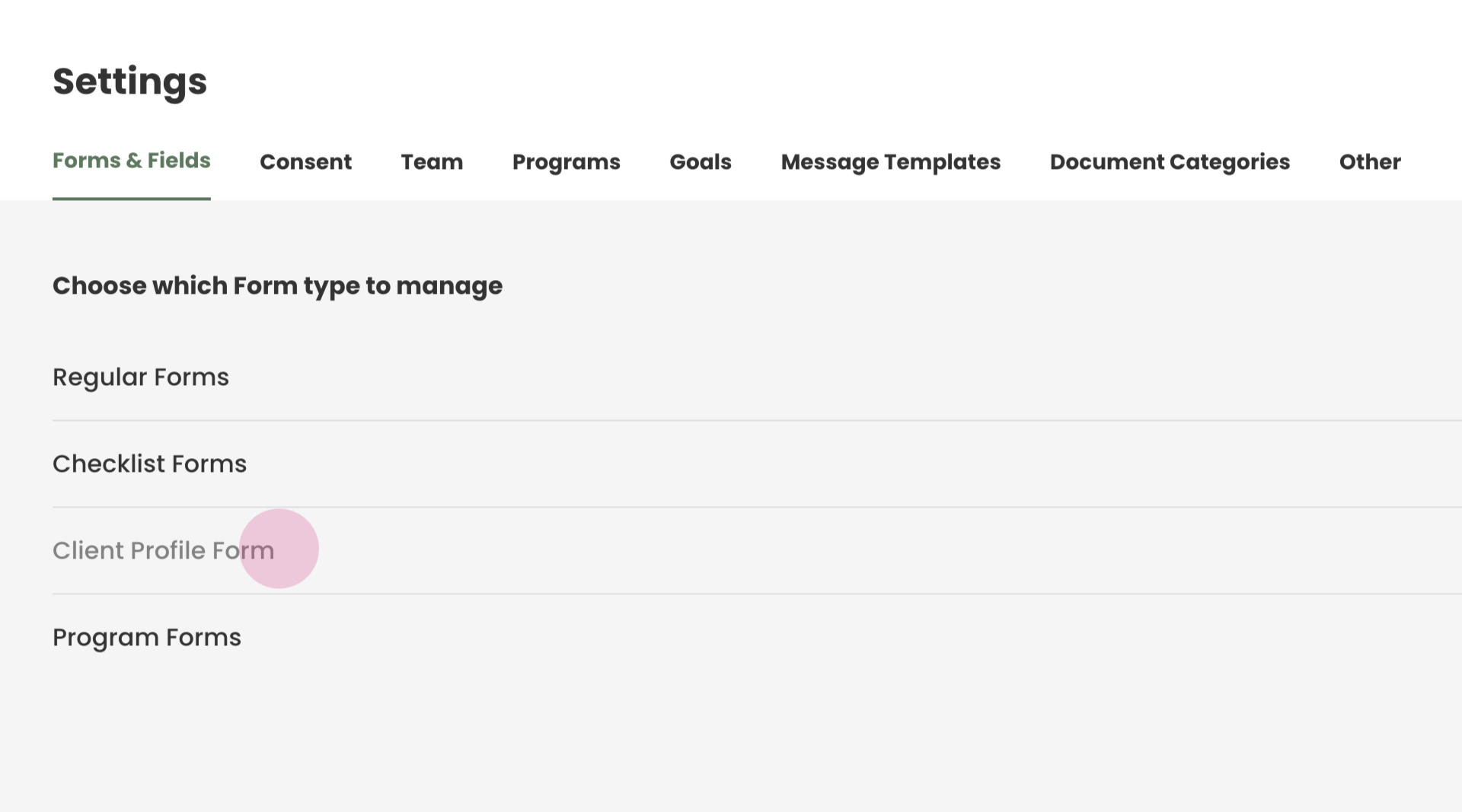
Click on Forms and Fields —> Client Profile Form
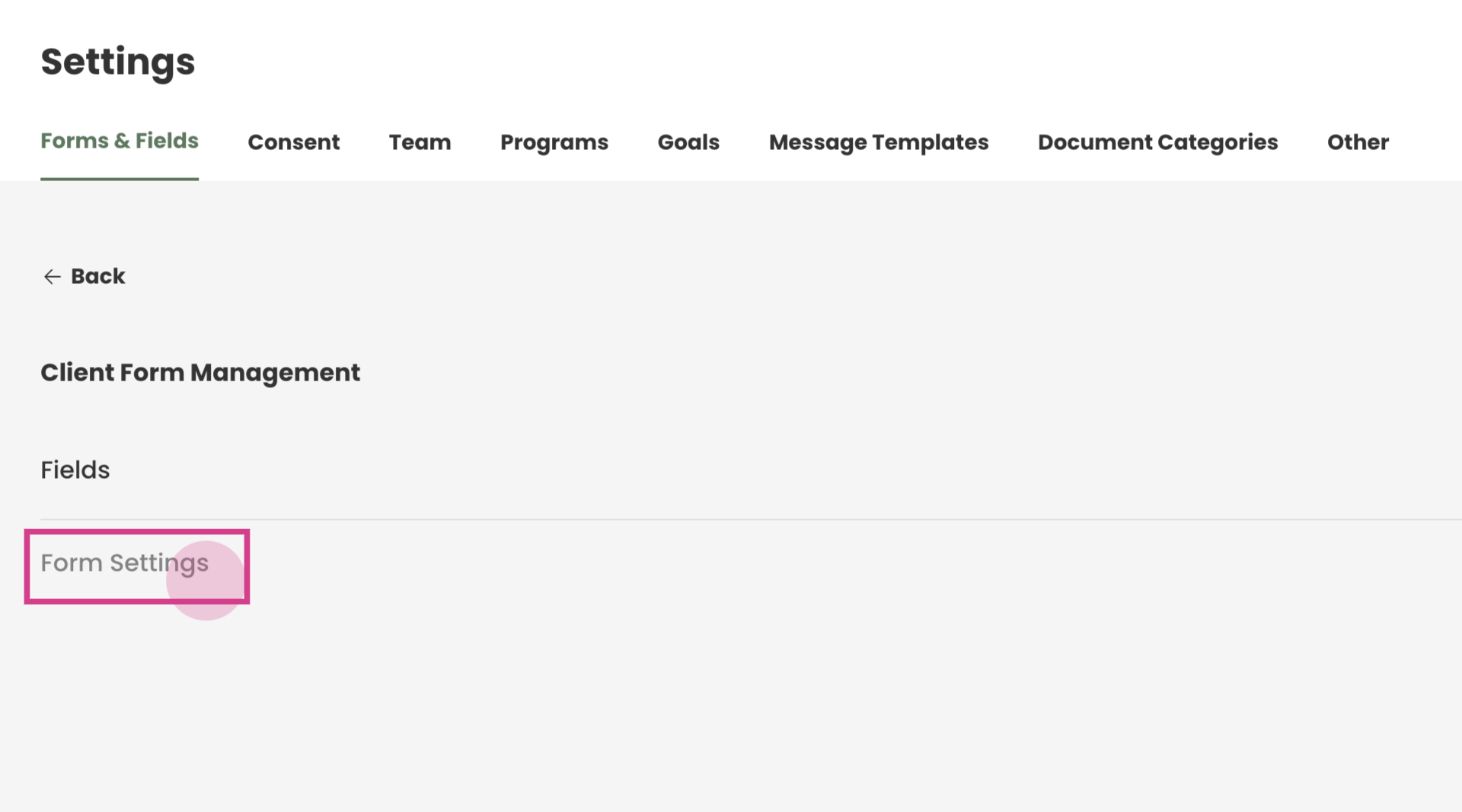
and navigate to the form settings
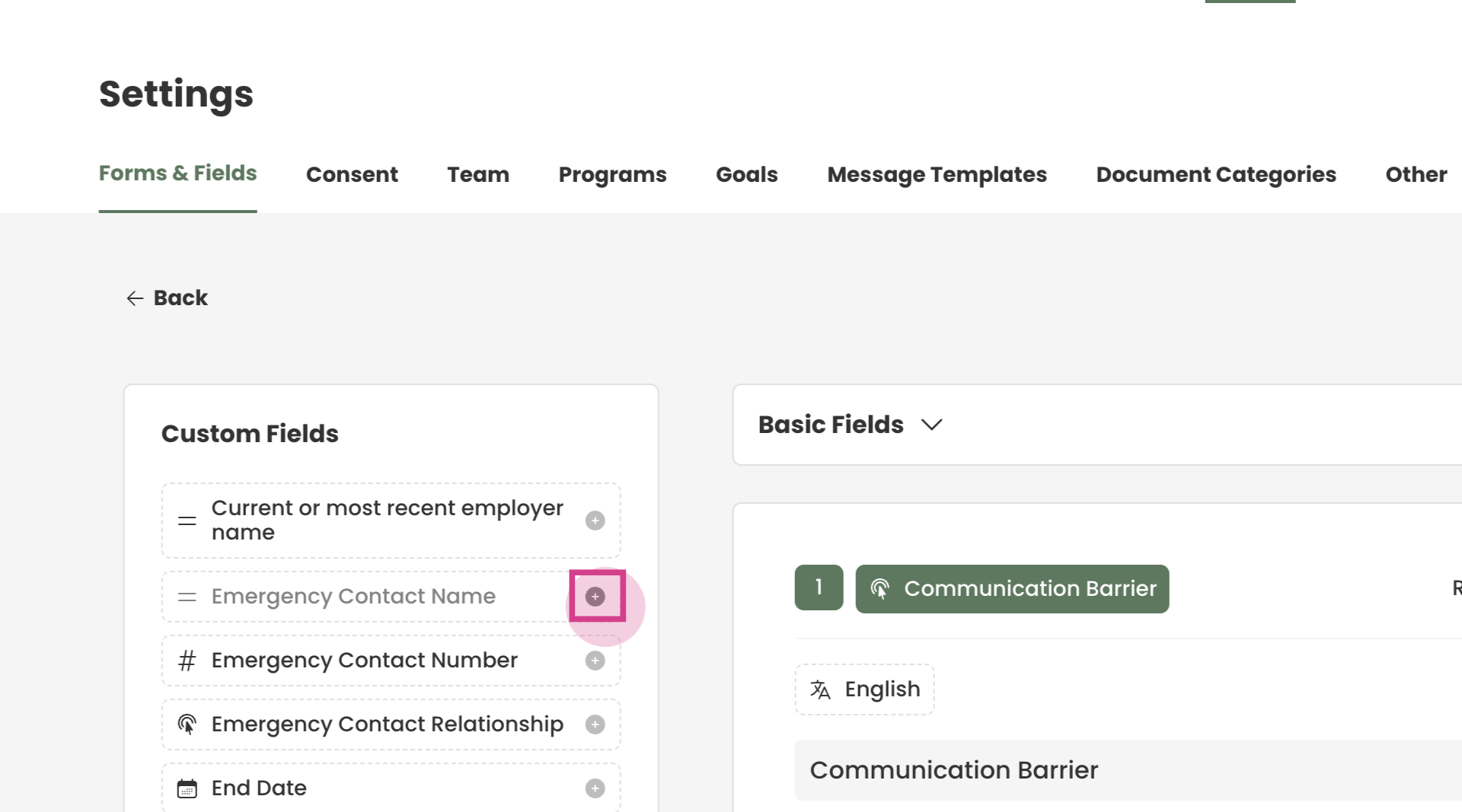
Step 3: On the left, are all the custom fields added, and on the right, all the questions added.
Locate the questions in the custom fields section and click the plus icon for each question.
Step 4: The question area will be highlighted in red.
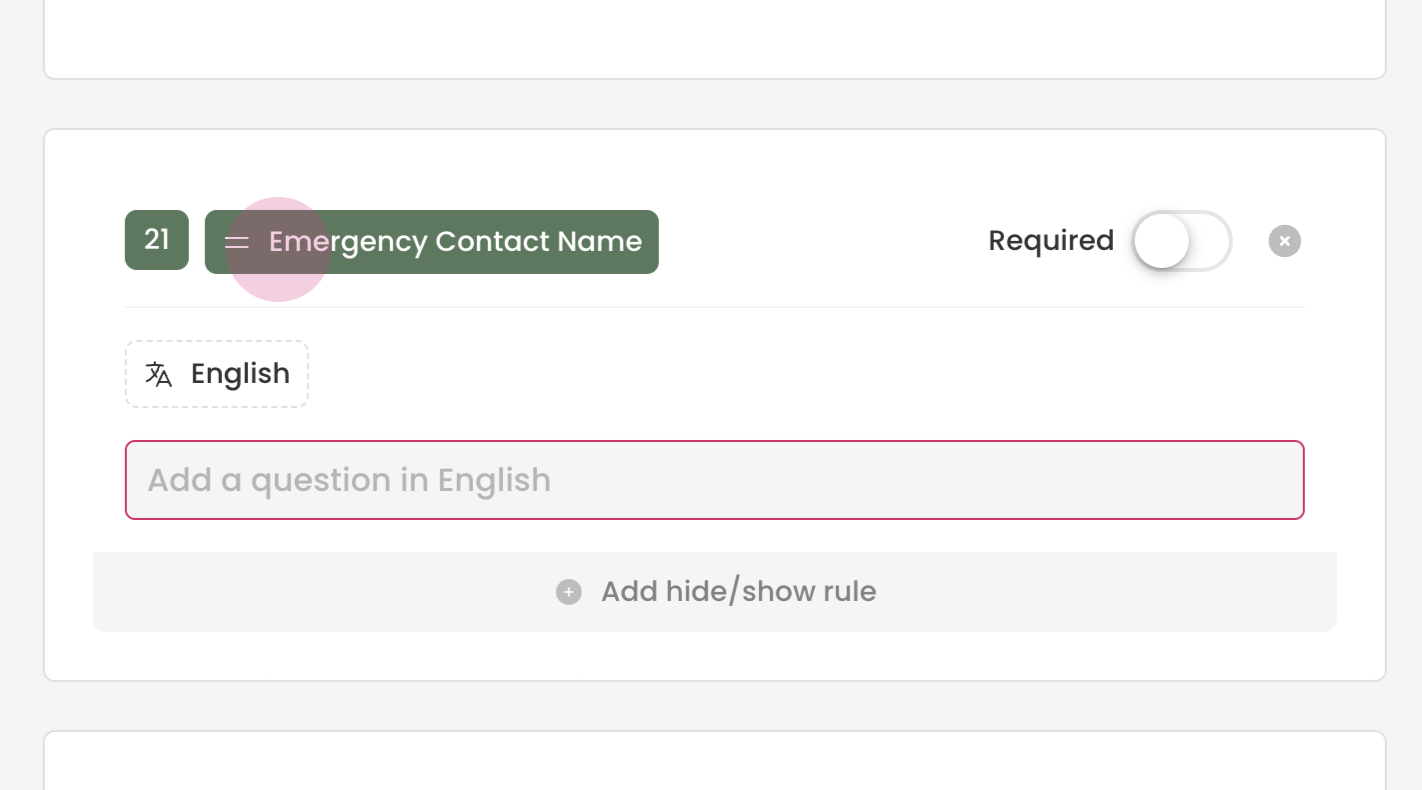
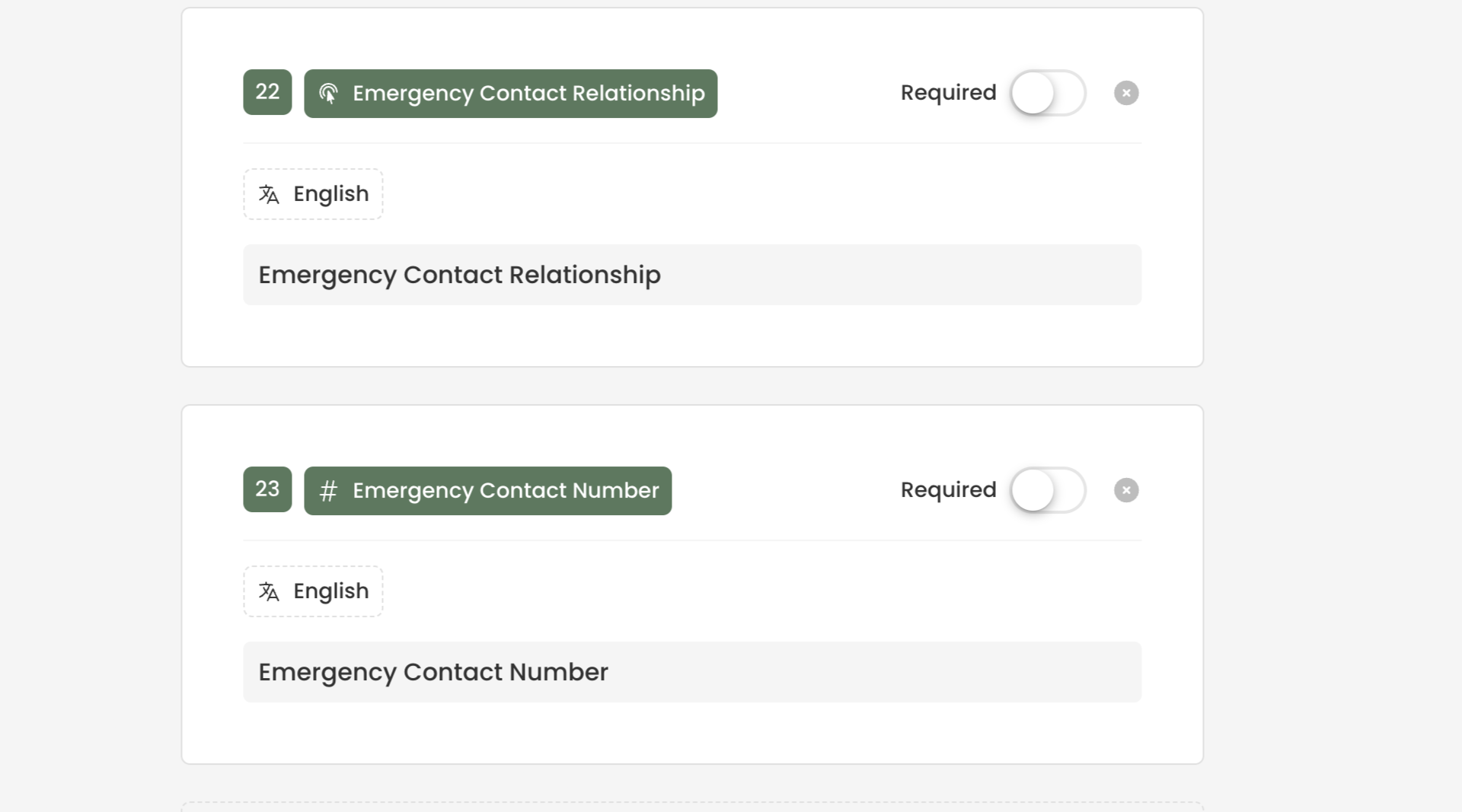
This is how the question will appear on the client profile. Format the question as desired. In this case we will copy and paste the field we created as the question.
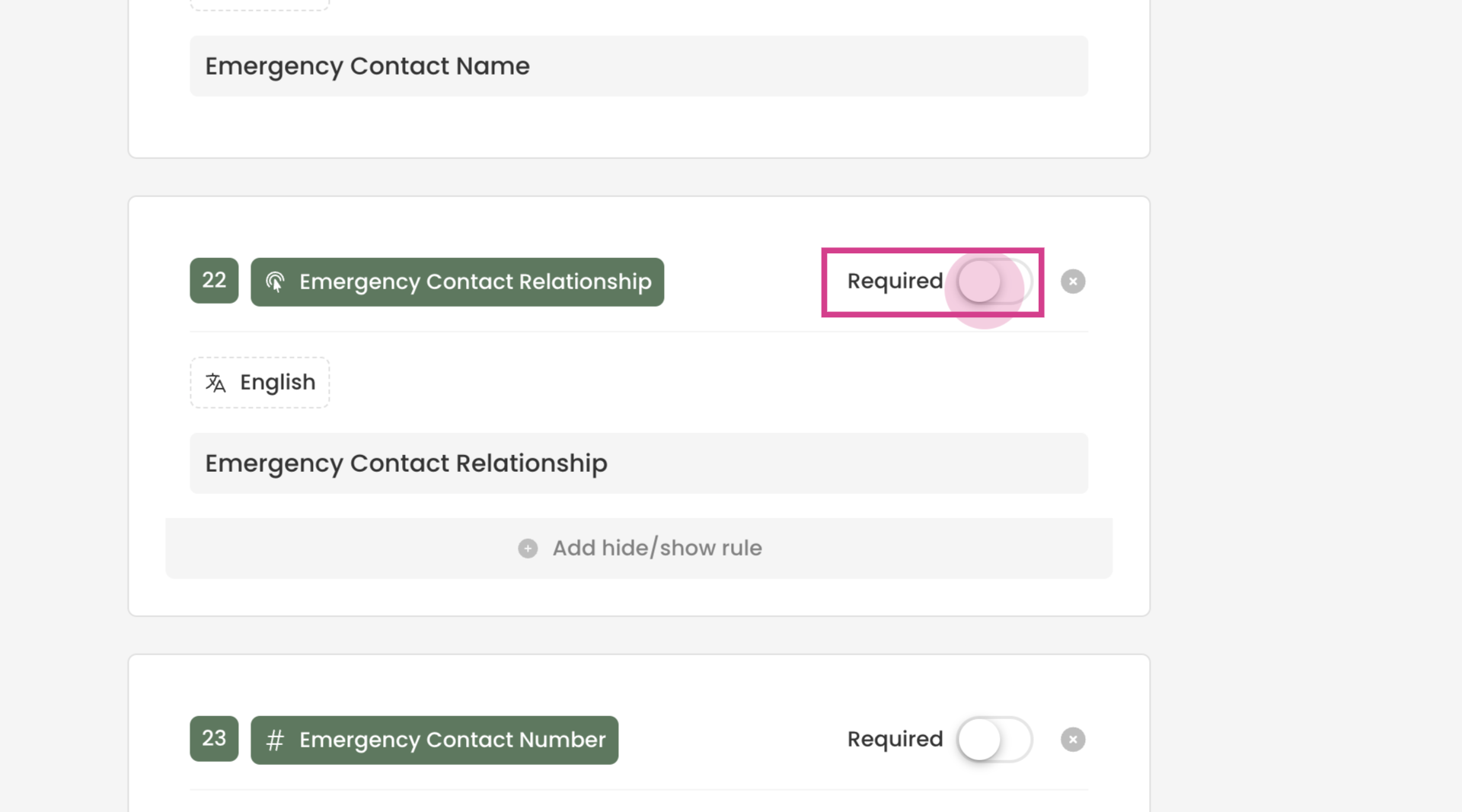
Tip: By turning on "Required" we can make the field mandatory to be filled
¶ Checking the Client Profile
Step 5: Check how the questions appear in the client profile.
Clients —> Profile —> Personal Info
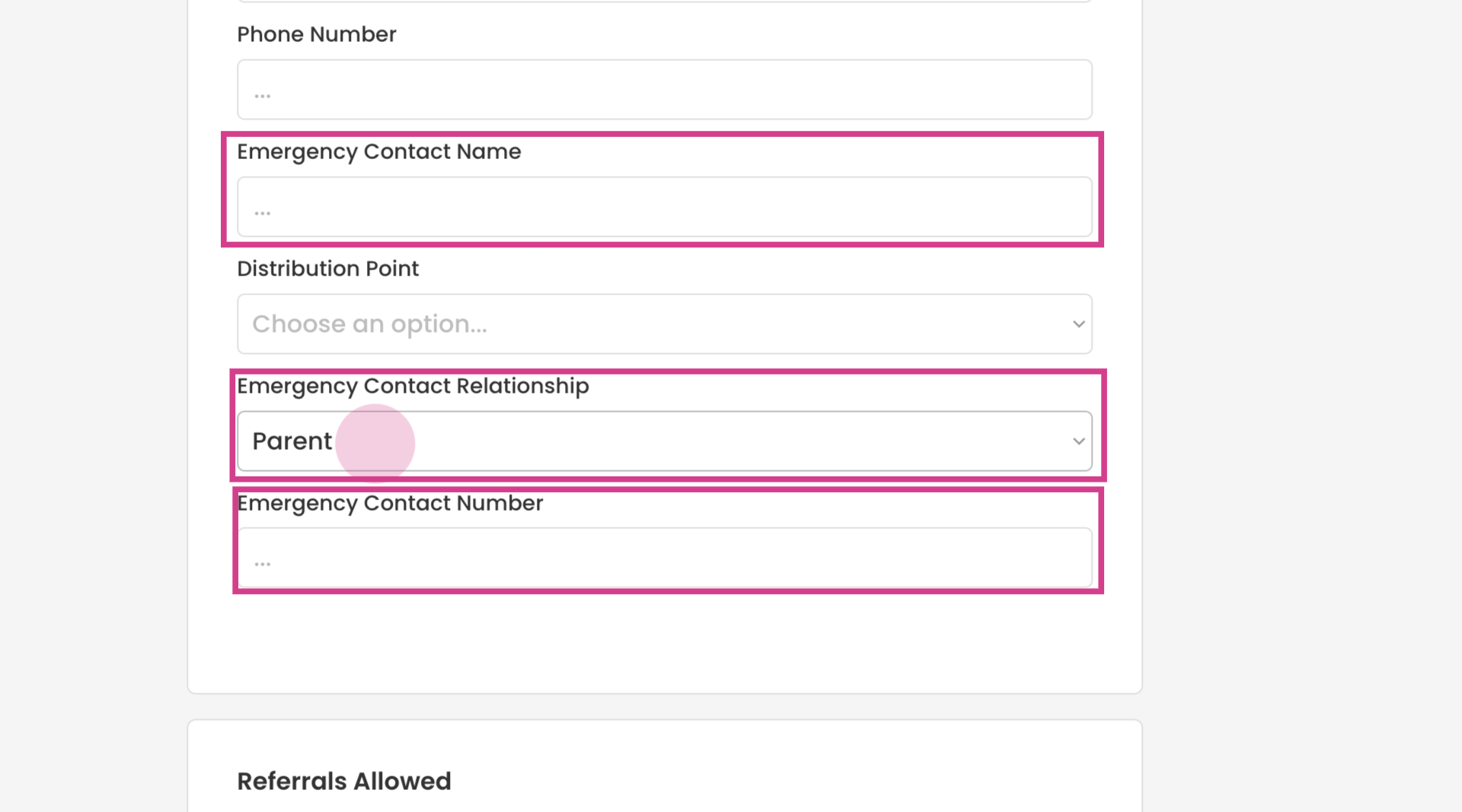
We can see all our questions added in here now.